How to Prevent Bluetooth Interference From Other Wireless Devices in Your Vehicle
Keep your phone within 1–2 meters of your car’s receiver to maintain strong signal strength above -70 dBm. Bluetooth operates at 2.4 GHz, the same band used by Wi-Fi, microwaves, and baby monitors, which can cause interference. Place your phone in a cup holder or center console for better line-of-sight. Turn off unused wireless devices like headsets or hotspots to reduce congestion. Upgrade to Bluetooth 5.0 for up to 240-meter range and improved stability-many newer cars support it. Performance improves markedly when you minimize competing signals and optimize device placement. More solutions exist for persistent interference issues.
Notable Insights
- Place your phone within 1–2 meters of the car’s Bluetooth receiver to maintain strong signal strength.
- Avoid keeping your phone in pockets or bags that block line-of-sight with the car’s antenna.
- Turn off unused wireless devices like headsets and hotspots to reduce 2.4 GHz band congestion.
- Keep Bluetooth devices away from sources of interference such as microwaves and wireless chargers.
- Upgrade to Bluetooth 5.0 or later for better range, speed, and resistance to interference.
Why Your Car’s Bluetooth Keeps Cutting Out
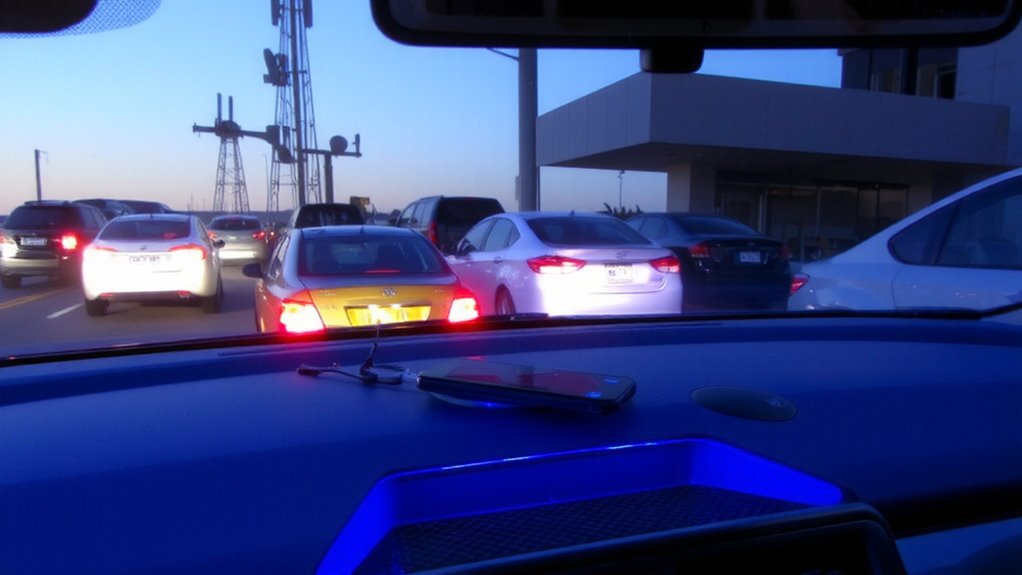
Why does your car’s Bluetooth keep cutting out? Poor signal strength is often the culprit. Bluetooth relies on 2.4 GHz radio waves, which weaken with distance and obstructions. If your phone is in your pocket or bag, the signal strength drops, reducing connection stability. Most car systems use Bluetooth 4.2 or 5.0; the latter offers up to 240 meters line-of-sight range but performs poorly through metal and insulation. Interference from internal electronics-like fans or displays-also disrupts the link. Connection stability depends on consistent signal strength above -70 dBm; below this, audio cuts out. Multipath interference, where signals reflect off surfaces and arrive out of phase, further weakens reception. Positioning your phone higher, near the dashboard, improves line-of-sight and boosts signal strength. Ensuring your device and car firmware are updated maintains ideal connection stability. Weak signal strength directly compromises audio reliability.
Which Devices Cause the Most Interference?
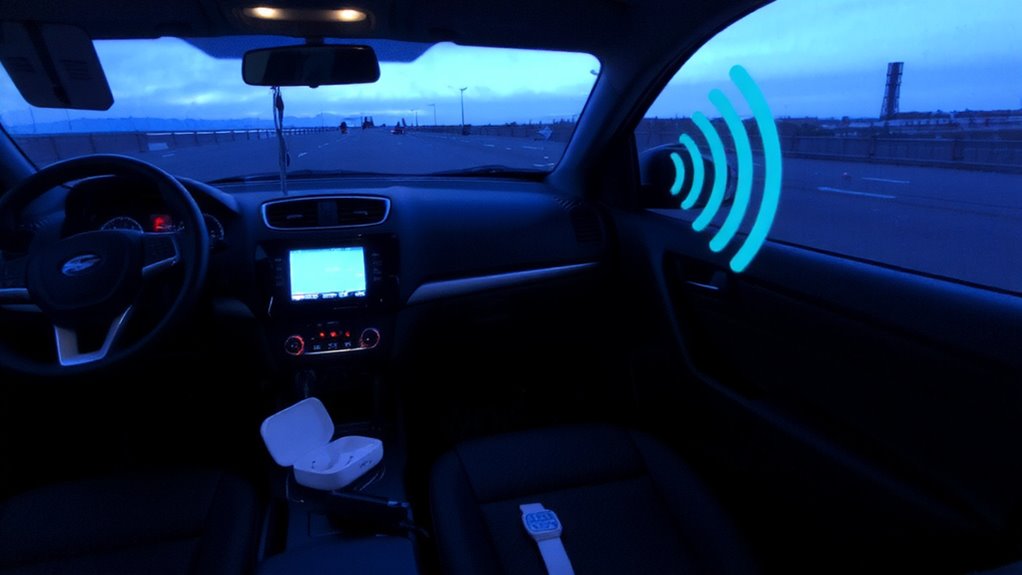
What’s buzzing in your car could be drowning out your Bluetooth signal. Common culprits include devices operating on the 2.4 GHz frequency band. Microwave ovens emit strong 2.4 GHz interference, especially if used while driving-yes, portable models exist. Their leakage, even within FCC limits (5 mW/cm² at 5 cm), can overwhelm nearby receivers. Baby monitors often transmit at 2.4 GHz or 1.9 GHz; older analog models produce constant carrier waves that bleed into Bluetooth channels. Digital Enhanced Cordless Telecommunications (DECT) devices are safer, operating at 1.9 GHz with minimal spillover. Wi-Fi routers in hotspots or dashcams use 2.4 GHz and 5 GHz bands-the former directly competes with Bluetooth’s seven primary channels. Even wireless charging pads, though not RF emitters, can induce electrical noise. The result? Packet loss, latency, or dropped connections. You’re not imagining it-your Bluetooth is fighting for airtime.
Keep Your Phone Close (and Avoid Signal Blockers)
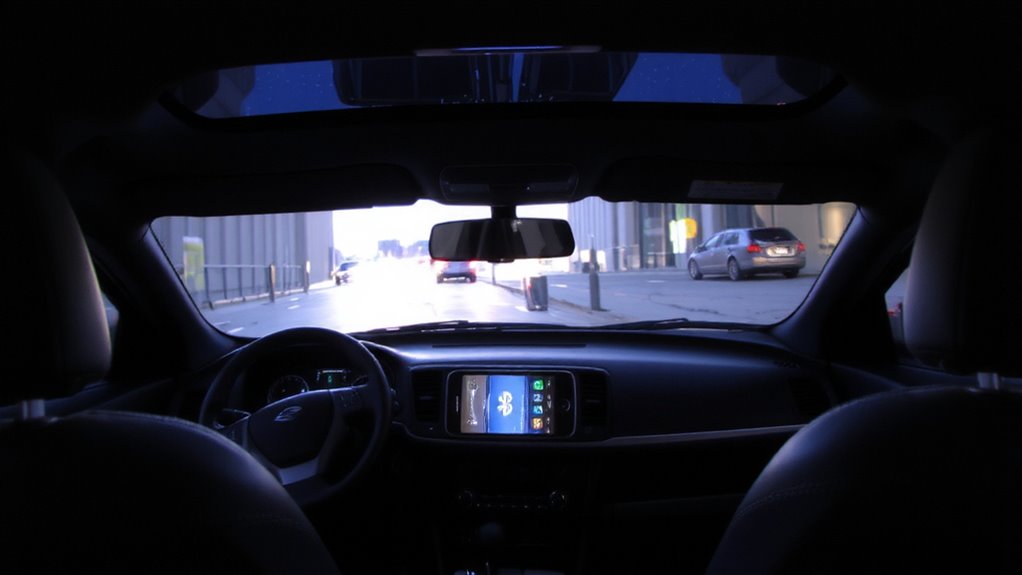
While Bluetooth technology is designed to work over short distances, keeping your phone within close proximity considerably improves signal reliability. Bluetooth Class 2 devices, like most smartphones, have a typical range of 10 meters (33 feet). Staying within 1–2 meters (3–6 feet) maximizes signal strength and reduces dropouts. Physical obstructions such as seatbacks, metal dashboards, or even your body can weaken transmission. Materials like steel and carbon fiber block radio waves more than plastic or glass. Placing your phone in a cup holder or center console maintains a clear line of sight to your car’s receiver. Avoid storing it in bags, pockets, or under seats-these create unnecessary barriers. Strong signal strength guarantees stable connections for calls and streaming. Distance and interference compound quickly. A weak signal increases latency and audio distortion. Keep your phone visible and near the dashboard for best performance. This simple step enhances wireless efficiency without extra cost.
Turn Off Unused Wireless Gadgets in Your Car
When multiple wireless devices operate simultaneously in your car, they can interfere with your Bluetooth connection by competing for bandwidth in the crowded 2.4 GHz ISM band. Turning off unused gadgets reduces signal congestion and improves connection stability. Many devices, like wireless headsets and garage door openers, emit radiofrequency energy even in standby mode. Disable them when not in use to minimize interference.
| Device | Typical Output Power | Frequency Range | Interference Risk |
|---|---|---|---|
| Bluetooth Devices | 1–10 mW | 2.402–2.480 GHz | Moderate |
| Wireless Headsets | 1–100 mW | 2.4–2.4835 GHz | High |
| Garage Door Openers | 250 mW–1 W | 2.4–2.4835 GHz | High |
| Wi-Fi Hotspots | 30–100 mW | 2.4–2.4835 GHz | Severe |
Disabling nonessential electronics simplifies signal management and restores reliable Bluetooth performance.
Upgrade to Bluetooth 5.0 or Update Your System
You’ll notice a significant improvement in your car’s wireless performance by upgrading to Bluetooth 5.0 or updating your existing system. This version doubles the speed and quadruples the range of previous versions, boosting signal strength up to 300 meters in ideal conditions. Stronger signal strength means fewer dropouts and less interference from nearby devices. Bluetooth 5.0 also increases data broadcasting capacity, allowing more devices to connect simultaneously without lag. Device compatibility is broader, supporting both legacy accessories and modern smartphones. It uses less power, enhancing battery life for connected gadgets. If your head unit doesn’t support Bluetooth 5.0, a firmware update might enable partial features. Check your manufacturer’s website for compatible updates. Otherwise, consider replacing outdated hardware. Upgrading guarantees reliable connections, clearer audio, and faster data transfer-critical in today’s vehicle environments filled with wireless signals. Don’t overlook this step when optimizing in-car connectivity.
On a final note
Bluetooth interference in your car stems from overlapping 2.4 GHz signals. Devices like Wi-Fi hotspots, wireless chargers, and older Bluetooth versions emit similar frequencies. Keep your phone within 3 feet of the receiver to maintain signal strength. Disable unused wireless devices to reduce congestion. Upgrade to Bluetooth 5.0-it doubles range to 800 feet and quadruples data speed. Confirm firmware is current for maximum RF management.