How to Integrate Aftermarket Speakers With Factory Navigation Systems
You connect aftermarket speakers to your factory navigation system by tapping speaker-level signals from the factory wiring, which carry 20–50 watts per channel. Use an amplifier with high-level inputs and 0.2V–5V sensitivity to match signal levels. Add a CAN Bus module like the PAC CCM-ONE to keep steering controls and prevent infotainment errors. Retain factory features with plug-and-play harnesses and proper impedance matching. Future steps reveal further refinements.
Notable Insights
- Use a high-level input amplifier to tap speaker-level signals from factory wiring without RCA outputs.
- Select an OEM-compatible amplifier with adjustable sensitivity to match factory navigation system signal levels.
- Install a CAN Bus module to retain steering wheel controls, audio prompts, and active noise cancellation.
- Connect speakers non-invasively using plug-and-play harnesses to preserve factory wiring and navigation integration.
- Ensure impedance and phase alignment to prevent volume imbalances and maintain accurate sound staging.
Use Speaker-Level Inputs to Connect Aftermarket Speakers
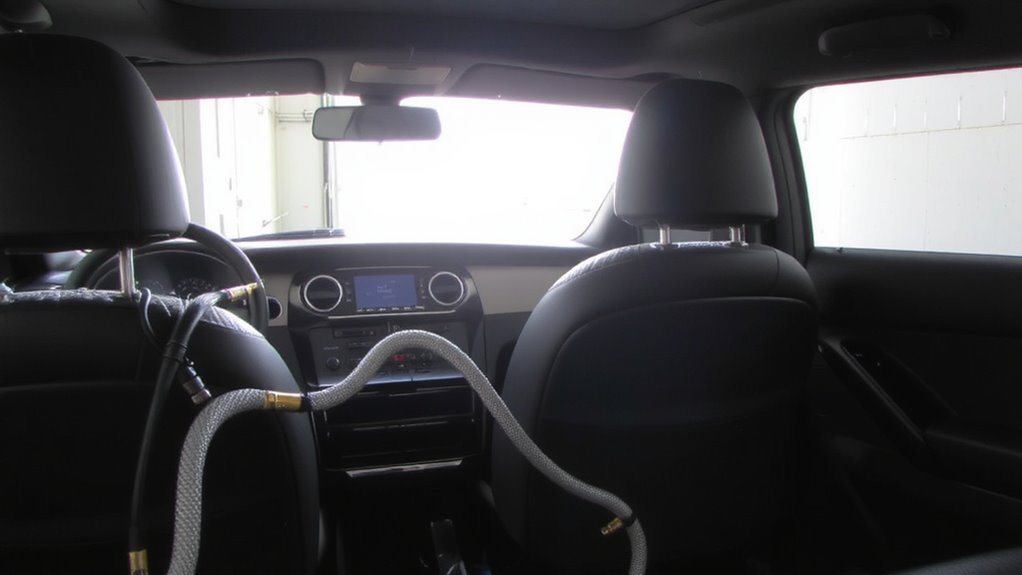
If you’re working with a factory head unit that doesn’t offer RCA preamp outputs, tapping into the speaker-level signals is how you’ll get aftermarket speakers the power they need. Signal tapping lets you extract audio from existing speaker wiring. Most factory systems output 20–50 watts per channel at 4 ohms. Your amplifier must accept high-level inputs to process these signals. Proper impedance matching guarantees the amp doesn’t overload the factory wiring. Mismatched impedance can cause distortion or damage. Use an amplifier with input sensitivity ranging from 200mV to 5V to accommodate varying speaker-level signals. Some amplifiers include automatic signal sensing, which detects incoming voltage and adjusts accordingly. Avoid T-harness adapters that disrupt factory cabling. Instead, use a dedicated input module if available. Signal tapping preserves the OEM head unit’s functionality while enabling high-performance audio.
Choose an Amplifier With OEM Signal Compatibility
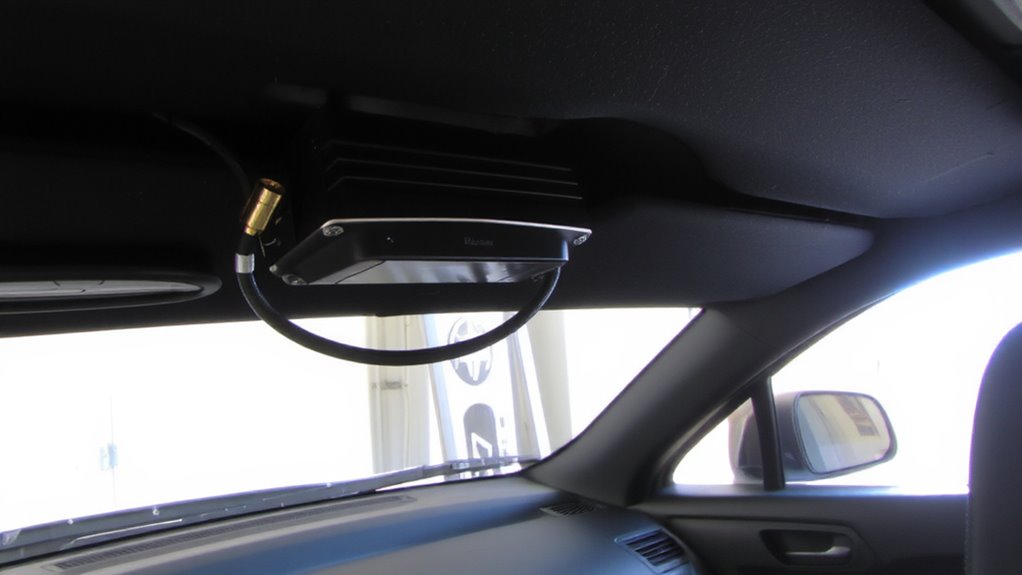
While factory audio systems vary by make and model, selecting an amplifier that natively supports OEM signal types guarantees seamless integration. Signal matching ensures your amp correctly interprets voltage levels from the factory headunit, preventing distortion or channel imbalance. Impedance balancing maintains stable load conditions, protecting both speakers and amplifier. Choose an amp with adjustable input sensitivity (0.2V–5V) and built-in preamp filtering for peak compatibility. Upgrading to a modern double DIN head unit can further enhance system compatibility and audio control.
| Feature | OEM-Compatible Amp | Standard Amp |
|---|---|---|
| Input Sensitivity | 0.2V–5V, adjustable | 0.5V–4V, fixed |
| Impedance Range | 2–8 ohms, auto-sensing | 4–8 ohms |
| Signal Matching | Yes, via buffered inputs | No, manual adjustments needed |
This targeted design minimizes noise and maximizes signal integrity.
Install a CAN Bus Module to Keep Factory Features
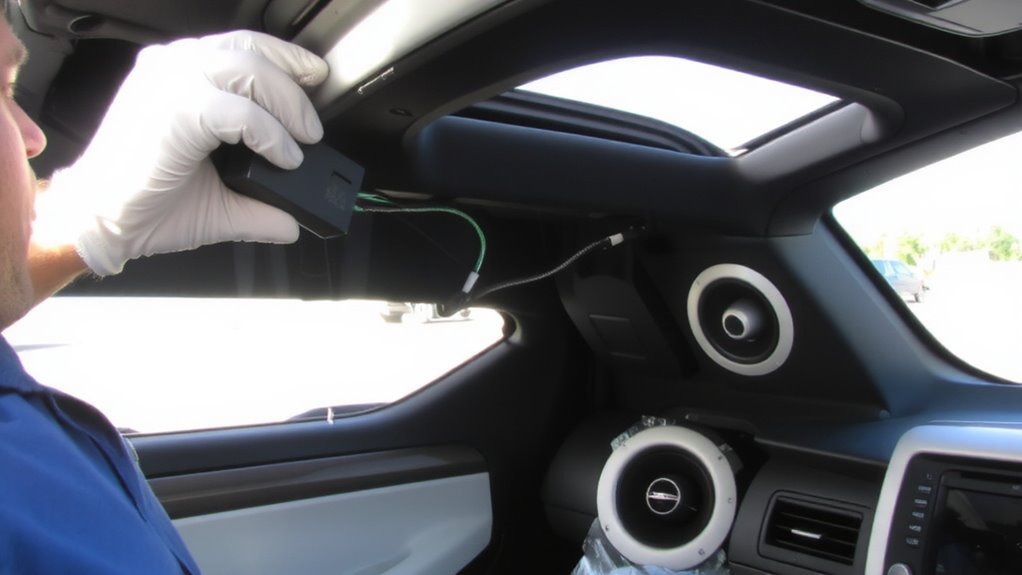
You’ve matched your amplifier to the factory signal characteristics, guaranteeing clean power delivery and ideal speaker performance. Now, install a CAN Bus module to retain factory features like steering wheel controls and climate display audio prompts. These modules interpret digital signals from your car’s network, preventing communication errors. Without one, you risk radio interference and erratic behavior in infotainment functions. CAN Bus modules also stabilize voltage fluctuations caused by factory head unit switching, protecting your new equipment. Units like the PAC CCM-ONE or AudioControl DMC-6.3 maintain signal integrity with 4.7kΩ impedance matching and support up to 180 watts RMS per channel. They integrate via OBD-II or direct harness splicing, preserving factory amplifiers or active noise cancellation if present. Proper installation guarantees OEM functionality remains intact while enabling full aftermarket compatibility. This step is critical in modern vehicles relying heavily on digital signal processing and multiplexed wiring systems.
Wire Speakers Without Cutting Factory Harnesses
A direct, non-invasive speaker connection preserves factory wiring integrity and simplifies future reversals. You can avoid spliced connections by using plug-and-play adapter harnesses specific to your vehicle. These harnesses tap into factory speaker lines without damaging original wiring. Direct tapping involves connecting to speaker wires behind the door panels using piercing taps or scotch locks-methods that maintain factory gauge and signal fidelity. Standard factory speaker wiring uses 16- to 18-gauge copper, carrying 4–6 volts AC RMS at maximum factory volume. Aftermarket speakers rated between 4–8 ohms and 30–75 watts RMS work efficiently with these outputs. Non-invasive methods prevent voltage drops and ground loops. You maintain full warranty compatibility and avoid noise interference. Unlike spliced connections, direct tapping guarantees consistent impedance matching across channels. Use heat-shrink connectors if access demands minor exposure. This approach supports clean signal transfer and long-term reliability without modifying OEM infrastructure.
Retain Steering Wheel Controls and Bluetooth
Keeping your steering wheel controls and factory Bluetooth active after upgrading the audio system isn’t just convenient-it’s completely achievable with the right interface. This guarantees both audio retention and feature preservation, maintaining factory functionality without compromise. Use a vehicle-specific interface module compatible with your factory head unit and aftermarket receiver. These modules decode steering wheel control signals and relay them to the new radio, supporting resistive and CAN bus protocols.
| Function | Supported Interface |
|---|---|
| Steering Controls | YES (compatible module required) |
| Factory Bluetooth | YES (with OEM integration) |
| Audio Retention | YES (via amplified signal pass-through) |
| Feature Preservation | YES (with proper CAN wiring) |
| Voice Dialing | YES (retained via factory mic) |
Fix Common Sound Issues After Installation
Why does your new speaker setup sound unbalanced or distorted after a flawless installation? An impedance mismatch could be the culprit. Factory head units expect 4-oh muc speakers; aftermarket ones might be 2 or 8 ohms, causing volume imbalances or amplifier strain. Check each speaker’s impedance rating and match it to your system’s output specs. Phase cancellation is another common issue. If speakers push and pull at opposing times, sound waves cancel instead of reinforcing. This creates weak bass and hollow mids. Use a test tone and position your ears at listening height to verify all speakers move air simultaneously. Reverse polarity on one speaker if needed. Confirm wiring consistency-positive to positive, negative to negative-across all channels. Verify crossover settings align with speaker frequency ranges. These steps guarantee accurate sound replication.
Upgrade Sound Without Losing Navigation or Apps
Even if your factory stereo looks outdated, replacing it doesn’t mean sacrificing built-in navigation or smartphone integration. You can upgrade sound quality while keeping your car’s original infotainment. Use an OEM integration module-like a PAC or iDatalink-to retain factory features without rewiring. These adapters maintain CAN bus signals, preserving steering wheel controls and app functionality. Add high-quality coaxial or component speakers-6.5” woofers with rubber surrounds and 1” silk dome tweeters improve audio balance across frequencies. Pair them with a 4-channel amplifier rated at 50 watts RMS per channel for clean power. Impedance should match at 4 ohms. Signal processing via a DSP adjusts timing and equalization, aligning speaker output for accurate sound staging. Factory head units lack tuning tools, so external calibration corrects factory audio imbalances. This method delivers superior sound quality without disabling critical systems.
On a final note
You preserve factory functionality while upgrading audio quality. Use speaker-level inputs rated for 4–8 ohms to match aftermarket speakers. Install an amplifier with OEM signal compatibility, ensuring it accepts low-impedance inputs (2–5V). Connect via a CAN bus module to retain steering wheel controls and Bluetooth. Avoid cutting harnesses with Metra or PAC adapters. This maintains navigation, apps, and amplifier damping factors above 100, ensuring tight bass response and system stability.