Connect a Bluetooth TPMS to Your Phone: Step-by-Step Setup
You can connect your Bluetooth-enabled TPMS to your phone by first confirming your sensor model and guaranteeing your smartphone supports Bluetooth 4.0+ with BLE. Install the manufacturer’s app-compatible with iOS 10 or Android 5.0-and enable Bluetooth and location permissions. Wake the sensors via pressure change, then pair them in the app within 10 meters. Sensors transmit at 2.4 GHz with ±1.5 PSI accuracy. Proper pairing ensures live pressure and temperature monitoring, with further setup details available for best performance.
Notable Insights
- Verify your phone supports Bluetooth 4.0+ with BLE for stable connection to TPMS sensors.
- Install the manufacturer-specific TPMS app from the Apple App Store or Google Play.
- Enable Bluetooth and grant location permissions on your phone to detect sensor signals.
- Wake TPMS sensors using a pressure change or magnetic trigger to initiate pairing mode.
- Pair sensors via the app, assigning each to the correct tire position within 10 meters.
Find Your Bluetooth TPMS Model
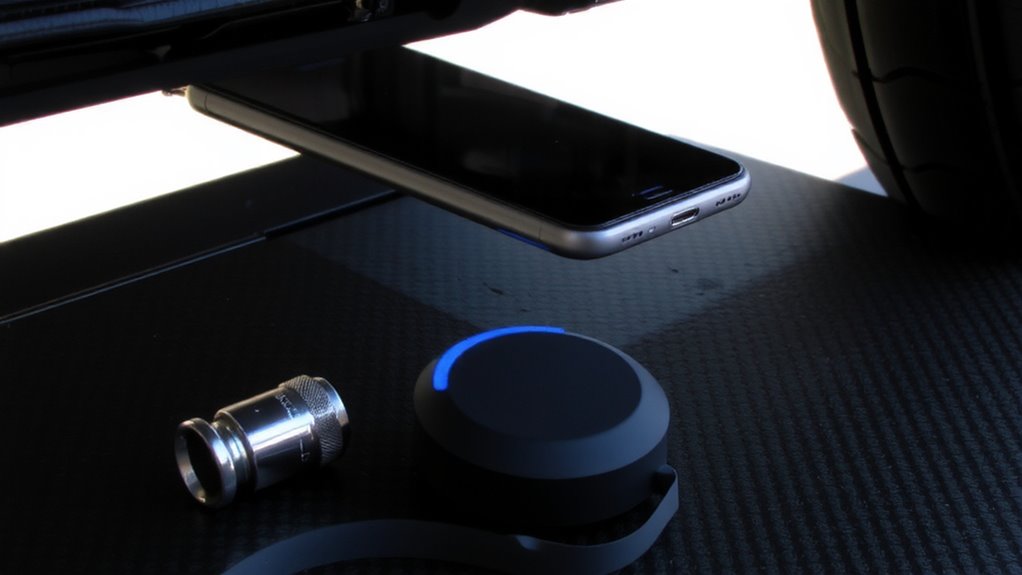
Choosing the right Bluetooth TPMS starts with identifying your specific model, since compatibility affects both performance and features. Not all TPMS models work with every vehicle or app. You’ll need to match your sensor type-direct or indirect-to your car’s OEM requirements. Most modern systems use 433 MHz or 315 MHz frequency bands, depending on TPMS models and region. Brand variations matter-Schrader, VDO, and Chenard offer differing sensor accuracy, battery life, and casing durability. For example, Schrader’s EZ-Sensor handles temperatures from -40°C to 125°C and lasts up to 10 years. VDO’s sensors often integrate TPMS reset protocols specific to European vehicles. Always verify the model number stamped on your current valve stem. Misidentifying brand variations may lead to signal errors or failed calibrations. Check the manufacturer’s datasheet for pressure range, transmission interval, and protocol standards like SAE J2735.
Check Smartphone Compatibility
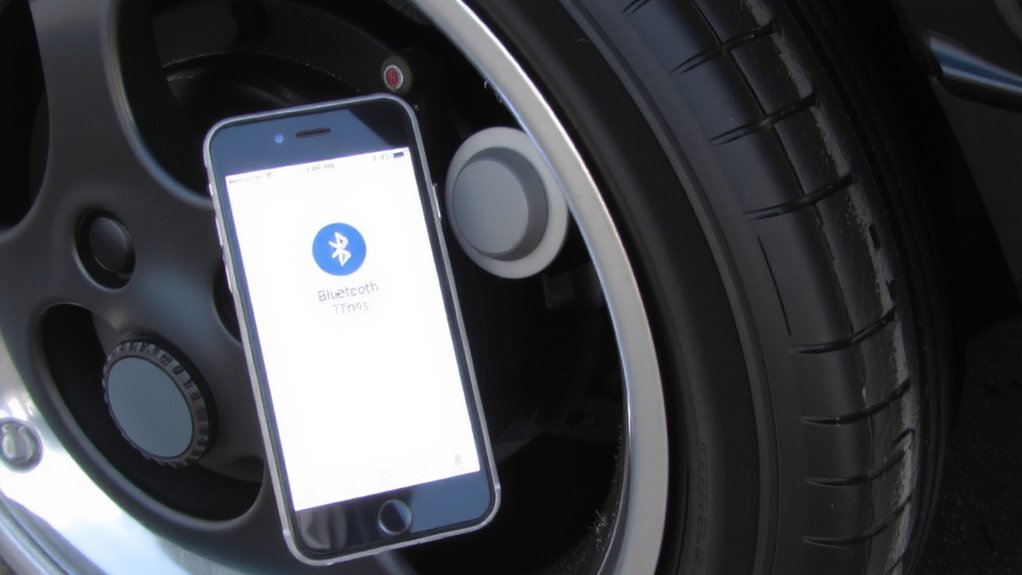
Why won’t your phone connect to the TPMS even after pairing? The issue often lies in compatibility. Your smartphone must support the required Bluetooth standards-typically Bluetooth 4.0 or higher-for stable communication with TPMS sensors. Older phones lacking BLE (Bluetooth Low Energy) won’t maintain reliable connections. You also need to verify that your phone’s operating system meets minimum requirements. Most TPMS apps require iOS 10 or later, or Android 5.0 (Lollipop) and above. These versions guarantee proper support for background Bluetooth scanning and sensor data processing. Without the correct OS version, your phone can’t interpret signals correctly. Some budget phones omit certain Bluetooth features despite meeting version criteria, so check manufacturer specs carefully. Always confirm both Bluetooth standards and operating system compatibility before troubleshooting further. Missing either disqualifies successful pairing, regardless of correct setup.
Download the TPMS Sensor App
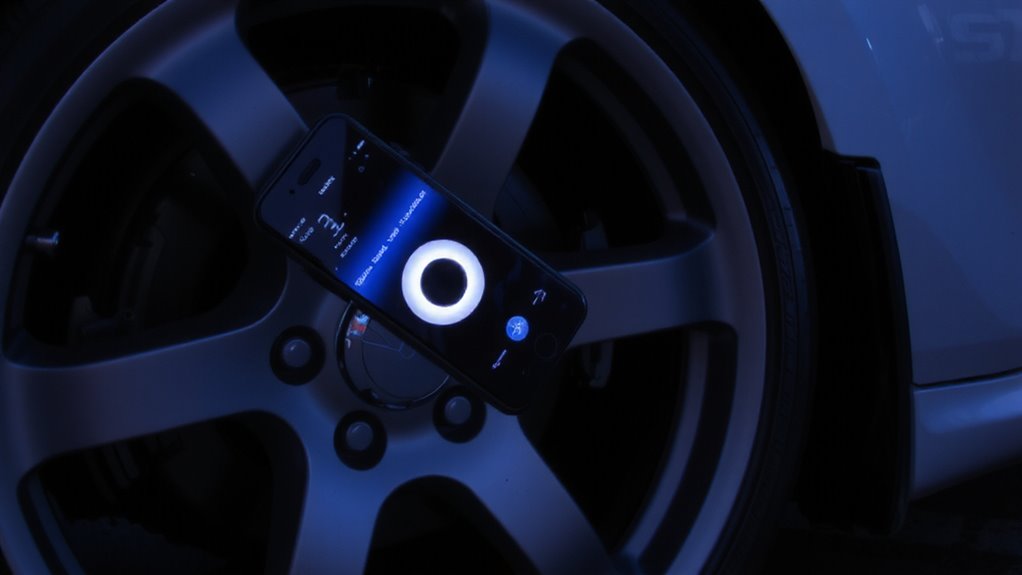
The right app turns your smartphone into a real-time tire health dashboard. You’ll need to download the manufacturer-specific TPMS sensor app from the Apple App Store or Google Play. These apps support Bluetooth 4.0 (BLE) and are compatible with iOS 10.0 and Android 5.0 or higher. App features include live pressure readings in PSI or kPa, temperature monitoring, customizable alerts, and sensor ID pairing. Some apps also log historical data for up to 90 days. Check user reviews for feedback on reliability and ease of setup-many report accurate readings within ±1.5 PSI of manual gauges. Verified downloads exceed 500,000 across major brands. Apps typically use less than 2% battery per hour during active monitoring. Always confirm the app matches your sensor model number and firmware version to avoid sync issues.
Turn On Bluetooth & Prepare Your Phone
Before pairing your sensors, make sure your phone’s Bluetooth is activated and functioning properly. Enable Bluetooth through your settings menu to allow communication with the TPMS sensors. Your device must support Bluetooth 4.0 or higher for stable, low-energy connections. Grant Bluetooth permissions when prompted by the app-this access is essential for real-time pressure and temperature data transfer. Allow app notifications to receive immediate alerts for low pressure or overheating tires. Notifications guarantee you’re informed without needing to open the app constantly. Review the table below to visualize setup requirements:
| Feature | Requirement |
|---|---|
| Bluetooth Version | 4.0 or higher |
| Permissions Needed | Bluetooth and location* |
| App Notifications | Must be enabled |
| Connection Range | Up to 30 feet (10 meters) |
*Location services assist in device discovery.
Pair Your TPMS With Your Phone
How do you get your TPMS sensors talking to your phone? Activate pairing mode in your app, then wake the sensors by increasing tire pressure or using a magnetic trigger near each valve stem. Your phone should detect the sensor IDs within 30 seconds. Confirm correct sensor placement by matching each ID to its tire position-front left, front right, rear left, rear right. Improper placement causes inaccurate readings and complicates tire calibration. Sensors transmit at 2.4 GHz using Bluetooth Low Energy (BLE) 4.0 or higher. Maintain proximity within 10 meters during pairing to guarantee signal stability. Once all four sensors are recognized, the app stores their positions for accurate monitoring. Proper sensor placement guarantees reliable data during tire calibration, especially after rotation or replacement. Incorrect pairing leads to false alerts. Follow manufacturer guidelines to assign sensors correctly. This step is essential for system accuracy and long-term performance. For reliable performance, choose a top-rated TPMS sensor that supports seamless Bluetooth connectivity and long battery life.
View Live Tire Pressure & Temperature
What’s your current tire pressure and temperature, and why does it matter? Real time monitoring gives you accurate, up-to-the-minute data. You’ll spot issues before they become hazards. Most Bluetooth TPMS apps display live readings every 1–2 seconds.
| Tire Position | Pressure (PSI) | Temperature (°F) |
|---|---|---|
| Front Left | 32.5 | 104 |
| Front Right | 33.0 | 106 |
| Rear Left | 32.0 | 102 |
| Rear Right | 33.5 | 108 |
You’ll set custom thresholds to receive pressure alerts if levels fall 10% below or rise 5 psi above your target. Temperatures above 140°F trigger warnings. These systems use 433 MHz sensors with ±1.5 psi accuracy. Real time monitoring guarantees maximum fuel efficiency, handling, and safety.
Fix Common TPMS Connection Issues
Why does your TPMS app sometimes lose connection with the sensors? Signal interference from metal brake components or nearby electronic devices can disrupt Bluetooth transmission, especially in vehicles with heavy shielding. Make sure sensors are within 10 meters of your phone and free from obstructions. Low battery levels in the TPMS sensors-typically CR1632 or CR1642 lithium cells-can also weaken signal strength. Most sensors transmit data every 30 to 60 seconds to conserve power, but delays may register as disconnections. Check for firmware updates regularly; manufacturers often release patches to improve Bluetooth stability and compatibility. Outdated firmware can cause pairing failures or inconsistent readings. Reset the app and re-pair sensors if issues persist. Avoid using phone cases with metal layers, as they may block signals. A strong, consistent connection makes certain accurate, real-time pressure monitoring.
On a final note
You now control real-time tire monitoring with precision. Bluetooth TPMS models like the ATEQ VT405 transmit data up to 33 feet using 2.4 GHz wireless protocols. Your smartphone, running iOS 12+ or Android 8.0+, receives updates every 30 seconds under normal conditions. The companion app decodes sensor signals, displaying PSI accuracy within ±1.5 and temperature within ±5°F. Persistent pairing issues often trace to firmware mismatches-update promptly. This system enhances safety-maintain it.