How to Use Bluetooth Multipoint to Switch Between iPhone and Android in Your Car
You can connect both your iPhone and Android device to your car simultaneously using Bluetooth multipoint, provided your vehicle supports Bluetooth 5.0+ and HFP 1.7/A2DP 1.3 profiles. Pair both devices through the infotainment menu, with the primary device connected first. Audio switches automatically-calls on either phone take priority, pausing the other’s media. Stay within 33 feet for stable signal. For smooth performance, keep firmware updated and minimize wireless interference. The system defaults to the last active device, but you can manually switch via the audio source menu-further details reveal optimization steps for reliable dual-device use.
Notable Insights
- Confirm your car’s infotainment system supports Bluetooth multipoint, typically available in 2018+ models from major manufacturers.
- Ensure both iPhone and Android devices support Bluetooth 5.0 or later and have multipoint enabled in settings.
- Pair both devices through the car’s Bluetooth menu, connecting the primary phone first, then the secondary.
- Active audio automatically switches to the device receiving a call or initiating playback, prioritizing real-time usage.
- Switch manually between devices via the infotainment menu or voice command without re-pairing for seamless use.
What Is Bluetooth Multipoint (And Why It Works for iPhone and Android)
Bluetooth Multipoint isn’t just a feature-it’s a connectivity upgrade. It lets you pair two devices-like your iPhone and Android tablet-simultaneously to one receiver, such as your car’s audio system. Unlike basic Bluetooth, which supports one active connection at a time, Multipoint maintains active links with both. You don’t need to disconnect one device to use the other. This relies on Bluetooth 5.0 or later and requires device compatibility on both ends. Most modern iPhones (iPhone 8 and up) and Android phones (running Android 8+) support it, but check firmware settings-some OEMs disable it by default. Bluetooth basics still apply: range stays around 33 feet, and codecs like SBC or AAC affect audio quality. Multipoint switches audio sources automatically, typically prioritizing the device initiating a call. It’s seamless, low-latency, and ideal for drivers juggling personal and work devices without manual re-pairing.
See If Your Car Supports Bluetooth Multipoint
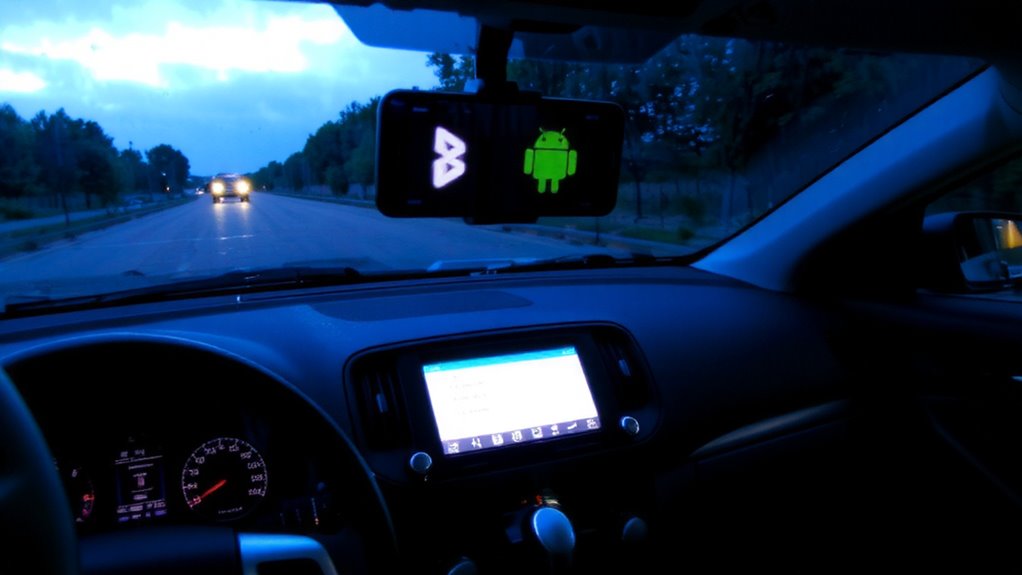
How do you know if your car can handle two devices at once through Bluetooth? Check your vehicle’s user manual or infotainment system settings for Bluetooth multipoint support. Many newer models from 2018 onward include this feature, but Bluetooth compatibility varies by brand and trim. Older systems may show device limitations, only allowing one paired phone at a time.
| Manufacturer | Model Year Support | Multipoint Capable |
|---|---|---|
| Toyota | 2020+ | Yes (Entune 3.0+) |
| Honda | 2019+ | Select trims |
| Ford | 2018+ | Sync 3 equipped |
| BMW | 2017+ | Standard on iDrive |
Verify in your settings menu under “Bluetooth” or “Connections.” If you see options to pair multiple phones, your system likely supports multipoint. Always confirm via manufacturer specs to avoid device limitations.
Connect iPhone and Android to Your Car at Once
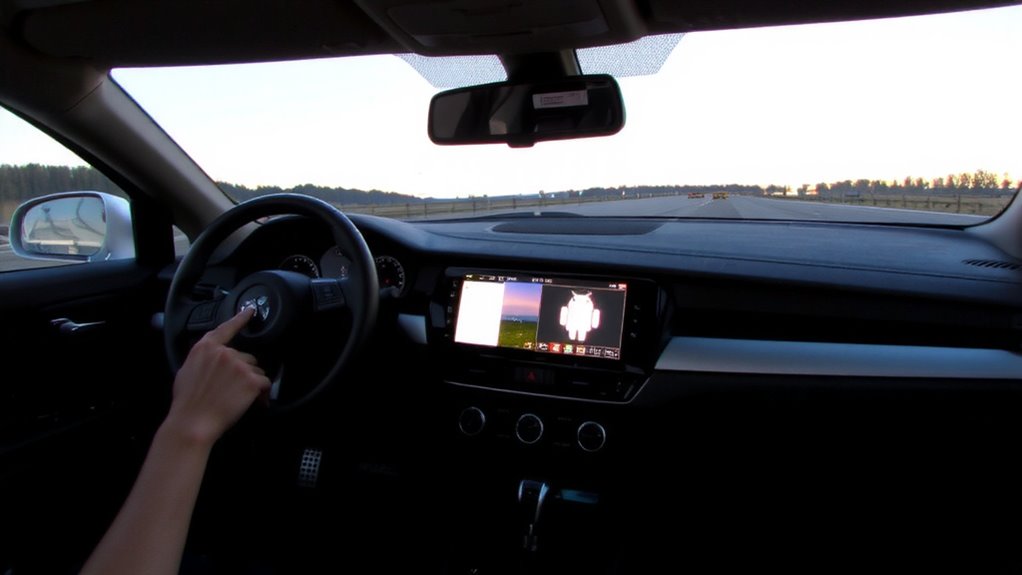
Why struggle with toggling between devices when both your iPhone and Android can work together seamlessly? Dual device pairing lets you connect both phones to your car’s Bluetooth system at once. Most modern car stereos with Bluetooth 5.0 or later support this feature, allowing stable connections up to 33 feet away. Once paired, your car maintains active links with both devices without constant re-pairing. You’ll get simultaneous audio streaming, meaning either phone can play music, take calls, or use navigation without disconnecting the other. Audio prioritizes the active source-like a call from your iPhone-while muting the Android stream temporarily. Connection stability depends on low interference and proper device placement. Enable Bluetooth on both phones, follow your car’s setup menu, and confirm both appear in the connected devices list. This setup saves time and boosts convenience.
Switch Between iPhone and Android Easily
Ever wonder how to shift audio instantly from your iPhone to your Android without dropping a beat? Bluetooth multipoint enables a seamless shift by maintaining active connections to both devices simultaneously. Most modern car head units support dual pairing, letting you switch sources with a single command. Initiate the switch through your vehicle’s infotainment menu or voice control, depending on system compatibility. The process typically takes under three seconds, with audio stream handoff managed via the Bluetooth 5.0+ standard. Device prioritization determines which phone reconnects first after restarts-usually the last active device. You can adjust this in your car’s Bluetooth settings by designating a primary or secondary link. Multipoint doesn’t merge calls or audio but isolates inputs, preventing interference. Check your head unit’s Bluetooth profile support-HFP 1.7 and A2DP 1.3 are essential for full functionality. This system keeps you in control without manual reconnecting.
Fix Common Bluetooth Multipoint Connection Problems
Bluetooth multipoint delivers seamless audio switching between devices, but connection issues can disrupt the experience even after successful pairing. Signal interference from nearby Wi-Fi networks, USB chargers, or other Bluetooth devices may degrade performance. Keep your phone within 33 feet (10 meters) of the car system to maintain a stable link. Pairing conflicts occur when both iPhone and Android attempt to reconnect simultaneously. Reset the Bluetooth cache on both devices to clear outdated profiles. Delete old pairings, then re-pair in order: connect primary device first, secondary second. Guarantee both devices support Bluetooth 5.0 or higher for maximum multipoint stability. Use only one audio source active at a time to prevent buffering. Update your car’s infotainment firmware to support latest Bluetooth SIG multipoint standards. Reset the car system if audio drops persist.
On a final note
You can now switch seamlessly between iPhone and Android using Bluetooth multipoint. This feature allows two devices to stay paired simultaneously, typically using Bluetooth 5.0 or higher. Your car system must support A2DP, HFP, and dual-device pairing. Activate multipoint in your phone’s Bluetooth settings. Switch audio sources via your car’s interface or phone. Connection stability depends on device compatibility and signal interference. Use devices within 33 feet of the receiver.