How to Upgrade Factory Head Units While Maintaining Steering Wheel Controls
Replace your factory head unit with a compatible model like Pioneer DMH or Alpine iLX that supports plug-and-play integration. Use a vehicle-specific adapter from PAC, Axxess, or AudioControl to match your car’s resistance-based or CAN bus system. Connect wires using color-coded mappings-brown for mute, gray for volume up-and guarantee protocol compatibility with GM GMLAN or Ford MSCAN. Test circuits with a multimeter, calibrate through the setup menu, and verify signal voltages between 0.5V and 4.5V; misfires mean wiring errors or firmware updates are needed-further details clarify installation pitfalls and signal troubleshooting.
Notable Insights
- Choose a head unit with plug-and-play compatibility to retain factory steering wheel controls.
- Use a vehicle-specific steering wheel control adapter from PAC, AudioControl, or Axxess.
- Match the adapter to your car’s make, model, year, and head unit firmware version.
- Wire the adapter using correct color-mapped connections and test continuity before installation.
- Calibrate controls after installation and verify button response to ensure full functionality.
Choose a Head Unit That Keeps Steering Wheel Controls
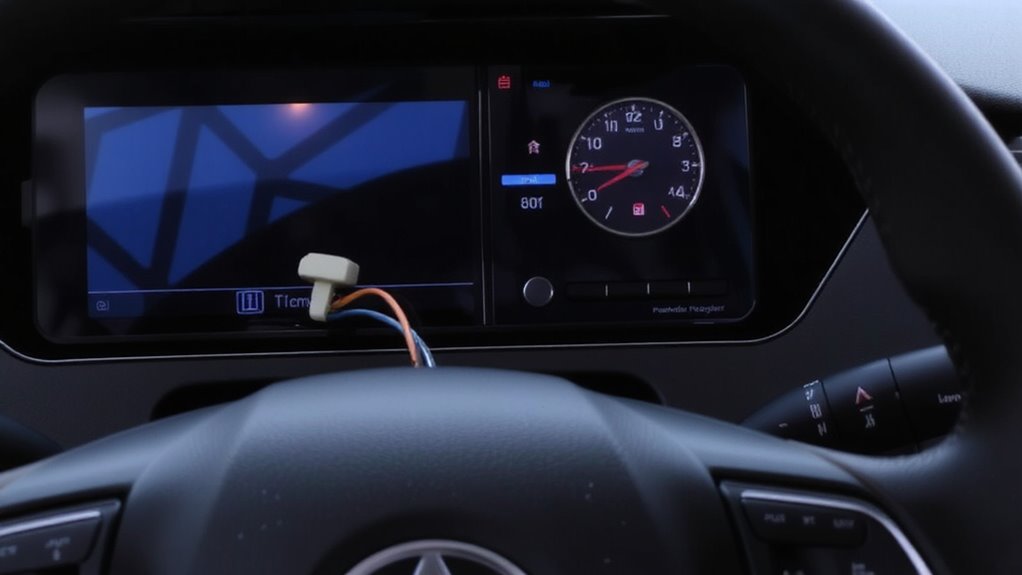
Why give up the convenience of steering wheel controls when you upgrade your factory head unit? You don’t have to. Select a head unit that supports direct integration with your vehicle’s existing control system. Units like Pioneer’s DMH series or Alpine’s iLX models offer plug-and-play compatibility with factory steering wheel interfaces. These head units retain volume, track, and voice command functions. They support Bluetooth pairing for hands-free calling and wireless audio streaming via A2DP. Audio streaming latency is under 120ms with aptX support on select models. Most feature built-in 4.2 Bluetooth with a range of up to 33 feet. Inputs include USB, aux, and sometimes HDMI. Screen response time averages 60ms. By choosing a compatible aftermarket unit, you keep full control at your fingertips-no extra adapters needed yet. Functionality stays seamless. You gain modern features without sacrificing convenience. For seamless smartphone integration, consider models with Apple CarPlay support.
Pick the Right Steering Wheel Control Adapter for Your Car
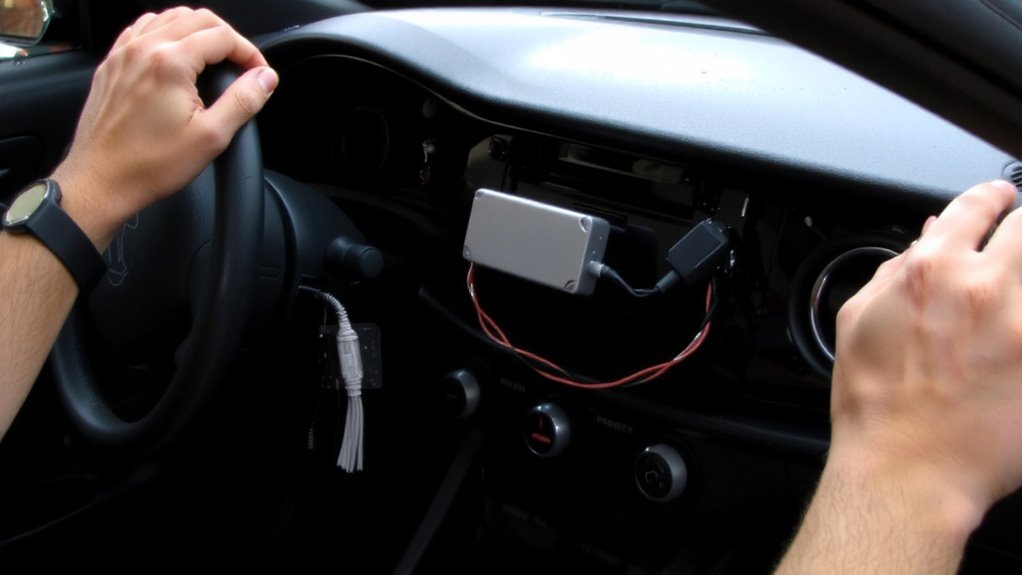
Even if your new head unit doesn’t natively support your car’s steering wheel controls, you can still retain them with the right adapter. Adapter compatibility is critical-match the adapter to both your vehicle’s make, model, and year, and your head unit’s brand and firmware version. Using an incompatible adapter results in non-functional controls or electrical issues. A correct adapter translates resistance-based signals from your steering wheel into digital input the head unit recognizes. Most modern systems use a 0–10kΩ resistance range across control buttons. Brands like PAC, AudioControl, and Axxess manufacture reliable adapters with vehicle-specific part numbers. Your brand selection impacts firmware updates, error resistance, and plug-and-play installation. Always verify adapter compatibility using the manufacturer’s online lookup tool. A proper match guarantees seamless integration without splicing wires.
Wire the Adapter to Your Steering Wheel and Radio
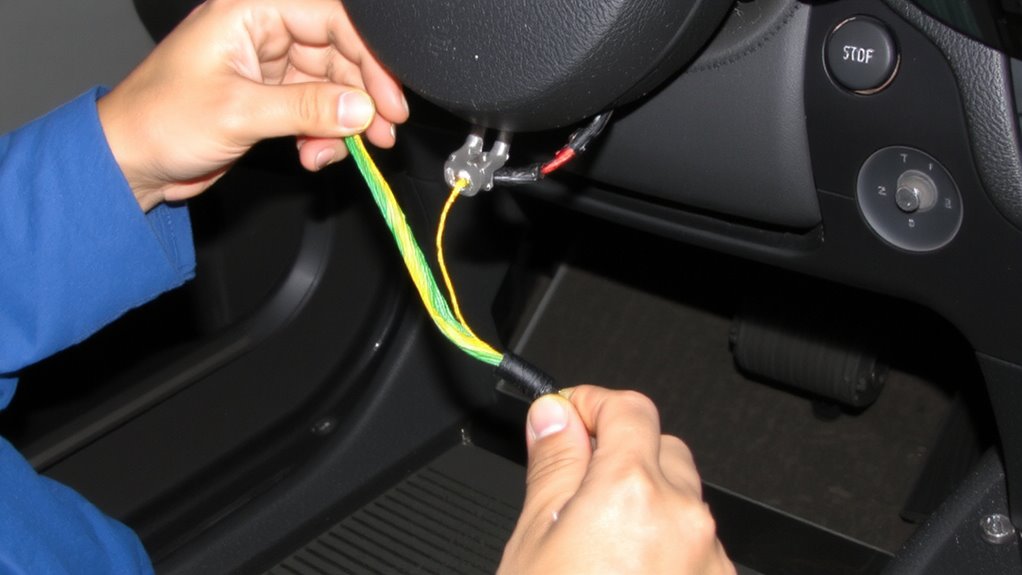
How do you guarantee your steering wheel controls talk to your new head unit without a hitch? You connect the adapter to both your steering wheel wiring and the new radio, ensuring seamless communication. Match each wire color and function precisely-typically brown for mute, gray for volume up, and purple for track skip. Your adapter bridges legacy signals from the steering wheel to the modern head unit. Radio compatibility is critical; verify your model supports your vehicle’s make, year, and factory protocol, like GM’s GMLAN or Ford’s MSCAN. Use a multimeter to test continuity and avoid short circuits. Secure connections with crimp connectors or solder, then insulate with heat shrink tubing. Miswiring can damage the airbag system or ECU. Always disconnect the battery before starting. The adapter acts as a translator-ensuring every command registers accurately. Top models in our best double DIN head units list offer plug-and-play support for popular steering wheel control protocols.
Test Your Steering Wheel Buttons After Installation
Now that you’ve wired the adapter to your steering wheel controls and new head unit, it’s time to verify everything operates as intended. Start the vehicle and power on the radio. Press each steering wheel button to check button responsiveness. You should feel immediate feedback-delays indicate a wiring or compatibility issue. Most modern adapters require control calibration through the head unit’s setup menu or a dedicated app. Follow the manufacturer’s sequence: usually, this involves holding the volume or seek button for 5–8 seconds until the system registers. Proper calibration guarantees accurate signal interpretation from the factory stalk. Test volume, track skip, voice assistant, and mute functions independently. Confirm signals transmit at the correct voltage-typically 0.5V to 4.5V depending on the OEM standard. If all buttons respond accurately, your integration is complete.
Fix Common Steering Wheel Control Problems
If your steering wheel controls aren’t responding after installation, start by verifying the wiring connections between the adapter harness and both the vehicle’s harness and head unit. Loose or misaligned pins disrupt signal transmission. Make sure the CAN bus adapter is programmed correctly for your vehicle’s make and model. Electrical interference from aftermarket components can degrade signal clarity; install ferrite cores on power lines to suppress noise. Check for firmware updates-manufacturers often release patches to improve button sensitivity. Some head units allow you to adjust input threshold settings; lower values increase responsiveness but may cause false triggers. Use a multimeter to test continuity in the steering wheel switch circuits. Resistance should fall between 1kΩ and 10kΩ when a button is pressed. Confirm compatibility between the head unit and your vehicle’s data protocol-common standards include LIN, K-line, and CAN. A mismatch causes unresponsive or erratic behavior.
On a final note
You’ve successfully upgraded your head unit without losing steering wheel controls. Compatibility guarantees factory functionality remains intact. The correct adapter, like a PAC SWI-RC or Axxess ASWC, matches OEM wiring protocols. Voltage signals stay within 5–12V, preserving ECU communication. Test each button post-installation. Resistance values should register within 10% tolerance. If controls fail, verify ground continuity and adapter firmware updates. Precision wiring guarantees seamless integration and full operational fidelity.