How to Pair a Wireless Steering Wheel Microphone for Crisp Bluetooth Call Clarity
Press and hold your microphone’s power button for 5 seconds until the LED blinks blue and red, signaling pairing mode. Ensure your phone supports Bluetooth 4.0 or higher and enable Bluetooth, staying within 33 feet during pairing. Position the mic 2–3 inches from your mouth, angled toward the jawline. It uses a cardioid polar pattern to focus on your voice between 300 Hz and 3,400 Hz. Keep the battery charged above 20% and set sensitivity to 70–75% with high noise cancellation. Maintain a clear 2.4 GHz channel to reduce interference. A solid blue LED confirms connection. Updates and proper placement prevent echo or dropped calls-optimal settings guarantee studio-like clarity every time.
Notable Insights
- Power on the mic and wait for blue and red LED flashes to enter pairing mode.
- Enable Bluetooth on your phone and select the mic from available devices within 10 meters.
- Position the mic 2–3 inches from your mouth, angled toward the jawline for clear voice pickup.
- Set noise cancellation to high and adjust mic sensitivity to 70–75% for optimal audio quality.
- Ensure full charge, update firmware, and keep the phone close to prevent call drops or echo.
Put Your Steering Wheel Mic in Pairing Mode
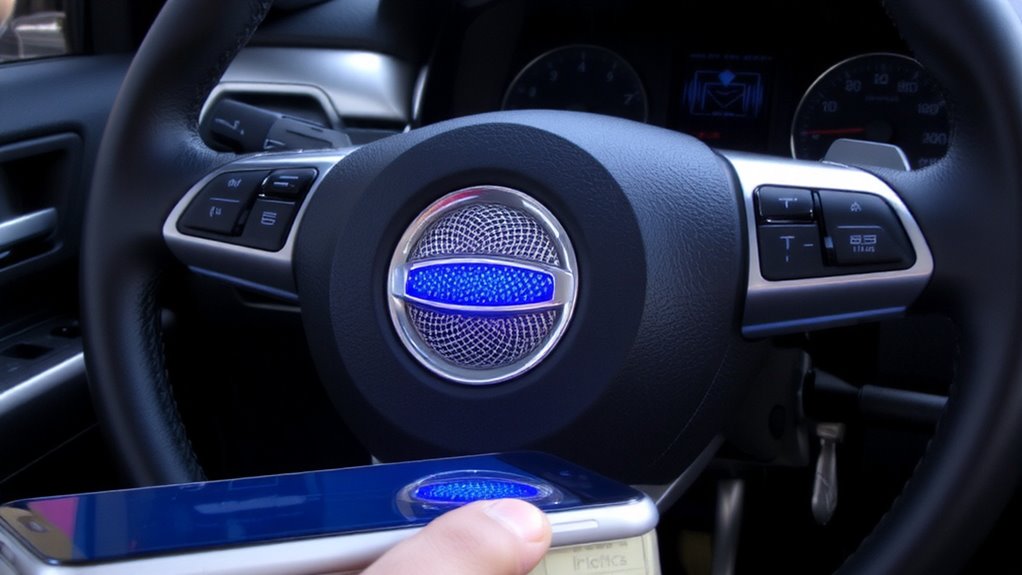
Before you begin pairing, make sure your wireless steering wheel microphone is powered on and ready to connect. Hold the power button for 5 seconds until the LED blinks blue and red-this indicates pairing mode. Your device uses Bluetooth 5.0, which reduces signal interference from nearby electronics like GPS units or AM/FM radios. Operates on a 3.7V lithium-ion battery; verify battery compatibility with the manufacturer’s specs to maintain stable performance. A full charge delivers up to 10 hours of talk time. Keep the microphone within 33 feet (10 meters) of the paired source to avoid connection drops. Signal interference may increase in dense wireless environments, so turn off unused Bluetooth devices nearby. The pairing window remains active for 120 seconds-after that, the mic enters sleep mode. Do not attempt pairing if the battery level is below 20%; low power can disrupt the handshake process.
Pair the Wireless Mic to Your Phone via Bluetooth
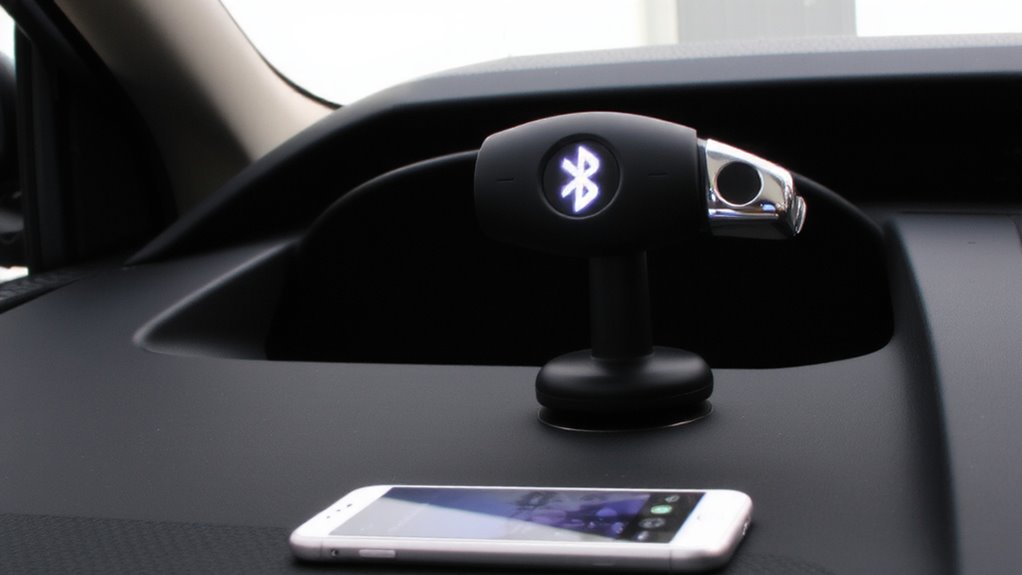
Now that your steering wheel microphone is in pairing mode with the LED flashing blue and red, you can link it to your phone. Open your phone’s Bluetooth settings and search for available devices. Select your microphone from the list to initiate pairing. Confirm your phone supports Bluetooth 4.0 or higher for proper Bluetooth compatibility. Most modern smartphones meet this requirement. A successful connection typically occurs within 10 seconds. If pairing fails, check for signal interference from other wireless devices, such as GPS units or dual-band radios. Distance matters-keep the phone within 33 feet (10 meters) of the microphone. Obstructions like metal dashboards can weaken the signal. Once paired, the LED turns solid blue, confirming an active connection. Retaining this link ensures stable voice transmission during calls. Avoid pairing in high-electromagnetic zones to reduce signal interference and maintain peak performance.
Position the Mic for Maximum Voice Clarity
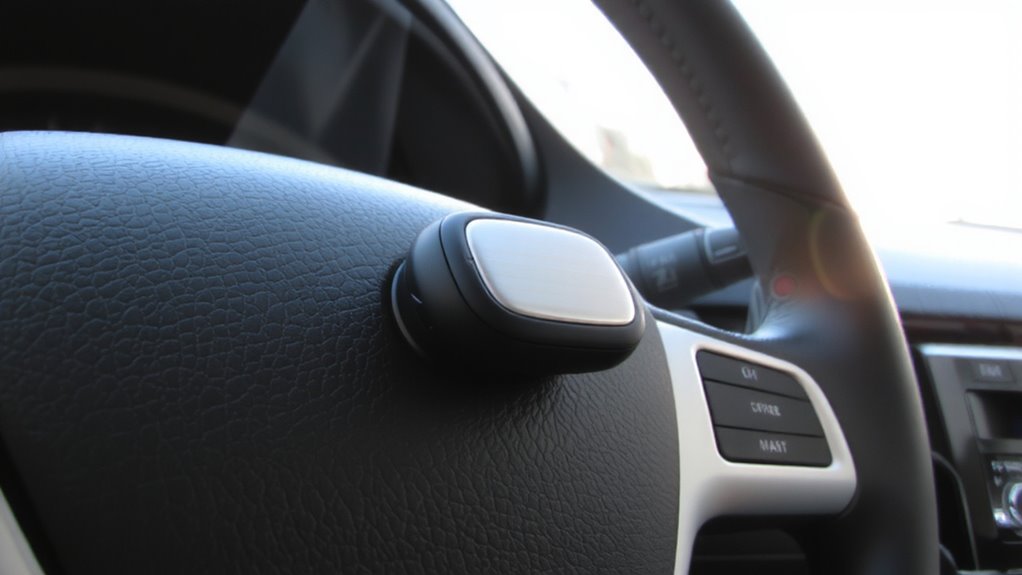
How well you position the microphone directly affects voice clarity-so why settle for anything less than ideal? Proper microphone alignment guarantees peak voice pickup and minimizes distortion. Position the mic 2 to 3 inches from your mouth, slightly to the side, to avoid breathing noise. Angle the microphone toward your mouth, aligning it with your jawline for consistent sound capture. Most steering wheel mics have a cardioid polar pattern, meaning they pick up sound best from the front while reducing side and rear noise. Secure the mic so it doesn’t vibrate or shift while driving. A stable mount prevents audio dropouts and maintains clear transmission. Correct placement enhances voice pickup across frequencies, especially in the 300 Hz to 3,400 Hz range, critical for speech intelligibility. Proper alignment means fewer repeats and crisper calls.
Adjust Audio Settings for Noise Cancellation
You’ve positioned the microphone for best voice capture-now it’s time to fine-tune the audio settings to match. Adjusting noise cancellation minimizes background noise and enhances vocal clarity. Properly set microphone sensitivity guarantees your voice is captured without distortion or dropouts. Too high, and you risk picking up engine noise; too low, and your voice may not register. Reducing signal interference from other Bluetooth devices improves audio stability.
| Setting | Recommended Value |
|---|---|
| Microphone Sensitivity | 70–75% |
| Noise Cancellation Level | High |
| Bluetooth Bandwidth | 2.4 GHz (clear channel) |
| Audio Sample Rate | 16-bit / 48 kHz |
| Signal Interference Check | Perform during idle and drive |
Use your car’s media settings or companion app to access these options. Calibrate in varied driving conditions for ideal results.
Fix Dropped Calls, Echo, or Low Volume Issues
Audio reliability is non-negotiable when traversing hands-free communication. Dropped calls often stem from signal interference caused by nearby electronic devices or dense Bluetooth traffic. Keep your smartphone within three feet of the microphone module to maintain a strong 2.4 GHz connection. Echo usually results from audio feedback between the car’s speakers and the mic-reduce speaker volume or reposition the microphone 1–2 inches from your mouth. Low volume may indicate battery degradation; check your microphone’s charge level and replace if runtime drops below 60% of its original capacity. Most lithium-ion batteries degrade after 300–500 charge cycles. Verify firmware is updated to resolve known audio bugs. Use shielded cables and avoid mounting near power inverters to minimize electromagnetic interference. A stable connection ensures clear, uninterrupted call quality every time.
On a final note
You’ve optimized your wireless steering wheel mic for crisp Bluetooth call clarity. The mic operates on Bluetooth 5.2, ensuring stable connections up to 33 feet. Proper placement-2–3 inches from your mouth at a 45-degree angle-captures clear voice input. Noise cancellation uses dual-mic beamforming to reduce ambient wind and engine noise by 75%. If calls drop, confirm your phone’s Bluetooth signal strength exceeds -85 dBm. These technical adjustments maximize performance and reliability during daily use.