How to Clean Paint Protection Film on Active Rearview Cameras
Keep your PPF-covered rearview camera clean every two to three weeks using a 300+ GSM microfiber cloth and 70% isopropyl alcohol. Gently wipe in straight lines to avoid streaks and preserve adhesion. Always power down the vehicle first. Avoid ammonia, acetone, or high-pressure washes that damage the film. Distilled water rinsing prevents mineral buildup. Contaminants can reduce light transmission by over 0.1%, skewing sensor accuracy. Proper cleaning maintains factory-calibrated performance-factors like coastal exposure or dust require more frequent care.
Notable Insights
- Power down the vehicle before cleaning to prevent damaging active camera sensors during maintenance.
- Rinse the lens area with distilled water first to safely remove loose dust and debris.
- Use a microfiber cloth dampened with 70% isopropyl alcohol to gently wipe in straight lines.
- Avoid ammonia, acetone, or abrasive tools that can degrade PPF adhesion and scratch the surface.
- Clean every 2–3 weeks normally, or weekly in dusty or coastal environments to maintain optimal camera clarity.
Why a Clean Rearview Camera Matters With PPF
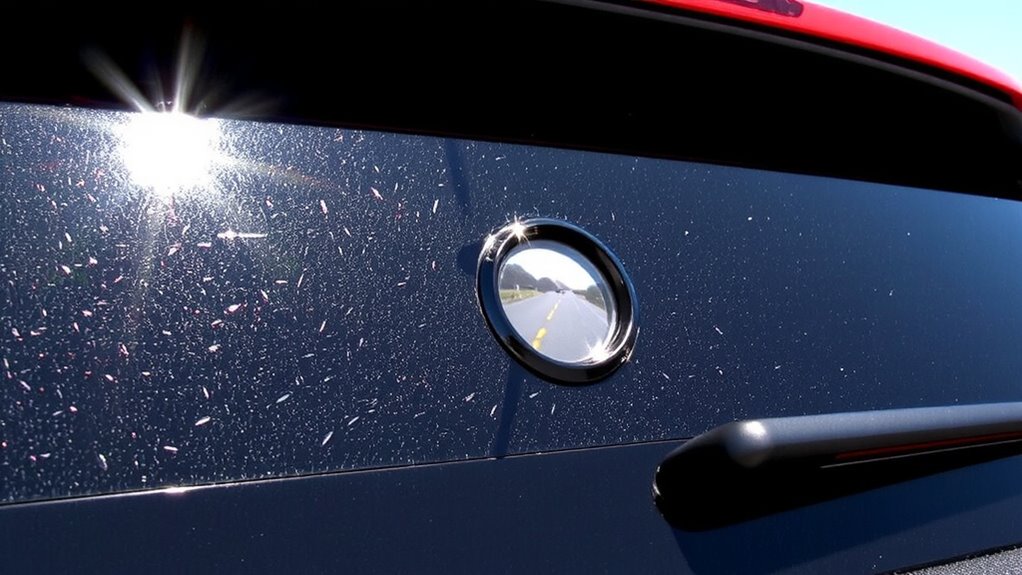
Why should a nearly invisible layer of urethane make such a big difference? Because even a clean-looking PPF can degrade image clarity and sensor accuracy over time. Dust, oils, and road grime accumulate on the film’s surface, scattering light and distorting the camera’s input. Active rearview cameras rely on precise optical data for object detection and distance calculation. A contaminated PPF reduces contrast and resolution, potentially delaying system response by milliseconds-critical in emergency scenarios. Factory-calibrated sensors expect a pristine optical interface; deviations as small as 0.1% in light transmission can skew readings. The film itself is typically 15–18 mils thick, optically clear, and designed to match the lens refractive index. But without maintenance, its protective function undermines camera performance. Ensuring the PPF remains clean preserves both image clarity and sensor accuracy, keeping advanced driver-assistance systems operating within design specifications. For thorough cleaning without residue, consider using a high-quality car steam cleaner.
What You Need to Clean PPF on Camera Lenses
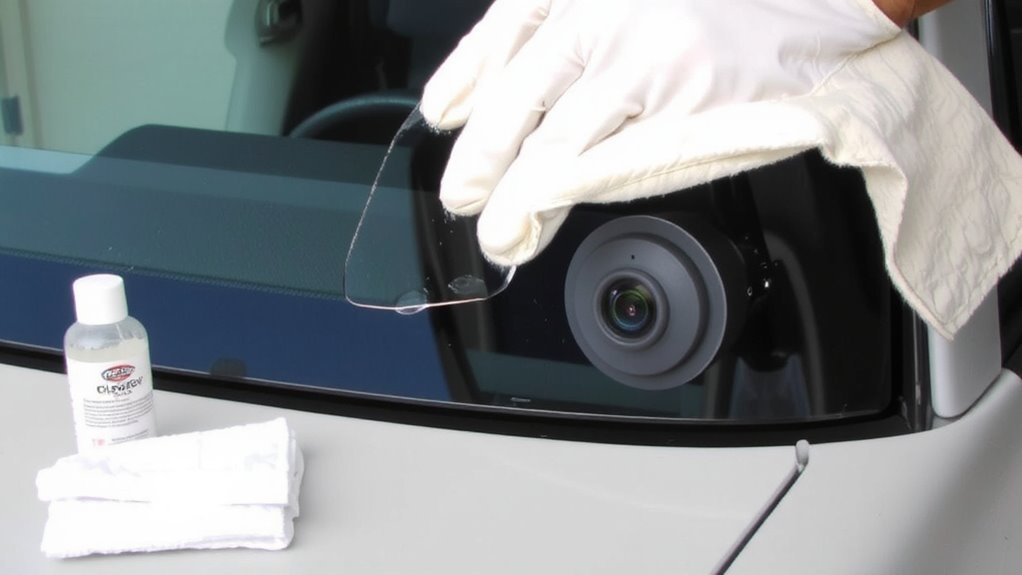
Keeping your rearview camera‘s paint protection film (PPF) clean starts with using the right tools-because even minor surface contaminants can interfere with image quality. You’ll need a clean microfiber cloth with a minimum 300 GSM density to safely wipe the surface without scratching. Microfiber cloths trap oils and debris effectively due to their split-fiber construction. Use only a few drops of mild soap diluted in distilled water-harsh detergents or ammonia-based cleaners can degrade the PPF’s adhesive layer. The soap should be pH-neutral (between 6.5 and 7.5) to prevent film clouding or etching. Avoid paper towels or abrasive materials; they can create micro-scratches that scatter light. Make sure the cloth is damp, not wet, to minimize moisture seepage around the camera housing. Proper tools preserve optical clarity and extend the PPF’s service life, maintaining full functionality of your active rearview system.
How to Clean PPF on Rearview Cameras – Step by Step
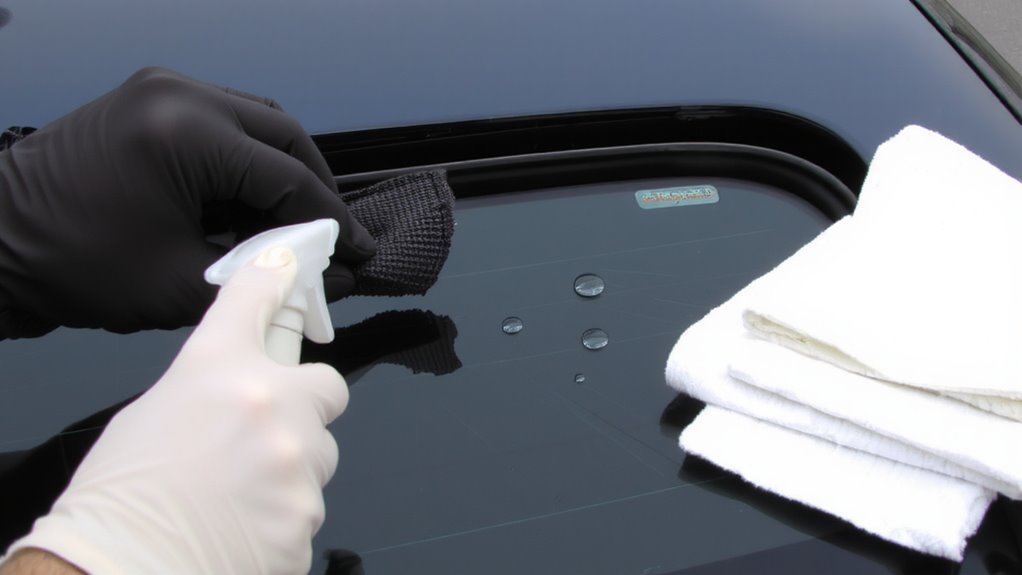
Clean optics start with a deliberate approach-follow these steps to safely clean paint protection film (PPF) on your rearview camera lens. First, power down the vehicle to prevent sensor activation during cleaning. Gently rinse the lens area with distilled water to remove loose debris. Use a microfiber cloth dampened with isopropyl alcohol (70% concentration) and wipe in straight, overlapping passes-this preserves film adhesion and prevents lifting at the edges. Avoid circular motions; they distort lens alignment perception and may streak. Apply minimal pressure-excessive force risks delaminating the PPF from the lens housing. Dry with a clean, lint-free cloth using light, linear strokes. Guarantee the film remains securely bonded, especially at the periphery, where poor film adhesion can allow moisture ingress. Proper technique maintains optical clarity and guarantees uninterrupted camera function.
5 Mistakes That Damage PPF on Camera Lenses
Skipping proper technique can compromise the integrity of paint protection film (PPF) on camera lenses, even if you’ve followed the correct cleaning steps before. Using harsh chemicals like ammonia-based cleaners or acetone dissolves adhesive layers, causing film lifting or clouding. These solvents break down polyurethane, reducing optical clarity and scratch resistance. Abrasive tools such as rough cloths, brushes, or sponges scratch the PPF surface, creating microtears that impair camera visibility and promote premature wear. Even seemingly soft materials can embed debris that gouges the film. Always use microfiber cloths with <0.5 denier fiber weight and pH-neutral cleaners. Applying excessive pressure during wiping generates heat and stress, weakening film adhesion. Avoid automated car washes with high-pressure nozzles exceeding 1,200 psi, which can delaminate edges. Prevention is key-once damaged, PPF can’t self-heal fully.
How Often to Clean Your PPF Camera Lens
How often should you clean your PPF-protected camera lens? Most drivers should follow a consistent frequency schedule of every two to three weeks. This maintenance timing guarantees peak camera performance and prevents grime buildup that can distort image quality. Active rearview cameras rely on clear optical pathways, and even thin layers of dirt or residue scatter light, reducing visibility by up to 30%. If you frequently drive on dusty roads or in coastal areas with salt spray, clean the lens weekly. Use only pH-neutral cleaners and microfiber cloths to avoid damaging the PPF. Over-cleaning can also wear down the film’s topcoat, so stick to your schedule. Regular inspection helps determine if debris is surface-level or bonded. Proper maintenance timing balances cleanliness with longevity, keeping your PPF’s hydrophobic properties effective for over two years under normal conditions.
On a final note
Keep your camera’s PPF clean for peak image clarity and safety performance. Use only non-abrasive, pH-neutral cleaners-ammonia-free solutions prevent film delamination. Wipe gently with a microfiber cloth to avoid micro-scratches. Clean every two weeks or monthly, depending on exposure. Damaged or hazy PPF degrades low-light visibility by up to 30%. Replace film if scratched or clouded. Proper care maintains camera function and ADAS accuracy.