Installing a Bluetooth-Enabled Backup Camera With Night Vision Support
Choose a Bluetooth-enabled backup camera with at least 1080p resolution and 12–18 IR LEDs for clear night vision up to 50 feet. Use a multimeter and 12V tester to tap into the reverse light circuit for power. Mount the camera securely with vibration-resistant hardware, route wires through a rubber grommet, and protect connections with dielectric grease. Pair via Bluetooth 4.0+ to your display, ensuring line-of-sight for stable, low-latency transmission. You’ll verify performance and solve common issues next.
Notable Insights
- Choose a camera with at least 720p resolution and 12–18 IR LEDs for clear night vision up to 50 feet.
- Mount the camera securely with a 120°–170° viewing angle to minimize rear blind spots and ensure proper alignment.
- Power the camera from the reverse light circuit using a 12V tester and route wiring through protective grommets to prevent moisture.
- Pair the camera via Bluetooth 4.0 or higher to a compatible display, ensuring firmware is updated for stable, low-latency transmission.
- Test night vision in low light, verifying sharp image quality and IR range while avoiding fog or rain to prevent infrared distortion.
Choose the Right Bluetooth Backup Camera With Night Vision
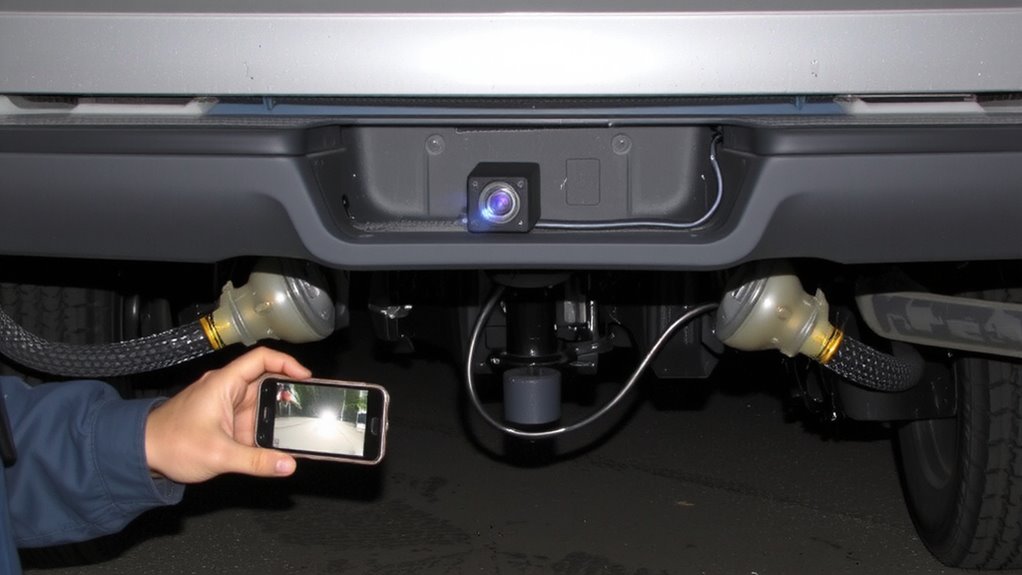
If you’re upgrading your vehicle’s safety and visibility, picking a Bluetooth-enabled backup camera with reliable night vision is essential. You need at least 720p camera resolution for clear, detailed images in low light. Higher-end models offer 1080p, which sharply improves object recognition at night. Look for cameras with infrared (IR) LEDs-12 to 18 units typically provide visibility up to 50 feet in total darkness. Wireless connectivity eliminates complex wiring, using Bluetooth 4.0 or higher to stream video to your display. This guarantees stable transmission with minimal lag. Make sure the camera supports encrypted signal transfer to prevent interference. Opt for weatherproof housings rated IP67 or higher. A wide 120° to 170° viewing angle reduces blind spots. Choose a camera with low latency-under 200ms-for real-time feedback. These specs guarantee reliable performance in all driving conditions. For the best results, consider one of the top-rated wireless backup cameras based on expert testing and real-world performance.
Gather Tools and Materials for Installation
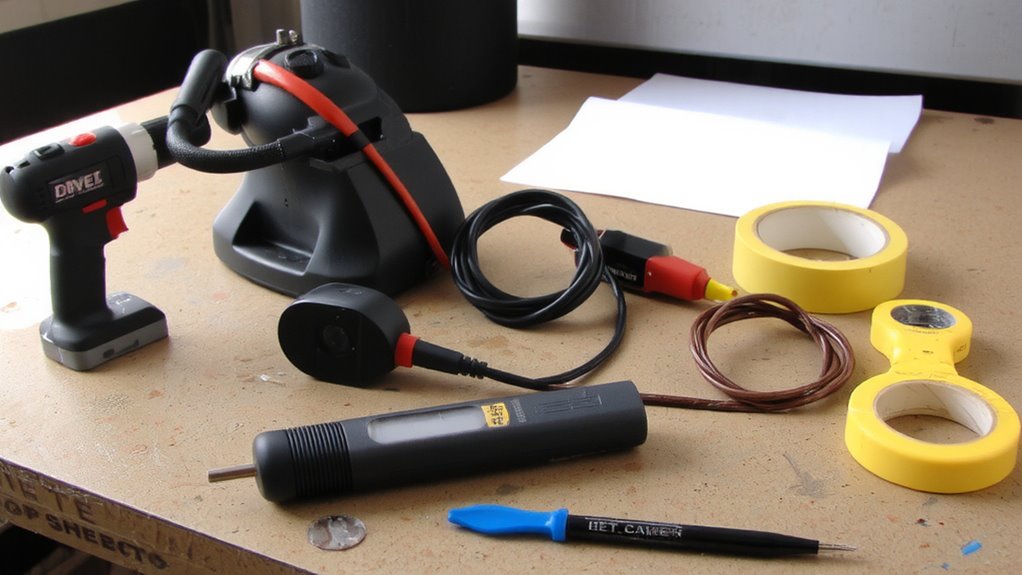
You’ve selected a Bluetooth-enabled backup camera with strong night vision and solid wireless performance-now it’s time to assemble the right tools and materials for a clean, reliable installation. Proper preparation prevents signal interference and guarantees precise camera alignment. Use a 12V circuit tester to identify reverse light wiring. A drill with 1/2-inch bit fits most camera housings. Include zip ties, electrical tape, and vinyl conduit for wire protection.
| Item | Purpose |
|---|---|
| Multimeter | Test voltage and prevent electrical faults |
| Fish tape | Route wires through tight panels |
| Dielectric grease | Protect connectors from moisture and corrosion |
Wireless range typically reaches 30 feet; metal obstructions increase signal interference. Mount the display unit within 24 inches of the windshield’s center for best camera alignment. Include spare fuses rated for 5 amps. Guarantee all tools are insulated for safety. For accurate voltage readings during setup, consider using one of the best car multimeters for reliable electrical diagnostics.
Mount and Wire the Camera
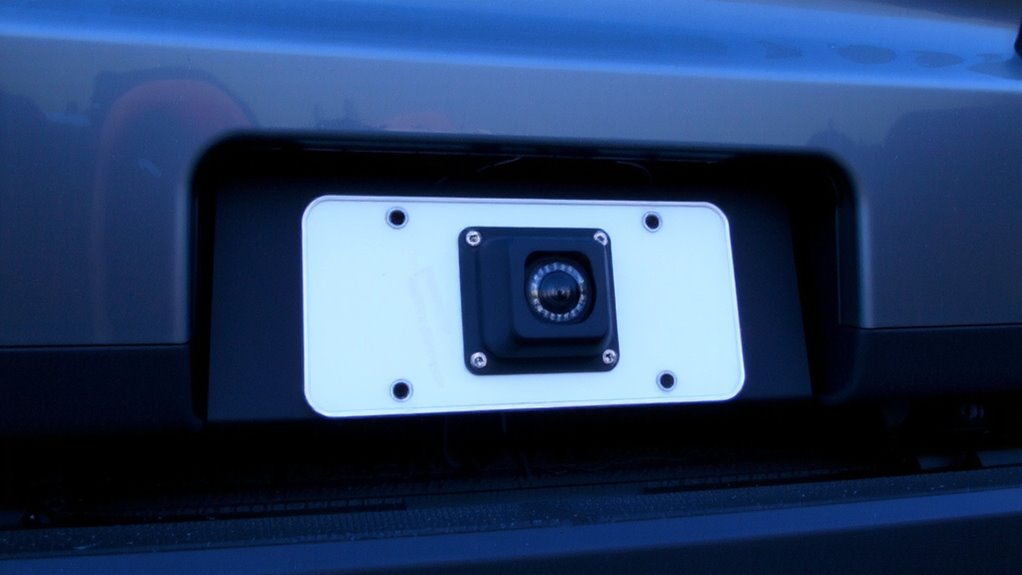
Once the tools are ready, mounting the camera begins with selecting a secure location that provides a clear, unobstructed view of the area behind the vehicle. Proper camera alignment is critical-adjust the angle to cover the full rear width, typically 120 to 150 degrees, ensuring no part of the bumper or hitch obstructs the lens. Use included brackets or adhesives rated for outdoor, vibration-resistant performance. Drill pilot holes carefully if mounting with screws. Route the video cable through the vehicle’s rubber grommet near the tail light or trunk seal to avoid moisture. Maintain wiring insulation throughout by using heat-shrink tubing or automotive-grade conduit. Secure wires with zip ties every 6–8 inches to prevent abrasion. Power the camera to the reverse light circuit, ensuring 12V activation when shifting into reverse. Verify polarity and use a multimeter to test connections.
Connect to Phone or Dashboard Display
How do you guarantee your Bluetooth-enabled backup camera delivers a seamless video feed to your phone or dashboard display? Begin with proper Bluetooth pairing between the camera and your device. Activate pairing mode on the camera-usually indicated by a flashing LED-then enable Bluetooth on your phone or display unit and select the camera from the available devices. Make certain firmware is updated to prevent connectivity issues. Once paired, verify the display resolution is set to at least 720p for clear image detail. Most systems support 1080p, but check your display’s specs to confirm compatibility. A stable Bluetooth 4.0 or higher connection maintains real-time video transmission with minimal latency. Signal interference from metal obstructions or nearby electronics can degrade performance. Maintain line-of-sight during setup to optimize signal strength and make certain of uninterrupted video feed during reversing. For optimal performance, consider models included in the top rear-view mirror backup cameras roundup to ensure compatibility and advanced features like night vision and wireless integration.
Test Night Vision Performance
What if visibility drops to near zero the moment dusk settles? Your camera’s night vision must deliver. Activate the system in low-light conditions to evaluate image clarity and infrared range. Most models offer an infrared range of 30 to 50 feet, using built-in IR LEDs that emit invisible light for enhanced detection. Look for sharp outlines of objects-fuzzy edges mean poor image clarity. High-end sensors use 1/3-inch CMOS chips to boost low-light performance. Test at varying distances: begin 10 feet from a target, then move back to 40 feet. At maximum infrared range, details like curb edges or post shapes should remain distinguishable. Avoid fog or heavy rain during testing-they distort infrared light. Proper alignment guarantees full infrared coverage across the field of view. Reliable night vision depends on both sensor quality and LED intensity, not guesswork. Validate performance before trusting it in real-world conditions.
Fix Common Camera Issues
Even when installed correctly, your Bluetooth-enabled backup camera may develop issues over time, but most problems have straightforward fixes. Camera interference often causes static or distorted images, typically due to nearby electronic devices or weak Bluetooth pairing. Make certain your camera operates on a 2.4 GHz frequency and maintain distance from ignition systems or inverters to reduce signal disruption. Power fluctuations can trigger intermittent blackouts or reboot cycles. These usually stem from voltage drops, especially if wiring runs exceed 10 feet without gauge adjustments. Verify you’re using 16-gauge or thicker power cables and confirm the voltage remains stable between 11–14.5V during engine operation. Check all ground connections-loose terminals are a common culprit. Re-pair the Bluetooth device if video latency exceeds 200ms. Regular inspection of fuse ratings, connector integrity, and shielding on transmission lines prevents long-term degradation.
On a final note
You’ve now installed a reliable backup camera with night vision and Bluetooth connectivity. The camera typically uses a 12V power supply and transmits video via 2.4 GHz wireless signal or paired Bluetooth 4.0+. Night vision range reaches up to 65 feet using infrared LEDs at 850 nm wavelength. Guarantee the IP67-rated housing stays sealed. Verify stable pairing with your display device. Confirm alignment and clarity. This system enhances safety during reverse maneuvers, comparable to factory-grade OEM setups.