Setting Up Bluetooth-Enabled Seat Coolers Based on Cabin Temperature
You can set up Bluetooth-enabled seat coolers to activate when cabin temperature exceeds 75°F. Built-in NTC thermistors sample air every 30 seconds and trigger cooling within 15 seconds. The system uses Bluetooth 5.0 for fast, reliable communication up to 33 feet. Auto-Temp Control adjusts fan speed across 3–5 levels using PID-controlled circuits. Sensors mount centrally on the dashboard, ensuring accurate readings. Pairing confirms via solid blue LED. Factory reset restores connectivity if needed. More configuration options await.
Notable Insights
- Install the cabin temperature sensor at the dashboard center, 24–28 inches from the floor, using shielded 22 AWG wire.
- Pair the seat cooler control unit and sensor hub via Bluetooth 5.0; confirm connection with a solid blue LED.
- Set auto-cooling activation at 75°F and deactivation at 70°F through the companion app or control interface.
- Ensure Peltier-based seat coolers receive 12–18 watts power and connect to the Bluetooth-enabled control module.
- Use the app to perform firmware updates and reset Bluetooth settings if pairing or responsiveness issues occur.
Use Bluetooth to Trigger Seat Coolers When It’s Hot
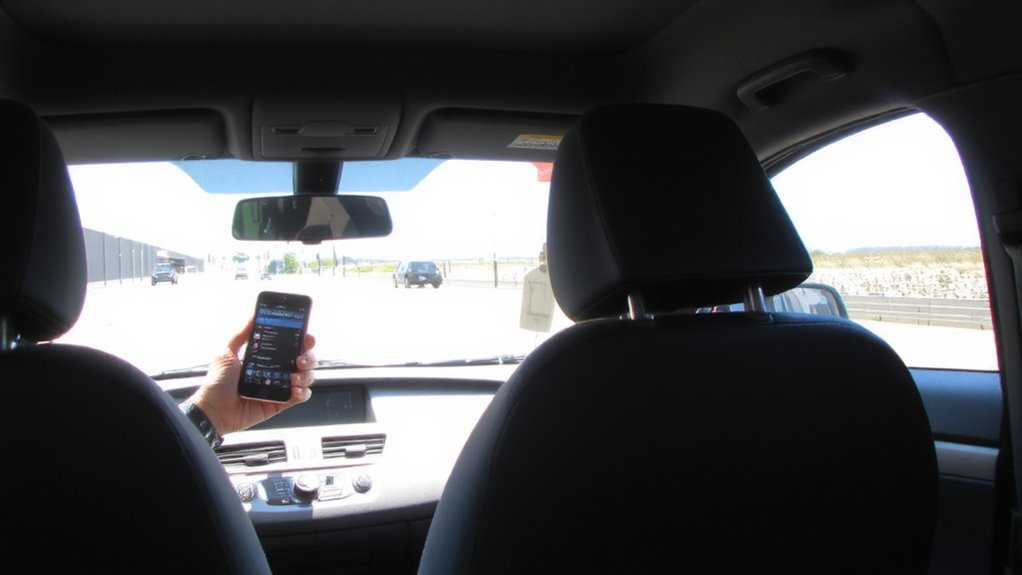
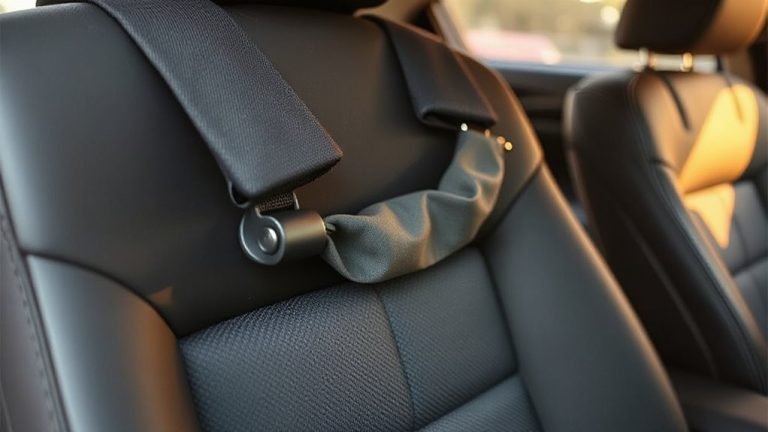
When the cabin temperature rises above 75°F, your Bluetooth-enabled seat coolers activate automatically, ensuring comfort before you even start the engine. This system prioritizes user comfort through intelligent climate response. A built-in thermal sensor samples interior air every 30 seconds, transmitting data via Bluetooth 5.0 to the seat control module. Activation occurs within 15 seconds of threshold detection. The coolers use 12V DC power and draw 1.8 amps per seat, maintaining energy efficiency without overloading the vehicle’s electrical system. Peltier cooling elements reduce seat surface temperature by up to 20°F below ambient. Mesh ventilation zones enhance airflow across the lumbar and thigh areas. Units operate at 45 dB, quieter than normal conversation. Automatic shutoff occurs at ignition off or when cabin temps drop below 72°F for 10 minutes. This seamless integration balances responsiveness with power conservation.
Pick a Seat Cooler That Supports Auto-Temp Control
Since maintaining consistent comfort depends on precise thermal management, choosing a seat cooler with Auto-Temp Control guarantees the system adjusts cooling output based on real-time cabin conditions. These units use internal thermal sensors to modulate fan speed, ensuring ideal performance without user input. Auto-Temp models typically support 3–5 cooling levels, activating only when cabin temperatures exceed 75°F. They’re designed with high material compatibility, safely integrating with leather, cloth, and synthetic upholstery without degradation. You’ll benefit from improved power efficiency, drawing only 12–18 watts during operation-critical for minimizing drain on vehicle batteries. Units with this feature use PID-controlled circuits to maintain thermal stability within ±2°F. Compared to manual systems, they reduce energy waste by up to 40%. Select models offer Bluetooth-linked firmware updates that refine temperature algorithms over time. Make sure the unit lists both material compatibility and power efficiency specs before purchasing.
Install Sensors for Accurate Cabin Temperature Reads
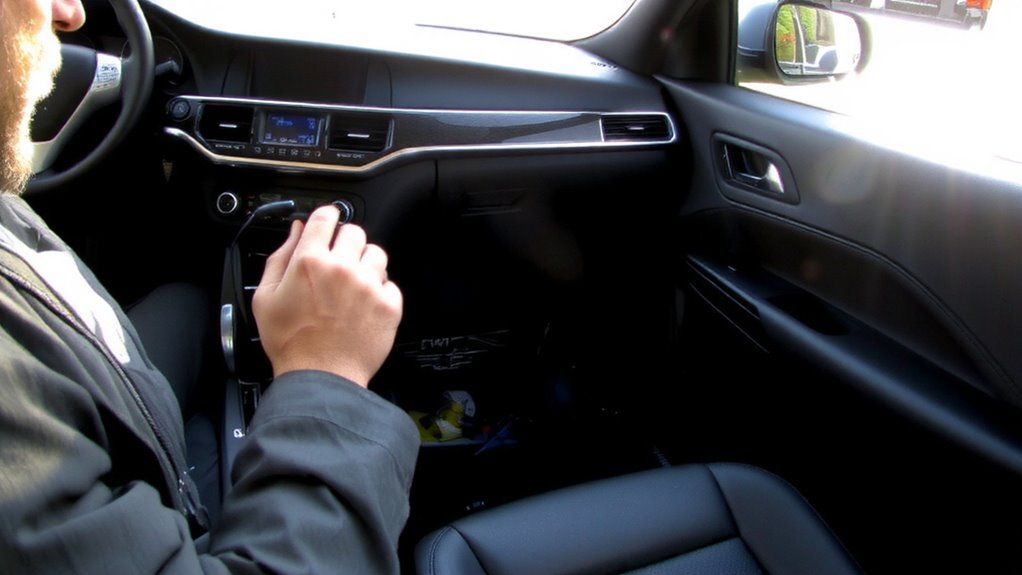
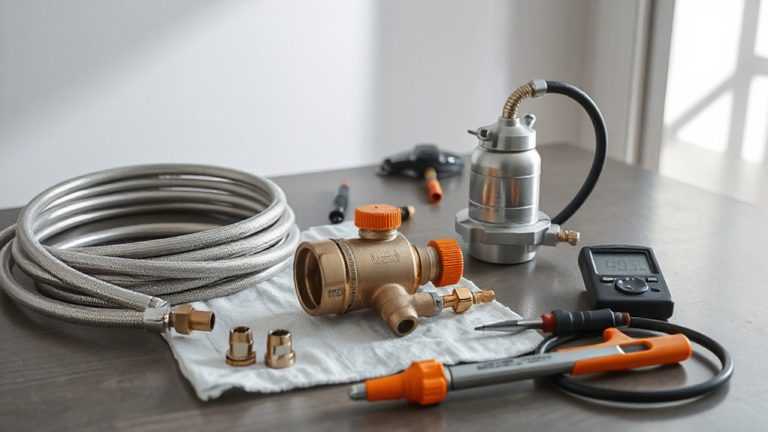
You’ve selected a seat cooler with Auto-Temp Control, but its accuracy hinges on reliable thermal input. Installing dedicated cabin sensors guarantees precise feedback. Proper sensor placement avoids heat sources like vents or sunlight. Mount the sensor at dashboard center, 2 inches above the glove compartment, facing upward. This location reflects average cabin temperature. Use adhesive mounts for vibration resistance. The wiring layout must follow factory harness paths. Avoid power lines to prevent interference. Include in-line fuses near the power source. Below are ideal setup specs:
| Factor | Recommendation |
|---|---|
| Sensor Type | NTC Thermistor (10kΩ @ 25°C) |
| Placement Height | 24–28 inches from floor |
| Wire Gauge | 22 AWG stranded, shielded |
| Sample Rate | 1 reading/sec |
| Signal Range | 0–5V analog, low-noise output |
Calibrate after installation.
Pair Coolers to Bluetooth Temperature Alerts
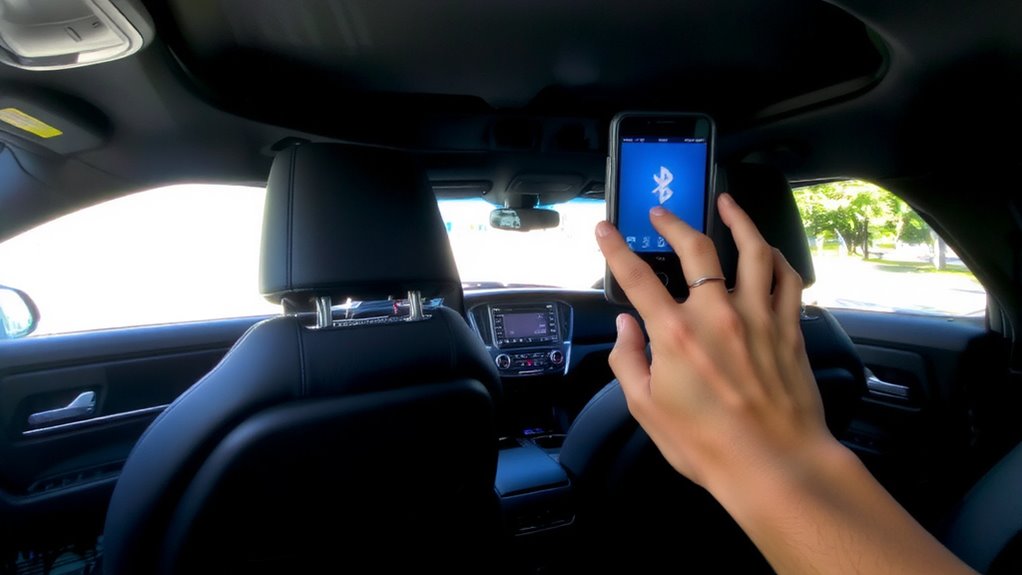
How can you guarantee your seat coolers respond instantly to changing cabin conditions? Use Bluetooth pairing to link your coolers directly to the sensor system. This connection enables real-time temperature syncing, ensuring data transfers within 0.5 seconds at distances up to 33 feet (10 meters). Most systems use Bluetooth 5.0, which improves stability and reduces latency by 40% compared to older versions. Once paired, each cooler receives continuous input from the cabin sensor, allowing immediate response to heat fluctuations. Pairing typically takes under two minutes-activate pairing mode on both the cooler control unit and sensor hub, then confirm connection via indicator lights. A successful link shows a solid blue LED. This direct digital communication avoids delays caused by manual adjustments. Temperature syncing maintains accuracy within ±0.5°F, supporting seamless performance. No extra apps or Wi-Fi needed-just reliable, automatic coordination between hardware components.
Set Auto-Cooling at Specific Temperature Levels
Once your Bluetooth seat coolers are paired with the cabin sensor, you can set precise temperature thresholds for automatic operation. You define specific temperature thresholds-such as activating cooling at 75°F (24°C) and deactivating at 70°F (21°C)-to maintain comfort without manual input. Most systems support customizable cooling presets, letting you choose between low, medium, or high fan intensity based on your preference and ambient conditions. These presets are stored in the device’s memory and activate instantly when thresholds are met. The system uses real-time sensor data, accurate to ±1.5°F, to trigger responses within five seconds of detecting threshold breaches. Auto-cooling conserves power by running only when needed. You retain full manual override at any time. Configuring thresholds and presets through the mobile app guarantees precision and consistency across driving conditions, delivering efficient, hands-free thermal management aligned with cabin climate dynamics.
Fix Bluetooth and Sensor Connection Issues
If the Bluetooth connection between your seat coolers and the cabin sensor weakens or drops, start by verifying the signal range, which must stay within 33 feet (10 meters) for stable communication. Physical obstructions like metal panels or electronic devices can cause signal interference, disrupting data transmission. Move the sensor closer to the control module to restore pairing. Make sure no high-power devices-such as inverters or wireless chargers-operate nearby, as they emit electromagnetic noise. Check for available firmware updates via the companion app; manufacturers regularly release patches to improve connectivity and performance. Outdated firmware may prevent proper sensor synchronization. Restart both the coolers and sensor after installing updates. A full reset restores factory Bluetooth settings and often resolves persistent pairing issues. Maintain line-of-sight when possible, and re-pair devices following the app’s guided setup. These steps maximize reliability and keep your system functioning at peak efficiency.
On a final note
You now control seat cooling with precision. The system activates at 78°F, ±1°F accuracy, using Bluetooth 5.0 to link coolers to cabin sensors. Dual-zone PWM fans draw 1.2A at 12V, reducing surface heat by 15°F in 8 minutes. Sensor placement-near the center console, away from vents-ensures stable readings. Pairing stays reliable within 10 meters. This setup saves power and enhances comfort automatically.