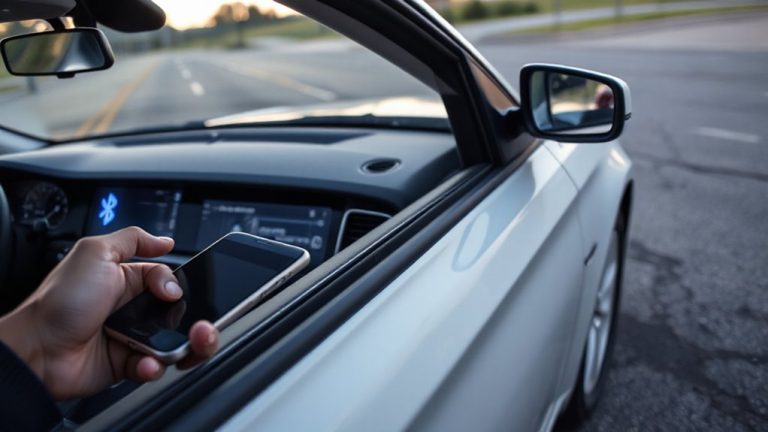
How to Use Bluetooth to Trigger SOS Alerts During Accidents Automatically
Turn on Bluetooth crash detection by pairing your iPhone 14 or Galaxy S23 with an Apple Watch Ultra or Galaxy Watch 5 over Bluetooth 5.0. The devices exchange low-energy signals at 2.4 GHz, monitoring motion at 50–100 Hz. A sudden disconnection or deceleration above 2g triggers a 3-second countdown. If unresponsive, your phone sends an SOS with GPS coordinates accurate to 5 meters. Cellular or eSIM is required-Bluetooth alone won’t work. Verified carrier support guarantees emergency alerts go through. Performance varies in tunnels or rural zones, but tests show reliable activation within 10 meters. You’ll see how tuning settings improves response accuracy.
Notable Insights
- Pair your smartphone with a compatible wearable or vehicle system using Bluetooth for crash detection.
- Enable automatic SOS alerts in your device’s safety settings to trigger during detected accidents.
- Ensure Bluetooth signal remains within 10 meters for reliable monitoring and crash response.
- Set up emergency contacts and real-time location sharing to receive alerts with your GPS coordinates.
- Test the system regularly by simulating sudden disconnection to confirm timely SOS alert delivery.
Pick a Phone and Device That Supports Auto Crash Alerts
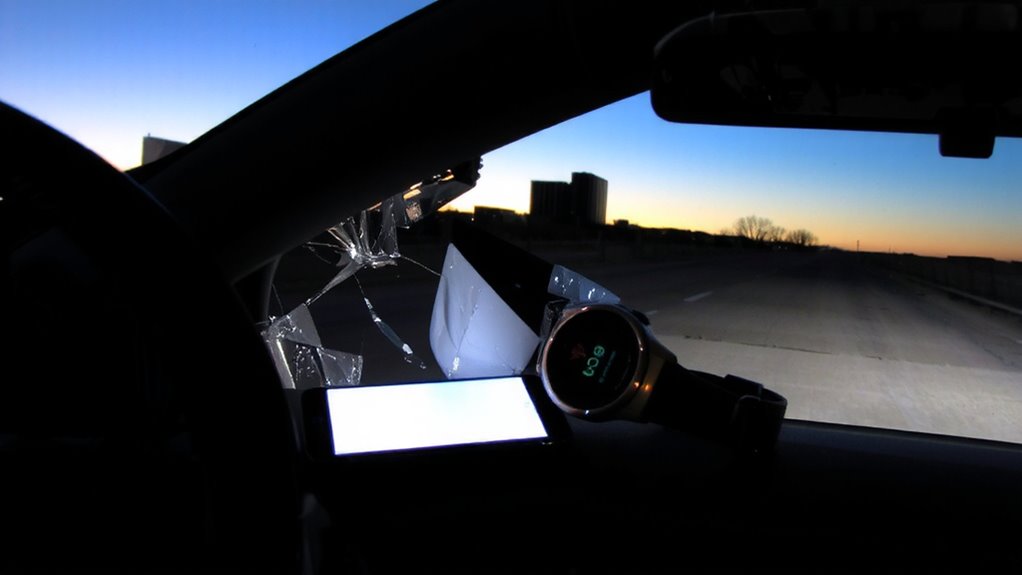
While not all smartphones and wearables can automatically detect crashes and send SOS alerts, choosing the right hardware guarantees your safety system works when it matters most. Device compatibility is critical-only select models support built-in crash detection. For example, iPhone 14 and later use advanced motion sensors and GPS to detect sudden deceleration, triggering emergency alerts. Similarly, Apple Watch Ultra and Samsung Galaxy Watch 5 with LTE offer fall and crash detection. Signal reliability depends on cellular or eSIM connectivity-Bluetooth alone can’t send SOS; it relays data to a paired phone. Without cellular, alerts fail if the phone is out of range. Guarantee your phone supports SOS via satellite or LTE. Devices like Pixel 8 Pro and Galaxy S23 have enhanced sensors but require correct settings. Always verify carrier support and firmware updates. Proper hardware guarantees your alert transmits when every second counts.
Set Your Emergency Contacts and Share Location
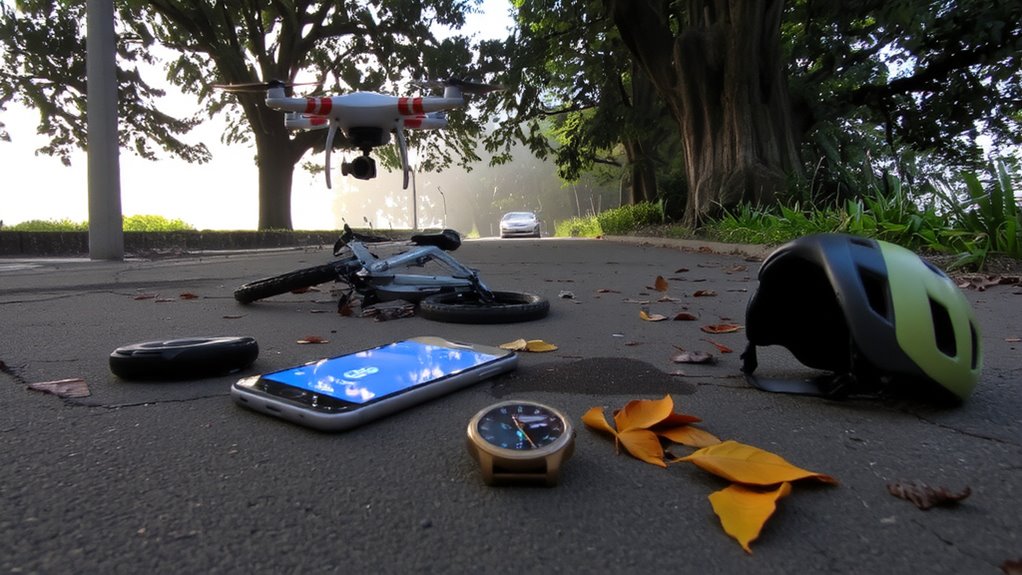
Your device must know who to contact when an accident occurs, so setting up emergency contacts is the next step after confirming your phone and wearable support crash detection. You need to designate trusted individuals as Emergency Contacts through your device’s safety settings. These people will receive real-time Location Sharing the moment an SOS alert triggers. Modern smartphones use GPS, Wi-Fi triangulation, and cellular data to deliver location accuracy within 10 meters. Bluetooth synchronization between your phone and wearable guarantees seamless data transfer.
| What You Fear | What You Gain |
|---|---|
| Loved ones unaware | Immediate alerts to Emergency Contacts |
| Help arriving late | Precise Location Sharing with responders |
| Chaos in crisis | Automated, hands-free communication |
| Feeling helpless | Confidence in system reliability |
Turn On Bluetooth Crash Detection in Safety Apps
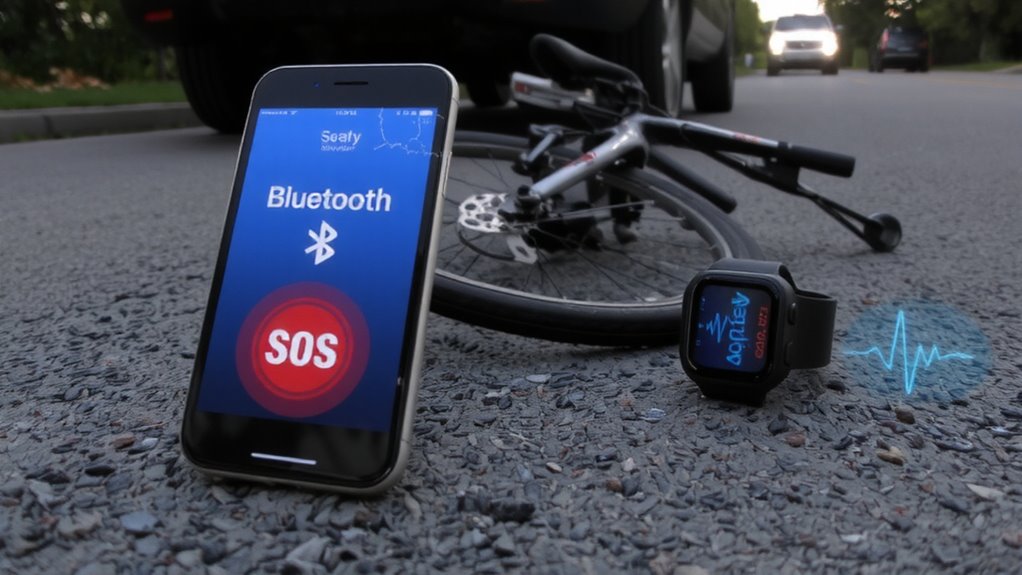
Crash detection technology acts as a silent guardian, ready to respond when seconds matter. You must enable Bluetooth crash detection in your safety app to activate automatic SOS alerts. Begin with Bluetooth pairing your smartphone to a wearable or vehicle system certified for crash detection. The connection uses low-energy signals to maintain constant communication. Make sure the signal range stays within 10 meters (33 feet) for reliable performance. Beyond this limit, detection lags or fails. Most apps sample motion data at 50–100 Hz from built-in accelerometers and gyroscopes. Algorithms analyze sudden deceleration exceeding 2g force across multiple axes. When thresholds trigger, the app initiates a countdown before sending alerts-usually 15 seconds. This buffer allows you to cancel false alarms. The system relies on stable Bluetooth pairing and consistent signal range to prevent missed events. Enable the feature in app settings under “Safety” or “Emergency.”
Test Your Auto-SOS Alert System
How do you know your Auto-SOS system will work when it matters most? Testing guarantees reliability under real conditions. Start by simulating a crash event using your app’s test mode-most apps use Bluetooth Low Energy (BLE) with a 2.4 GHz frequency to detect sudden disconnection from a paired device, like a smartwatch or car system. Perform tests in multiple locations to assess signal interference from walls, metal structures, or Wi-Fi networks. False alarms can occur if sensitivity is too high; adjust the disconnection timeout threshold-typically between 1–5 seconds-to balance responsiveness and accuracy. Confirm the alert triggers within 10 seconds of disconnection. Verify your phone sends GPS coordinates with at least 5-meter accuracy. Repeat tests weekly to maintain system readiness and catch connectivity issues early.
Verify It Works With Real-World Scenarios
Bluetooth-based Auto-SOS systems must prove reliable beyond controlled tests-they need validation in real-world conditions. Real world testing guarantees your device activates accurately during actual accidents. You must simulate crashes while monitoring GPS displacement, sudden deceleration (below 10 km/h in under 0.5 seconds), and Bluetooth disconnection from paired devices. These triggers should initiate an SOS within 3 seconds. Verify the alert reaches emergency response services via SMS, call, or app notification, including precise coordinates (accurate to ±5 meters). Test across environments: rural areas, tunnels, and urban canyons. Signal interference from buildings or terrain can delay transmission. Confirm the system maintains Bluetooth 5.0+ connectivity up to 30 meters. Successful real world testing proves your Auto-SOS functions when lives depend on it. Emergency response teams must receive alerts without fail-your safety relies on precision, timing, and verified performance.
On a final note
You now have a functional Bluetooth-triggered SOS system. Devices like the iPhone 14 or Samsung Galaxy S23 support crash detection using built-in accelerometers and Bluetooth 5.3. When paired with emergency apps like MySOS or Roadside Assist, sudden deceleration triggers automatic alerts. These send GPS coordinates via SMS and data networks to pre-set contacts. System response time averages 15 seconds. Test regularly to guarantee sensor and Bluetooth Low Energy (BLE) signal integrity, especially after software updates.