How to Use Bluetooth to Control Aftermarket Fog Lights From Your Phone
You can control your fog lights from your phone using a Bluetooth 4.0+ relay rated for 40A, connecting it inline with your light’s power wire. Install the relay within 24 inches of the lights, powered by a fused 12V source, and pair it via a dedicated app. It draws under 15mA on standby and responds in less than 1.5 seconds. The system supports voice control, geofencing, and scheduling. Automation runs locally, even without your phone nearby-exact setup steps and troubleshooting come next.
Notable Insights
- Use a Bluetooth-enabled 40A relay compatible with your fog lights’ power requirements and install it inline with the power wire.
- Connect the relay’s terminal 30 to a fused 12V source and terminal 87 to the fog light for safe, direct power control.
- Pair the relay with your smartphone via the manufacturer’s app, ensuring Bluetooth is on and the phone is within 10 meters.
- Control fog lights remotely using the app or enable automation with geofencing, schedules, or voice commands via Siri or Google Assistant.
- Ensure all connections are sealed and moisture-resistant, and mount the relay close to the lights but away from heat and vibration.
Control Your Fog Lights From Your Phone
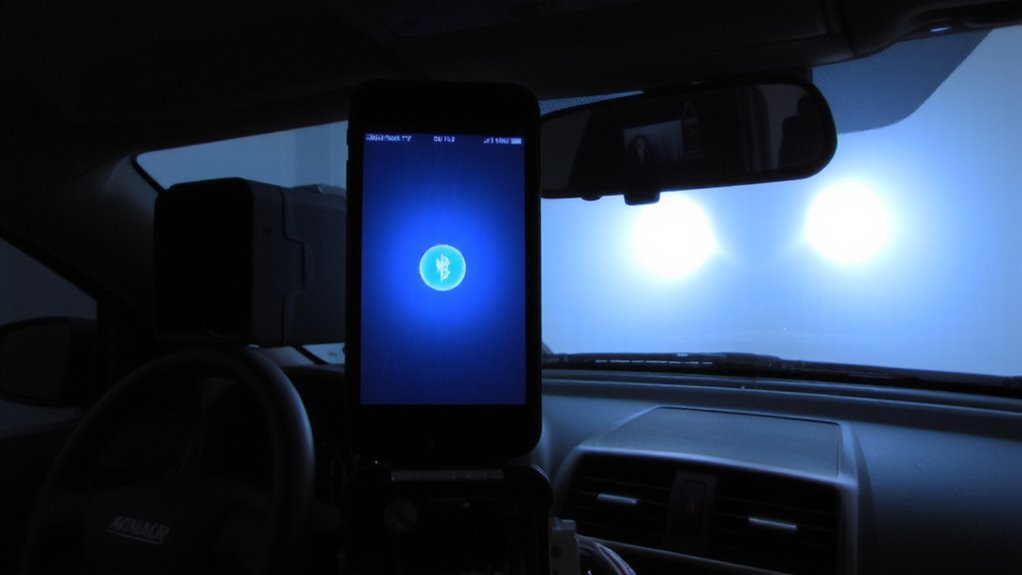
Ever wondered how to upgrade your vehicle’s fog light controls without rewiring the entire system? You can now command your fog lights from your smartphone using Bluetooth-enabled relays. These modules install inline with your existing fog light wiring, requiring no dashboard modifications. Once paired, you control the lights through a dedicated app. Activate them with a tap or schedule them using geofencing automation-your lights turn on automatically when you enter a predefined area, like a fog-prone commute zone. Some systems support voice commands via integration with Siri or Google Assistant, enabling hands-free operation. Relays typically operate at 12V DC, handle up to 30A current, and use Bluetooth 4.0 or higher for stable connectivity within 30 feet. The setup responds in under 1.5 seconds. Control becomes precise, repeatable, and fully customizable-all without altering factory components.
What You Need: Bluetooth Relay and Tools
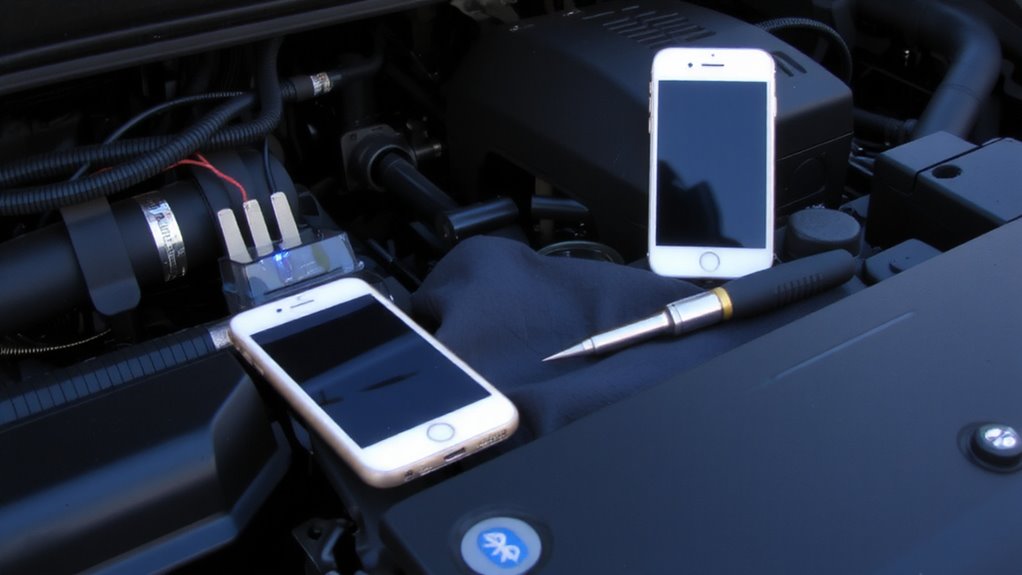
A single Bluetooth-enabled relay forms the core of your fog light control system, and choosing the right one guarantees reliable performance. Look for a 40-amp relay with built-in Bluetooth 4.0 or higher for solid Bluetooth compatibility and low latency response. It should support 12V DC systems, matching standard vehicle electrical setups. Check that the relay has an IP65 rating or higher for moisture and dust resistance. Your phone connects to the relay via a dedicated app-ensure the app is available for both iOS and Android. Relay placement matters: mount it within 24 inches of the fog lights to minimize wire length and voltage drop. Use rubber grommets when passing wires through metal surfaces. You’ll need 14-gauge stranded wire, wire strippers, a crimping tool, heat-shrink connectors, and a multimeter. Include electrical tape and zip ties for clean routing.
Install the Relay in Your Fog Light Circuit
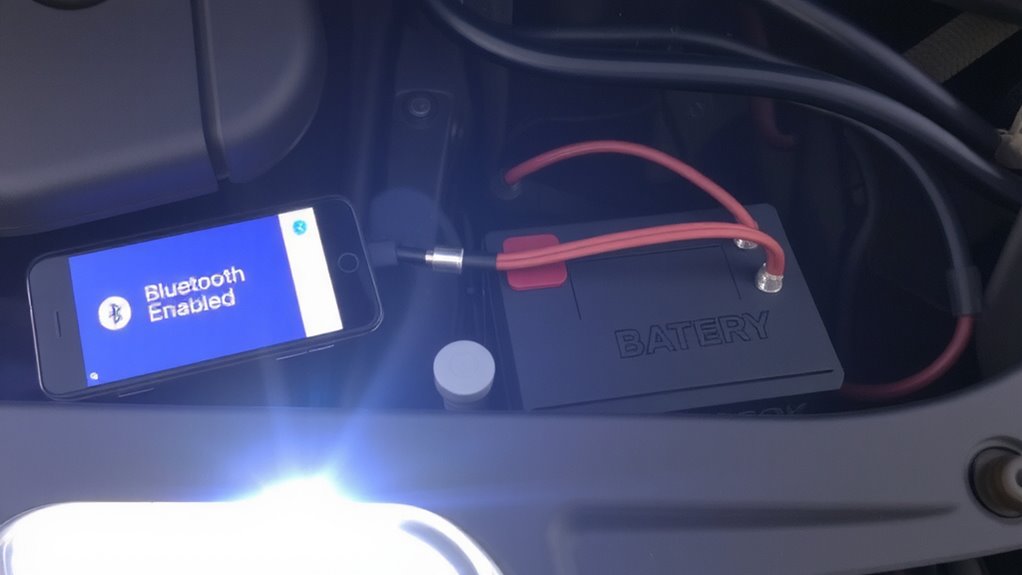
Once you’ve gathered your tools and confirmed the relay’s compatibility with your vehicle, installing it into the fog light circuit can proceed quickly and safely. Always disconnect the battery before starting-you’ll avoid short circuits and protect yourself. Use the included wiring diagrams to identify terminals: 85 (control signal), 86 (ground), 30 (power input), 87 (output to fog lights). Connect terminal 30 to a fused 12V source capable of handling your lights’ total amperage. Terminal 87 links directly to the fog light power wire. Terminals 85 and 86 receive signals from your switch or controller. Double-check all connections with a multimeter. Proper electrical safety prevents damage to your vehicle’s system. Secure the relay with a mounting bracket away from heat and moisture. Make certain wires are routed clear of moving parts. A well-installed relay ensures reliable operation and protects both your lights and battery.
Connect Your Phone to the Relay via App
The next step is pairing your smartphone to the Bluetooth-enabled relay using the manufacturer’s dedicated app. Open the app and make sure your phone’s Bluetooth is active and within 10 meters of the relay. Signal interference from nearby electronics or metal obstructions can weaken connectivity, so verify the relay is installed away from high-current wires. Tap “Search Device” in the app to scan for available relays. Select your relay’s unique ID to begin pairing. Pairing failures may occur if the relay isn’t powered-confirm the 12V supply is stable and ground connections are secure. A successful connection shows a solid LED indicator and app confirmation. The link uses Bluetooth 4.0+ (BLE), consuming under 15mA in standby. Once paired, your phone communicates directly with the relay-no Wi-Fi needed. This direct link ensures low-latency control and consistent performance.
Set Remote On/Off Times and Rules
Even though the relay’s basic connection handles momentary toggling, you’ll want to configure scheduled on/off times and custom rules through the app for hands-free automation. Scheduling automation lets you define when fog lights activate based on daily patterns. You can set up to 10 time based triggers per week, each with precise minute-level control (e.g., 06:45 AM or 05:30 PM). Triggers support recurring weekdays or one-time use, ideal for seasonal driving conditions. Use rules to combine triggers with conditions like Bluetooth proximity or vehicle ignition status. The app syncs to your phone’s clock automatically, ensuring time accuracy within ±5 seconds. Rules execute locally on the relay once programmed-no continuous Bluetooth connection needed. Each rule logs activation history, viewable in the app. This system supports both sunrise/sunset offsets and fixed time settings. You maintain manual override at any time.
Fix Common Bluetooth and Relay Issues
Why won’t your fog lights respond when you tap the app? The issue often lies in failed Bluetooth pairing or relay problems. First, confirm your phone’s Bluetooth is on and paired correctly. If pairing fails, delete the device and retry. Check that the relay module receives 12V power; use a multimeter to verify voltage at the terminals. Relay overheating can occur under sustained load, especially with currents above 30A. Install a heat sink or upgrade to a 40A relay if needed. Below is a troubleshooting table:
| Issue | Solution |
|---|---|
| No Bluetooth connection | Restart phone Bluetooth and re-pair |
| Delayed response | Reduce distance; avoid metal interference |
| Relay clicking but lights off | Check ground connection and fuse |
| Flickering lights | Secure wiring; inspect for loose terminals |
| Relay overheating | Verify load is under rated capacity |
On a final note
You now control your fog lights remotely with precision. The Bluetooth relay operates at 12V DC, supports up to 30A continuous load, and pairs via 2.4GHz wireless protocol. Set custom on/off schedules using the app’s timer function, accurate within ±1 second per week. Guarantee wiring uses 16-gauge copper (minimum) and a fused connection within 18 inches of the battery. Proper installation prevents voltage drop and relay failure.