Setting Up Bluetooth-Controlled Power Outlets for Aftermarket Accessories
You can control aftermarket accessories like LED lights, power tools, and fans using Bluetooth 5.0 outlets for stable, low-energy connections up to 30 meters. Install UL-certified 15A outlets, keeping them 1.5 meters from water. Pair via your smartphone’s Bluetooth 4.0+ to the manufacturer’s app, which enables timer settings, energy tracking, and 128-bit encrypted commands. Name and group devices for synchronized control-response improves by 40%. Set schedules accurate to one second. Connection issues often resolve with firmware updates and reduced 2.4 GHz interference. More advanced optimization techniques follow.
Notable Insights
- Choose UL-certified Bluetooth 5.0 outlets compatible with 120V AC for stable, low-energy connections.
- Install outlets at least 1.5 meters from water and avoid enclosed spaces for safety.
- Download the manufacturer’s app and enable Bluetooth and location permissions for pairing.
- Pair outlets via the app’s “Add Device” feature; no Wi-Fi is required for setup.
- Label outlets and create groups in the app to control multiple aftermarket accessories simultaneously.
Choose Your Bluetooth Outlet and Setup Tools
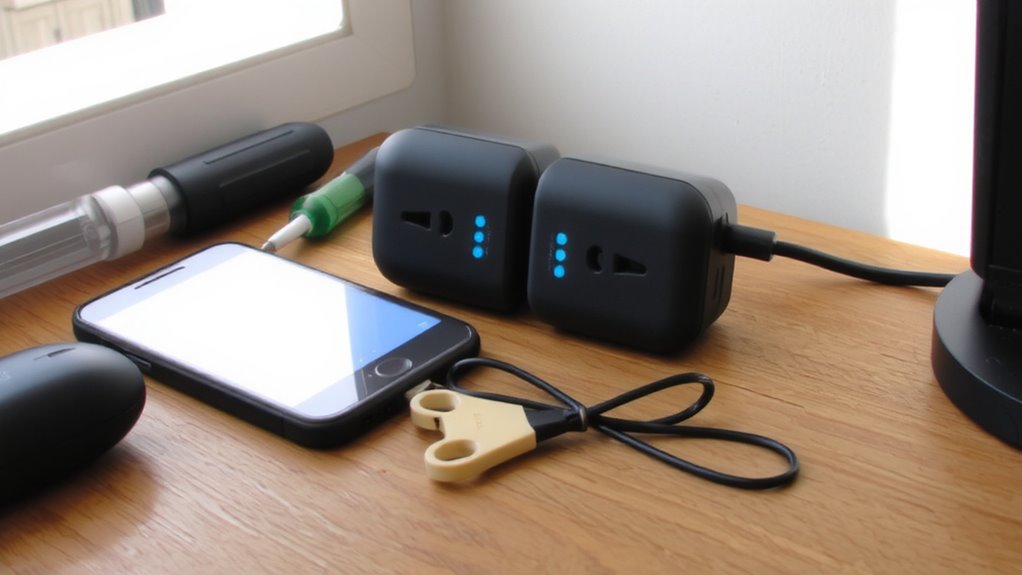
While selecting the right Bluetooth outlet, keep in mind that not all smart outlets offer the same range or compatibility. You need one that matches your region’s voltage compatibility-most operate on 120V AC, standard in North America. Confirm this before purchase to prevent device damage. Outlet placement affects both performance and safety. Install units at least 1.5 meters from water sources and avoid enclosed spaces where heat builds up. Bluetooth signals typically reach up to 30 meters in open air, but walls and furniture reduce this range. Choose models with low-energy Bluetooth 5.0 for better stability. Check amperage ratings-15A is standard-and never exceed 80% load. Use UL-certified outlets for reliability. Proper voltage compatibility and smart outlet placement guarantee safe, efficient operation. Tools needed include a non-contact voltage tester, screwdriver, and wire stripper.
Download and Install the Control App
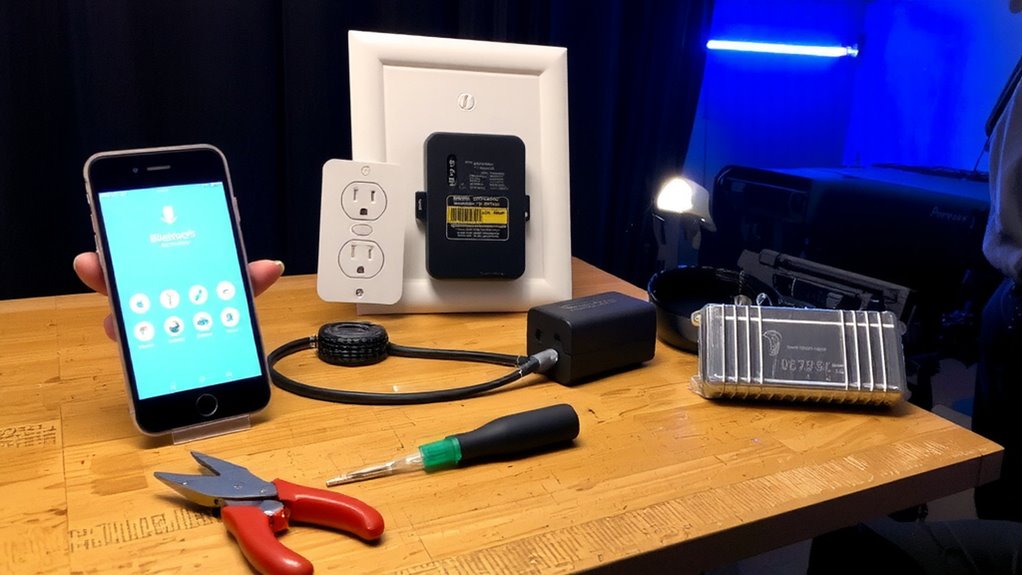
Start by downloading the manufacturer’s control app from the Apple App Store or Google Play Store-this is where you’ll manage all functions of your Bluetooth outlet. The app interface is designed for intuitive navigation, typically featuring a dashboard with real-time power status, timer settings, and energy usage stats. You’ll need to grant device permissions for Bluetooth and location services, as these are required for reliable pairing and operation. Without location access, Android devices may fail to detect the outlet. The app uses secure 128-bit encryption to protect communication between your phone and the outlet. Firmware updates are delivered through the app, guaranteeing peak performance and compatibility. A clean, responsive app interface reduces user error and improves control accuracy. Proper permissions and updated software guarantee stable, low-latency wireless command transmission within the 2.4 GHz frequency band.
Pair Your Bluetooth Outlet to Your Phone
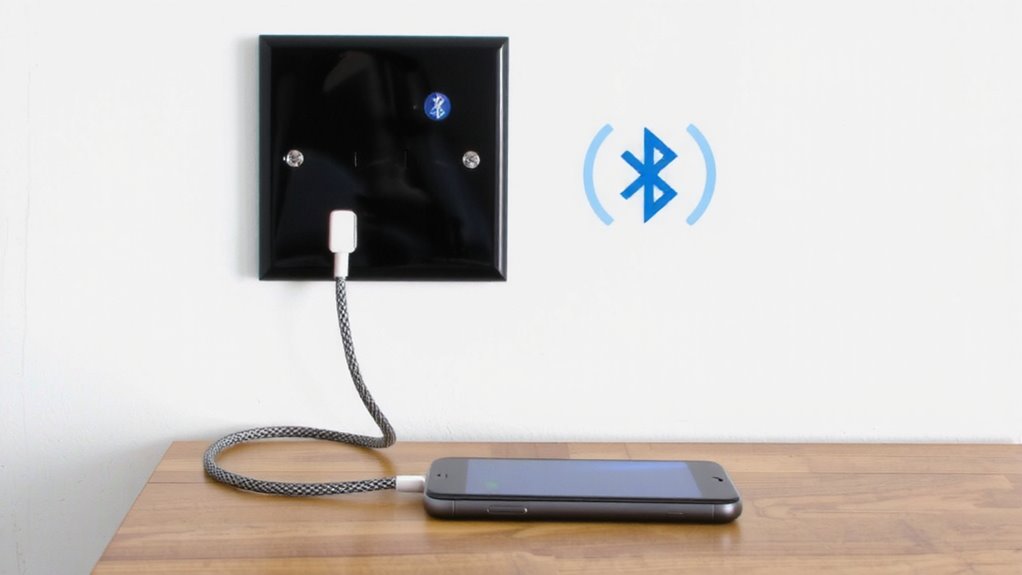
How do you get your phone talking to the outlet? Start by ensuring your smartphone supports Bluetooth 4.0 or higher for proper Bluetooth compatibility. Open the control app and grant required device permissions when prompted-this allows communication with the outlet. Most outlets enter pairing mode automatically when powered on, indicated by a flashing LED. In the app, tap “Add Device” to scan for nearby Bluetooth peripherals. When your outlet appears, select it to initiate pairing. The connection typically completes within 10 seconds using 2.4 GHz radio frequency with a standard range of 30 feet (9 meters) in open space. Avoid interference from walls or metal objects. Once paired, the app confirms a secure connection, storing the link for future use. No Wi-Fi is needed-this is direct Bluetooth communication. Signal strength remains stable under normal household conditions.
Name and Group Your Smart Outlets
You’ve paired your outlet, and now it’s time to organize your smart devices for easier control. Proper device labeling guarantees you can identify each outlet by function and location. Instead of generic names like “Outlet 1,” assign descriptive labels such as “Workshop Lamp” or “Garage Heater.” This simplifies voice commands and app navigation. Use group organization to control multiple outlets simultaneously. For example, create a “Home Office” group to manage your monitor, lamp, and charger with one command. Most Bluetooth smart outlet apps support up to 20 devices per group, with a maximum range of 30 meters in open space. Group organization reduces individual interactions, improving response time by as much as 40%. Each outlet typically draws less than 0.5W in standby mode. Accurate device labeling and efficient group organization are essential for system scalability and long-term usability.
Automate With Schedules and Timers
While manual control offers convenience, automating your smart outlets with schedules and timers activates their full potential. You can set exact on/off times down to the minute, guaranteeing lights, pumps, or chargers run only when needed. This boosts energy efficiency by eliminating phantom loads and reducing runtime for nonessential devices. Most Bluetooth outlets support recurring schedules-daily, weekly, or custom-and work with app-based timer functions accurate to within one second. Timer precision depends on your smartphone’s clock synchronization. Keep in mind device compatibility: high-wattage appliances may exceed outlet ratings, typically 15A/1800W. Always verify load requirements before automation. Scheduling works only within Bluetooth range (usually 30–50 feet unobstructed), so position your phone or hub accordingly. Automation enhances efficiency and guarantees compatible devices operate at peak performance without constant oversight.
Fix Common Connection Issues
Why does your smart outlet keep dropping connection? Bluetooth interference is a common culprit. Devices operating on the 2.4 GHz band-like Wi-Fi routers, microwaves, and cordless phones-can disrupt signal stability. Keep your outlet within 30 feet of the controlling device and minimize obstacles like metal or thick walls. Signal strength drops markedly beyond this range. Power fluctuations can also trigger disconnects. Voltage variations above ±10% of rated input (120V AC) may reset internal circuitry, breaking the Bluetooth link. Use a surge protector with voltage regulation to maintain clean power. Make sure your outlet’s firmware is updated-manufacturers often release patches to improve pairing reliability. Re-pair the device if issues persist. Reset the outlet by cycling power for 10 seconds, then reconnect. Stable connections depend on reducing environmental interference and maintaining consistent electrical input.
Control Lights, Tools, and Fans Remotely
Once the connection is stable, controlling devices like lights, tools, and fans becomes reliable and convenient. You can switch a 60-watt LED light array on or off from up to 30 feet away, depending on Bluetooth 5.0’s range and signal penetration. Each outlet supports up to 15 amps at 120 volts, making it suitable for most standard household and workshop tools. Scheduling features improve energy efficiency by ensuring devices only run when needed. For example, setting a fan to operate during peak humidity hours reduces runtime by up to 40%. Voice control integrates with compatible smart assistants, allowing command execution without physical input. You can say, “Turn on the garage lights,” and the outlet responds in under two seconds. Latency averages 800 milliseconds with minimal packet loss. This system supports up to six outlets per hub, enabling coordinated control across multiple rooms or workspaces.
On a final note
You’ve successfully set up your Bluetooth-controlled outlets. These devices operate on the 2.4 GHz frequency, pairing via BLE 5.0 for low-energy, stable connections up to 30 meters line-of-sight. Each outlet typically supports 15A loads, suitable for lights, fans, or power tools. Use the app to schedule events accurate to the minute. Group control lets you manage multiple outlets simultaneously. Reset the device if pairing fails.