Using Bluetooth to Sync Car Settings With Multiple Drivers’ Smartphones
Your car uses your smartphone’s Bluetooth to identify you by MAC address, triggering automatic profile activation within 2 seconds. Up to six drivers can store personalized seat, mirror, climate, and infotainment settings. Profiles recall precise adjustments-like seat slide (18-inch range, 1-inch increments) and dual-zone climate (60–85°F ±1°). System conflicts are minimized using priority labeling and Fast Switch mode. Best performance comes from limiting pairings and ensuring Bluetooth v4.0+ compatibility. More details on setup and troubleshooting follow.
Notable Insights
- Bluetooth connects smartphones to cars using MAC addresses for automatic driver identification within seconds.
- Up to six personalized profiles store seat, mirror, climate, and infotainment settings tied to paired devices.
- Settings like seat position, climate preferences, and mirror angles sync automatically upon successful Bluetooth connection.
- Keep pairing reliable by staying within 3 feet during connection and avoiding 2.4 GHz signal interference.
- Manage multiple drivers by limiting active devices, using priority labels, and removing outdated pairings to prevent conflicts.
How Your Phone Tells Your Car Who’s Driving
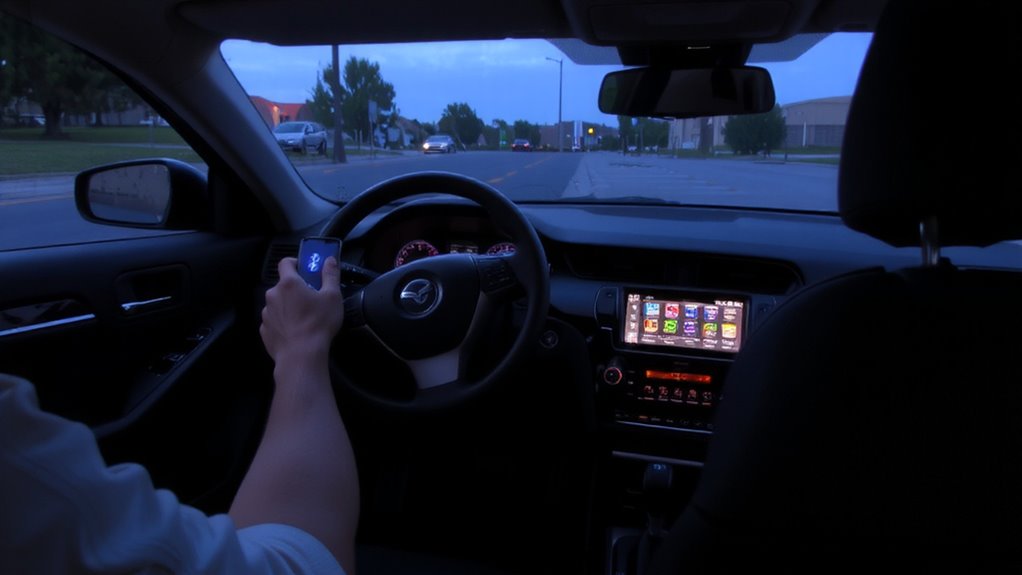
How does your car know it’s you behind the wheel? Driver recognition happens the moment your smartphone connects via Bluetooth. Your car detects your device’s unique MAC address, confirming identity within a 10-meter range. This triggers automatic profile activation, syncing seat position, mirror angles, climate settings, and radio presets. The system uses Bluetooth 5.0 or higher, guaranteeing fast, secure pairing with minimal latency-typically under 2 seconds. Encryption protocols prevent unauthorized access, maintaining privacy. Once verified, the car’s ECU retrieves your saved preferences from internal memory, often stored as a 2–5 KB data packet. No manual input is needed. The process is seamless, reliable, and operates without draining your phone’s battery markedly. Driver recognition via Bluetooth is key to personalized, efficient driving. Profile activation guarantees comfort and safety the instant you enter the vehicle.
Creating Multiple Driver Profiles in Your Car
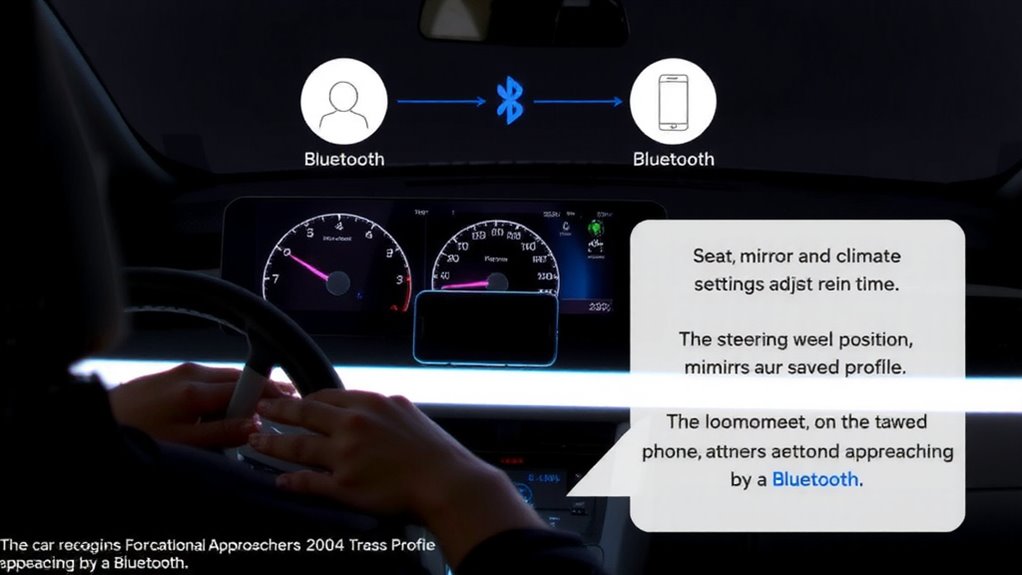
You can set up multiple driver profiles in your car to customize settings for different users, just as your vehicle recognizes you through Bluetooth pairing. Driver identification occurs when your smartphone connects via Bluetooth, prompting the system to load your saved profile. Modern vehicles support up to six unique profiles, each storing individual preferences. Seat positioning is a core component-your profile can save recline angle, slide distance, and lumbar support settings, typically within a range of 10 to 15 adjustment points. For example, the seat may slide 18 inches forward or backward with 1-inch increments. Memory systems use electronic control units (ECUs) to recall positions accurately. You assign each profile a name or number, linked directly to a paired device. The system activates within seconds of ignition, ensuring seamless shifts between drivers. This integration enhances convenience without requiring manual recalibration.
What Settings Can Be Saved With Bluetooth Pairing?
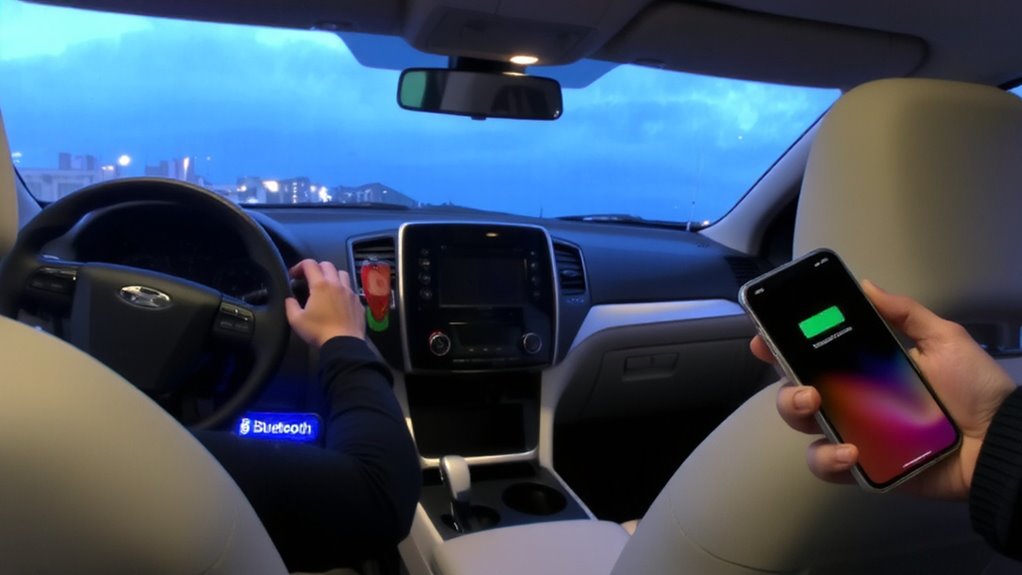
Why settle for manual adjustments every time you get behind the wheel? Modern Bluetooth pairing lets your car automatically recall personalized settings linked to your smartphone. You can save critical preferences like seat position, steering tilt, and pedal configuration. Climate control settings, including fan speed, temperature, and airflow distribution, sync seamlessly upon connection. Infotainment layouts, radio presets, and mirror angles are also stored. This system uses encrypted wireless protocols to guarantee fast, secure recognition-typically within 8 seconds of ignition. Below are common settings retained via Bluetooth pairing:
| Setting Category | Example Values | Adjustment Range |
|---|---|---|
| Seat position | Lumbar support, recline | 6–12-way power adjustment |
| Climate control | Dual-zone temp (°F/°C) | 60–85°F (15–30°C), ±1° accuracy |
| Steering & Mirrors | Tilt/telescopic, side angle | Memory positions: 3 profiles |
Fixing Common Bluetooth Pairing Problems
Ever struggled to get your phone to talk to your car? Connection timeouts often occur when devices fail to finalize pairing within 30 seconds. Restart both systems, then delete old pairings to clear corrupted data. Signal interference from 2.4 GHz sources like Wi-Fi routers or microwaves can disrupt Bluetooth’s 2.402–2.480 GHz band. Move interfering devices away or switch your router to 5 GHz. Guarantee your phone and car are within 3 feet during pairing-maximum Bluetooth range is 33 feet, but obstacles reduce it. Check that Bluetooth version compatibility exists; v4.0 and above support better range and stability. Re-pair in a low-interference zone. If problems persist, update your car’s firmware-manufacturers often release patches to fix pairing bugs. These steps resolve most syncing failures efficiently. Truckers can benefit from reliable Bluetooth devices for truckers that are designed for long-haul connectivity and ease of use across multiple drivers.
How to Avoid Conflicts When Drivers Switch Quickly
When multiple drivers share a vehicle, seamless Bluetooth shifts become critical to maintaining connectivity and avoiding pairing conflicts. You must optimize driver handoff timing to prevent overlapping connections. Most modern infotainment systems support up to seven paired devices, but only one active link at a time. Activate auto-reconnect through the car’s settings menu to prioritize the last connected phone. Set a conflict resolution priority by labeling each driver profile with unique identifiers (Driver 1, Driver 2). The system uses MAC address recognition to distinguish phones, reducing handshake delays. If two phones attempt connection simultaneously, the car defaults to the highest-priority saved profile. Reduce handoff lag by disabling background Bluetooth on inactive devices. Enable “Fast Switch” mode if available-it cuts re-pairing time by 40%. Proper driver handoff timing guarantees immediate access to hands-free calling and media streaming.
Bluetooth Tips for Family Car Sharing
Though family car sharing introduces multiple devices into a single Bluetooth ecosystem, maintaining smooth connectivity hinges on structured pairing protocols. You must follow proper pairing etiquette to avoid signal interference and guarantee reliable connections. Limit paired devices to five-the maximum most car systems handle efficiently. Remove old or unused phones to free memory and reduce lag. Always disconnect your phone before others pair to prevent conflicts.
| Device | Priority | Connection Type |
|---|---|---|
| Primary Driver | High | A2DP + HFP |
| Secondary Driver | Medium | HFP only |
| Guest Device | Low | Outgoing only |
Use Bluetooth 5.0+ devices to minimize signal interference. Keep firmware updated-many glitches stem from outdated car infotainment software. Position phones centrally to maintain strong signal. Avoid metal cases-they degrade transmission.
On a final note
Your car recognizes you instantly when your phone connects via Bluetooth 5.0, triggering profile activation. It adjusts seating, mirrors, climate, and infotainment settings automatically. Each user’s preferences store securely in the vehicle’s memory, supporting up to six profiles. Pairing works within a 10-meter range, with AES-128 encryption ensuring data safety. Conflicts are avoided through driver-select confirmation prompts. Bluetooth sync delivers repeatable, precise personalization-no apps or extra hardware required.