Examining Scored Rotor Faces From Metal Debris Embedded in Used Brake Pads
Metal debris in your brake pads scratches rotors, causing scoring that worsens with pad quality. Deep grooves over 0.015 inches signal danger, often from pads with excess metal-over 30%-that abrade surfaces. High-quality pads leave fewer than five fragments per 10cm² and minimal scoring. Light marks under 0.005 inches are normal. Excessive grit means poor material bonding. You’ll discover how to match pad composition to rotor longevity and performance with further inspection.
Notable Insights
- Metal debris embedded in brake pads can cause rotor scoring, especially when pads contain over 30% metal content.
- Scoring deeper than 0.015 inches indicates dangerous wear and often results from loose metal fragments grinding during braking.
- Low-quality pads leave more than 50 metal fragments per 10cm², increasing rotor abrasion and scoring depth up to 0.30 mm.
- Bluish or purple heat marks on scored rotors suggest overheating, which may lead to warping and reduced braking performance.
- Replace rotors below minimum thickness specs or with deep scoring; resurface only if wear is under 0.8 mm and thickness allows.
What Metal in Your Brake Pads Says About Your Rotors
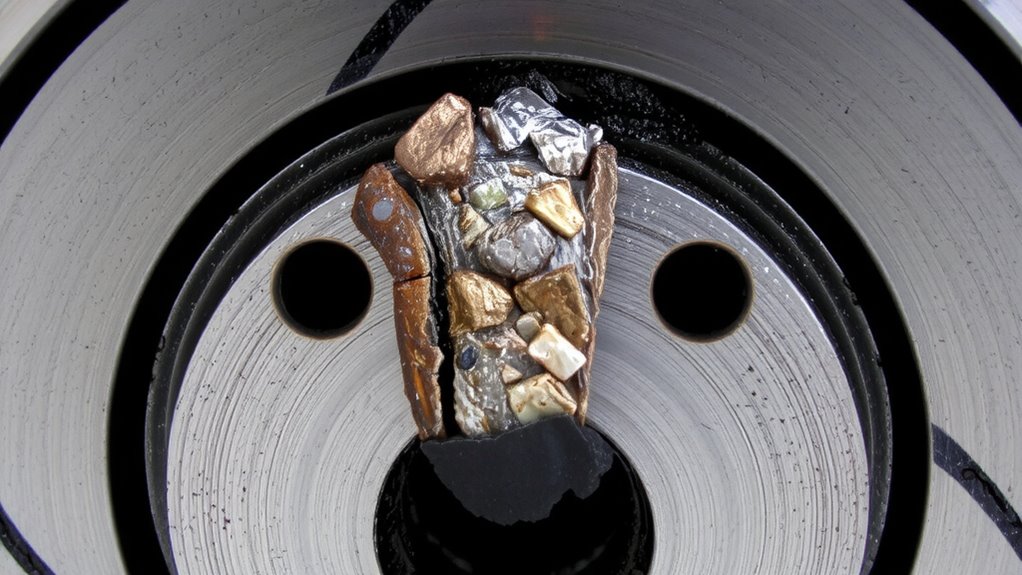
Metal content in your brake pads directly influences rotor wear and performance. High metal content in the friction material increases thermal conductivity and braking efficiency but accelerates rotor abrasion. Your brake system relies on balanced composition-typically 30% to 60% metal by weight in semi-metallic pads. Steel fibers, copper, and iron improve heat dissipation, sustaining performance under loads up to 600°F. However, excessive metal creates a coarse interface, increasing the likelihood of surface scoring. Low-metal or ceramic friction material reduces rotor wear but sacrifices some stopping power. Pad formulations with over 70% metal content often indicate aggressive use cases, like towing or track driving. You should inspect pad composition during routine maintenance, as mismatched friction material can compromise rotor integrity. Proper metal balance guarantees effective braking while preserving rotor lifespan-critical for long-term brake system reliability.
Spot Dangerous Rotor Scoring vs. Normal Wear
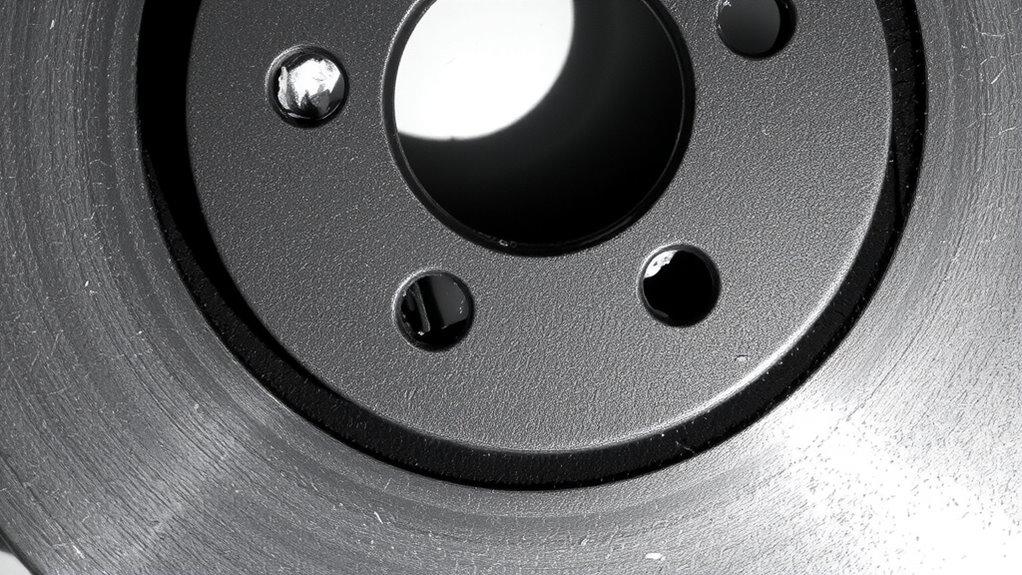
Surface markings on your rotors tell you whether wear is within normal limits or if damage demands immediate attention. Light scoring under 0.005 inches deep is typical, caused by everyday friction and embedded grit. These shallow grooves don’t affect braking performance. Deeper gouges exceeding 0.015 inches indicate dangerous rotor scoring, often linked to metal fragments grinding into the surface. You’ll notice persistent brake noise patterns-like grinding or scraping-that worsen over time. Surface heat marks appear as bluish or purple discoloration, signaling overheating and potential warping. These thermal stains mean the rotor’s microstructure has changed, reducing strength and heat dissipation. Rotors with visible heat marks or deep scoring should be measured with a micrometer; if thickness falls below the manufacturer’s minimum spec, replacement is required. Don’t ignore these signs-safety depends on it.
How Metal Fragments Reveal Low-Quality Brake Pads
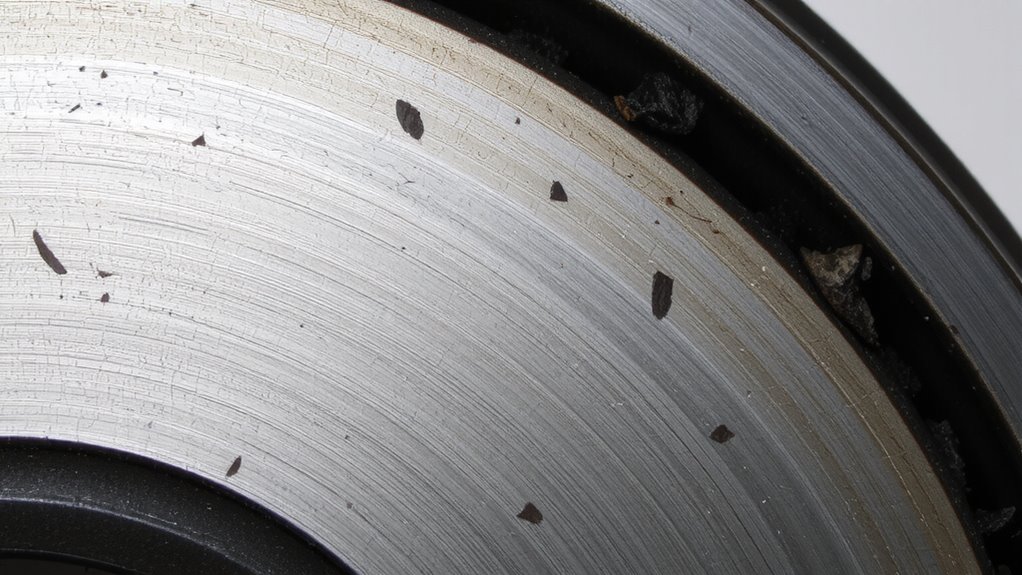
While braking, the material your pads are made from directly affects what’s left behind on the rotor. Poor pad composition often includes excessive metallic shards that gouge rotor surfaces. These fragments indicate substandard materials or manufacturing defects, like uneven mixing or contamination. Instead of delivering smooth friction, low-quality pads grind like sandpaper, leaving deep, erratic scoring. High-grade pads use balanced formulations with minimal free metals.
| Feature | Low-Quality Pads | High-Quality Pads |
|---|---|---|
| Metal Fragment Count | >50 per 10cm² | <5 per 10cm² |
| Scoring Depth | 0.15–0.30 mm | <0.05 mm |
| Common Causes | Poor blending, contamination | Controlled pad composition, quality control |
You can trace these flaws back to manufacturing defects in production. Consistent fragment patterns confirm systemic issues, not random wear.
4 Sources of Brake Pad Debris (And What They Mean)
What causes the gritty residue clinging to your rotors after just a few thousand miles? It stems from brake pad wear, where friction material breaks down during operation. The metal composition of your pads plays a critical role-low-quality formulations contain excessive metallic fragments like iron or steel. These hard particles abrade the rotor surface, leaving scored marks and depositing conductive debris. Premium pads use controlled metal content, typically under 15% by weight, bonded securely within composite matrices. In contrast, budget pads exceed 30% metal, increasing debris generation. This excess wear produces granular residue visible along rotor faces. The debris isn’t just dirt-it’s a direct byproduct of unstable friction materials. Persistent shedding indicates poor formulation, accelerating rotor wear. You can expect measurable thickness loss-up to 0.5 mm after 15,000 miles-with substandard pads. That debris tells you the metal composition failed cohesion under heat and pressure. Upgrading to best rotor brands can significantly reduce debris accumulation and improve braking performance over time.
Inspect Pads and Rotors Step by Step
You can spot signs of brake degradation early by inspecting your pads and rotors systematically. Begin with the pads: check pad material thickness; anything below 3mm needs attention. Uneven wear suggests caliper issues. Look for cracking, glazing, or contamination-these degrade friction compounds’ effectiveness. Healthy friction compounds appear consistent in color and texture, without hot spots or hardening. Now examine the rotor. Check for scoring, ridges, or deep grooves-these indicate embedded metallic debris. Use a micrometer to measure rotor thickness; compare to the manufacturer’s minimum spec stamped on the rotor. Also, feel for pulsation when braking-this often signals warping. Surface corrosion is normal, but deep pitting isn’t. You should inspect both inboard and outboard surfaces. Rotors must meet flatness tolerances (typically under 0.001 inches). Pad material integrity and rotor condition directly affect braking efficiency and safety.
Replace or Resurface? How to Decide Based on Damage
How do you know when to replace versus resurface your rotors? It comes down to brake thickness and the severity of rotor damage. If your rotor’s measured thickness is below the manufacturer’s minimum, replacement is required-resurfacing isn’t safe. Most rotors have a discard thickness stamped on the hub, typically between 1.5 to 2 mm. Resurfacing removes 0.5 to 1.0 mm, so adequate starting thickness is essential. Surface scoring deeper than 1.5 mm means the friction material can’t maintain consistent contact. Shallow grooves under 0.8 mm may allow resurfacing. Warped rotors with runout exceeding 0.05 mm should be cut or replaced. Always verify rotor condition with a micrometer and dial indicator. Resurfacing extends life if done correctly-but when in doubt, replace. Upgrading your wheels with the right best rims for Tacoma can influence brake performance and rotor longevity.
On a final note
You must inspect brake pads and rotors together. Metal debris in pads indicates abrasive wear. Scoring deeper than 1.5 mm requires rotor resurfacing or replacement. Surface cracks under 0.5 mm are normal. Copper or steel fragments suggest low-quality friction material. OEM pads use consistent compound ratios. Aftermarket pads vary in hardness, measured in Shore A durometers. Match pad specs to vehicle requirements. Ignore debris at your risk.