Why Your Car’s Bluetooth Disconnects and How to Fix It Permanently
Your car’s Bluetooth disconnects due to weak 2.4 GHz signals, interference, or outdated hardware. Distance and metal obstructions like dashboards block transmission, causing dropouts. Older cars with Bluetooth 3.0 max out at 24 Mbps, creating bottlenecks with modern 5.0 phones. Wi-Fi, microwaves, and USB chargers add signal noise. Clear old pairings, update firmware annually, and re-pair devices. Position your phone near the dashboard for up to 60% better throughput-optimal placement and updated software guarantee lasting stability.
Notable Insights
- Signal strength drops due to distance and metal obstructions like dashboards, causing audio stutters and disconnections.
- Older cars with Bluetooth 3.0 can’t fully sync with modern Bluetooth 5.0 phones, reducing connection stability.
- Interference from Wi-Fi, microwaves, and onboard electronics disrupts the 2.4 GHz signal used by Bluetooth.
- Excess paired devices overload the infotainment system, leading to conflicts and slower, unstable connections.
- Outdated firmware and software lack optimizations, so updating both car and phone improves reliability and range.
Why Your Car’s Bluetooth Keeps Disconnecting
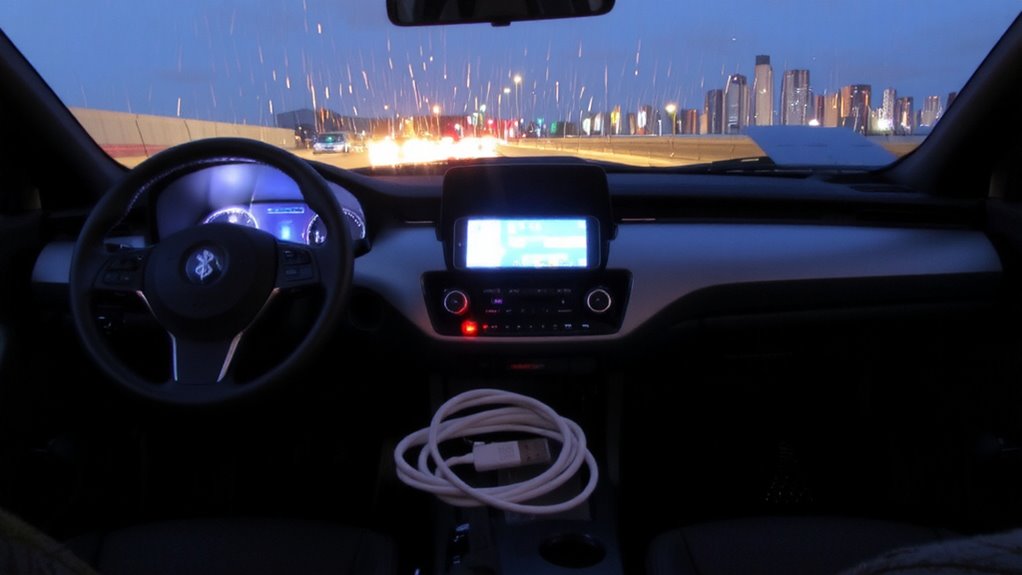
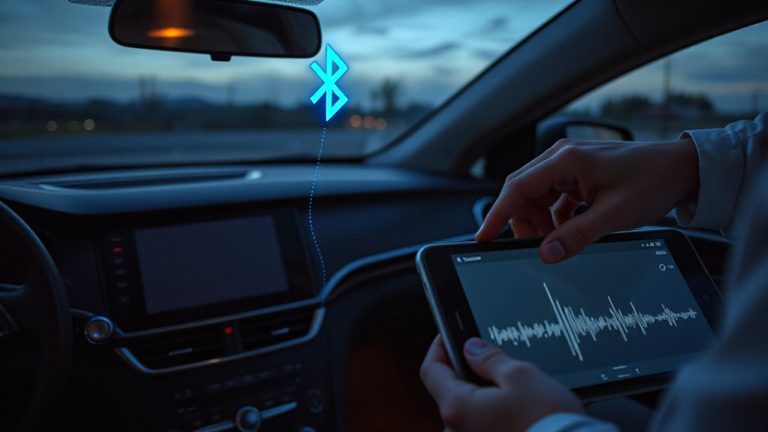
Why does your car’s Bluetooth keep cutting out? Signal strength is often the primary issue. If your phone is too far from the car’s receiver or blocked by metal, the connection weakens. Bluetooth uses the 2.4 GHz radio band, which struggles with interference from Wi-Fi, microwaves, or even USB chargers. Low signal strength causes audio stutters or disconnections. Hardware compatibility matters just as much. Older vehicles may only support Bluetooth 3.0, while your modern phone likely uses 5.0. That mismatch limits data transfer speed to 24 Mbps and reduces stability. Even certified Bluetooth modules can falter if the car’s antenna placement is poor. Manufacturers sometimes embed antennas in pillars or dashboards, creating dead zones. Firmware updates rarely fix these hardware limits. You can’t upgrade the car’s built-in electronics like a phone. Poor signal strength and outdated hardware compatibility together explain most Bluetooth dropouts.
Fix Bluetooth That Keeps Cutting Out
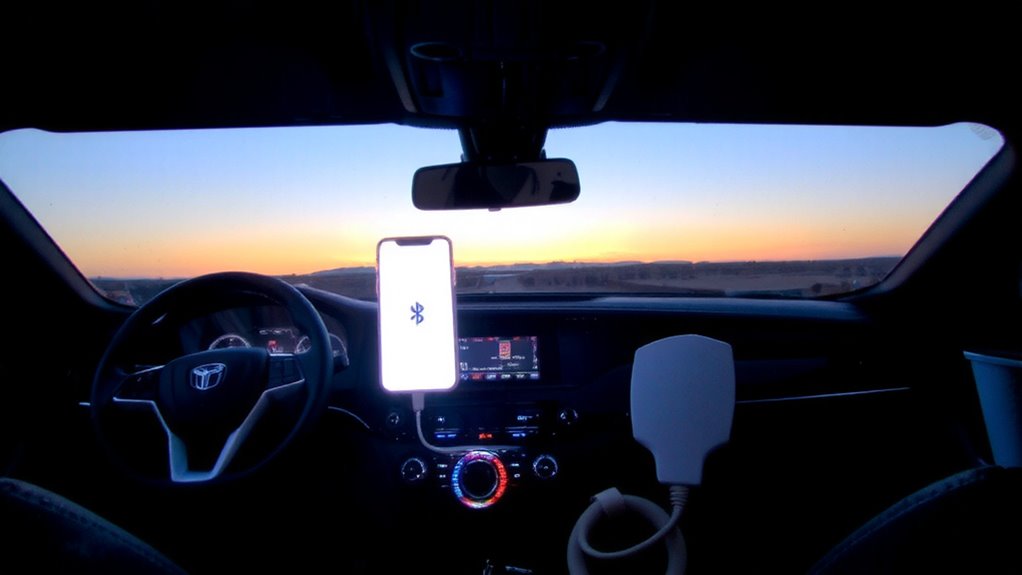
Start by checking your phone’s Bluetooth version and your car’s supported protocol-mismatched standards often cause unstable connections. Most modern phones use Bluetooth 5.0 or higher, while older car systems support only 4.0 or 4.2, creating compatibility gaps. Update your phone’s firmware and your car’s infotainment software to the latest versions. Bluetooth hardware degradation can occur in devices over three years old, reducing signal strength and range. Inspect both your phone and car’s antenna modules for wear. Power supply fluctuations in your vehicle’s electrical system-especially voltage drops below 11.5V-can disrupt Bluetooth operation. Use a multimeter to verify steady voltage at the head unit. Replace faulty alternators or corroded battery terminals if needed. Pair devices again after resets. Guarantee transmission power is set to maximum in system settings.
Remove Common Signal Interference
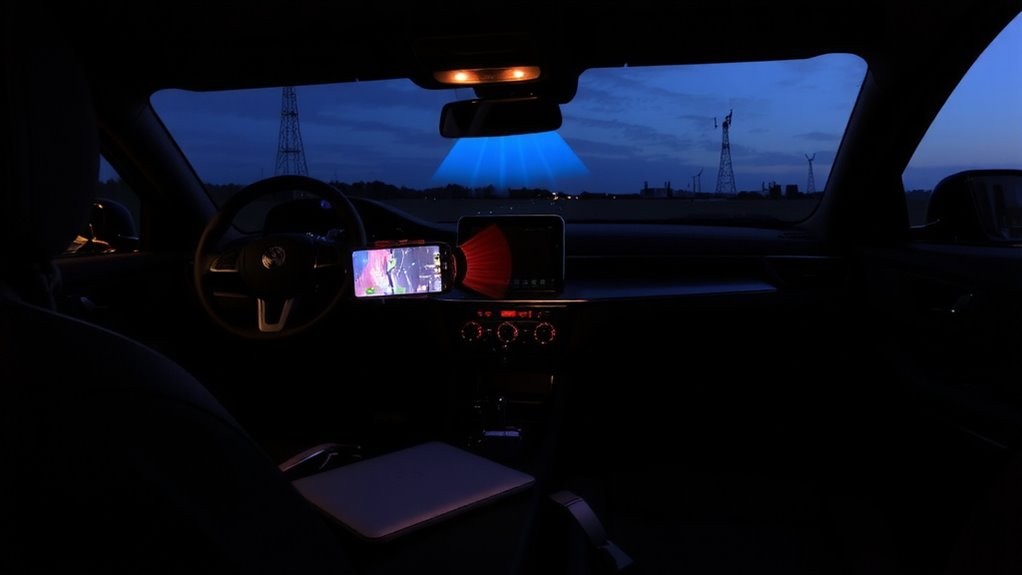
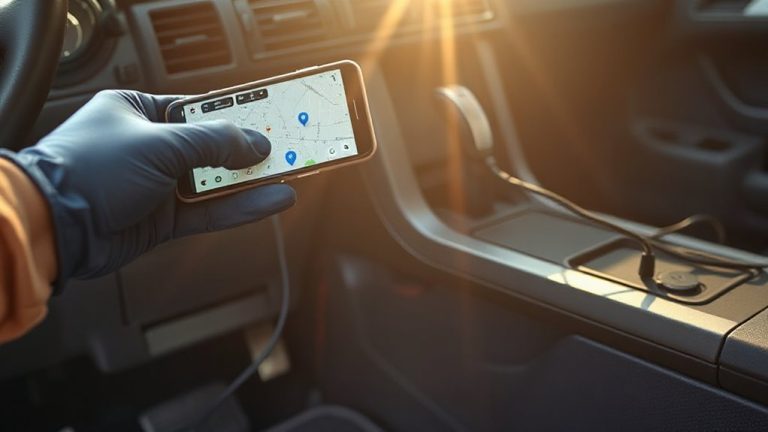
Near sources of electromagnetic noise, your car’s Bluetooth signal can degrade considerably. Signal sources like power lines, GPS devices, and onboard electronics emit interference that disrupts the 2.4 GHz frequency band Bluetooth uses. These disruptions reduce connection stability and increase dropouts. Environmental obstacles such as metal dashboards, tinted windows with metallic coatings, and thick upholstery absorb or reflect wireless signals, weakening transmission strength. To minimize interference, keep your phone away from chargers, inverters, and microwave-emitting devices. Position your smartphone higher in the cabin-closer to the dashboard-for a clearer line of sight to the Bluetooth antenna, typically located near the radio or rearview mirror. Reducing physical barriers and distance enhances signal integrity. Simple repositioning can improve data throughput by up to 60%. Eliminating these interference points guarantees stronger, more consistent connectivity without technical recalibration.
Repair Pairing Issues Caused by Old Connections
Even if your devices are within range, lingering Bluetooth pairings from previous connections can interfere with a stable link. Your car’s infotainment system typically supports up to five paired devices, hitting built-in connection limits that degrade performance. When outdated pairings accumulate, they compete for bandwidth and processing resources. You must manually delete old or unused devices from both your phone and car system to restore ideal function. Check your car’s settings menu under “Bluetooth Devices” and remove entries no longer in use. This reduces signal conflicts and improves device compatibility. Clearing old connections guarantees your phone connects quickly and reliably. Think of it like cleaning a cluttered network switch-fewer active ports mean better throughput. Resetting the pairing list avoids firmware confusion and helps prioritize trusted devices. Always re-pair your phone afterward to reestablish a clean, direct connection.
Update Your Car and Phone Bluetooth Software
Outdated Bluetooth software can cause dropped connections, slow pairing, and poor audio quality. You need regular Bluetooth upgrades to maintain compatibility and performance. Modern Bluetooth versions, like 5.0 and above, offer faster data transfer, better range, and lower power consumption-up to 2x the speed and 4x the range of older versions. Your phone automatically receives these updates through system patches, but you must enable them. Check your device settings monthly. For your car, firmware patches are often released annually or biannually. These updates fix known bugs and improve stability. Access them via your vehicle manufacturer’s website or at a dealership. Without current firmware, even newly paired devices may disconnect unexpectedly. Think of firmware patches like software vaccines-preventing issues before they spread. Always install the latest Bluetooth upgrades for both devices to guarantee seamless communication. This simple step boosts reliability and cuts downtime.
On a final note
Your car’s Bluetooth disconnection issues stem from interference, outdated software, or pairing conflicts. Modern Bluetooth 5.0+ systems support 2 Mbps data rates and 240-meter ranges, but nearby 2.4 GHz devices can disrupt signals. Resetting both devices clears old connections. Software updates patch firmware bugs affecting audio profiles like A2DP and HFP. Ensuring both car head unit and phone use Bluetooth 4.2 or higher reduces latency. Clean pairings restore stable connections.