Step-by-Step Guide to Troubleshooting Bluetooth Audio Dropouts in Modern Vehicles
Bluetooth audio dropouts in cars often stem from signal interference or codec mismatches. Your phone and car must both support compatible codecs like SBC or AAC-mismatches force lower-quality streams. Restart your phone and car’s system to reset the 2.4 GHz connection. Then, forget the device and re-pair it to clear cached errors. Make certain both devices run the latest firmware. Position your phone away from metal obstructions and Wi-Fi sources. Signal strength below -80 dBm causes cutouts, so maintaining clear line-of-sight helps. A systematic reset improves handshake reliability and may resolve persistent glitches. Further optimization steps can enhance stability under real-world driving conditions.
Notable Insights
- Check signal strength and minimize obstructions like metal objects or electronics causing interference in the 2.4 GHz band.
- Ensure compatible audio codecs between phone and car system to reduce latency and prevent audio dropouts.
- Restart both the phone and car system to reset Bluetooth connections and clear temporary communication glitches.
- Forget the Bluetooth pairing on both devices and re-pair them to eliminate cached errors and protocol mismatches.
- Update phone and car infotainment software to fix bugs and improve Bluetooth stability and interference handling.
Identify Why Bluetooth Audio Drops Out in Cars
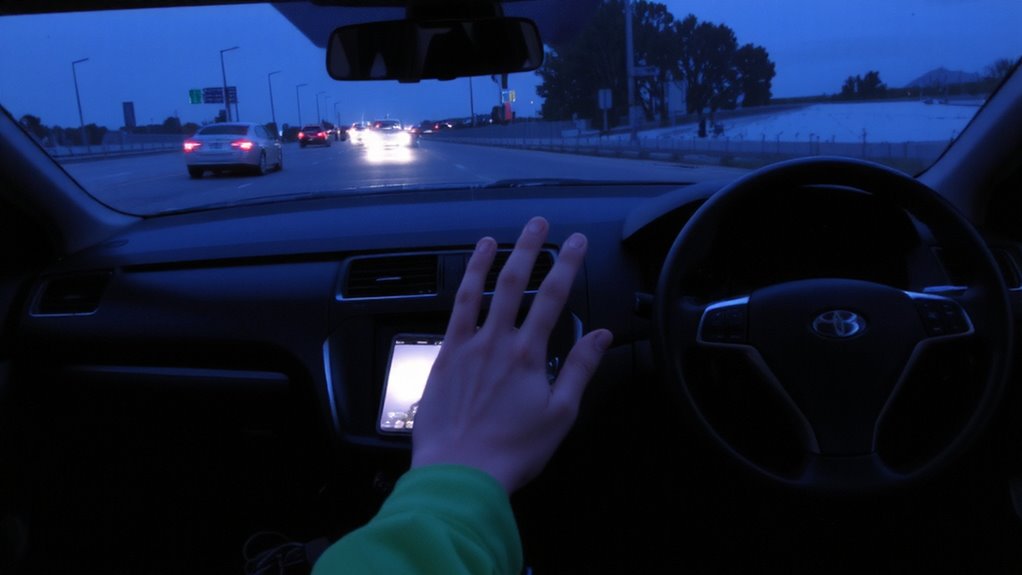
Why does your Bluetooth audio cut out while driving? Signal strength fluctuations are a primary cause. As you move, especially in urban environments, obstacles like buildings or vehicles interfere with the 2.4 GHz band, weakening the connection between your phone and car system. Your audio may stutter or drop completely when the signal dips below -80 dBm, a common threshold for stable streaming. Another factor is audio codec compatibility. If your phone uses LDAC and your car only supports SBC, the devices default to the lowest common codec, reducing efficiency and increasing latency. This mismatch stresses the Bluetooth link, especially during data-heavy playback. These combined issues-poor signal stability and incompatible encoding-create dropouts. Ensuring both devices support the same advanced codec, like AAC or aptX, improves resilience. Proper alignment of hardware specifications minimizes disruptions, maintaining consistent audio quality even in motion.
Restart Your Phone and Car’s Bluetooth
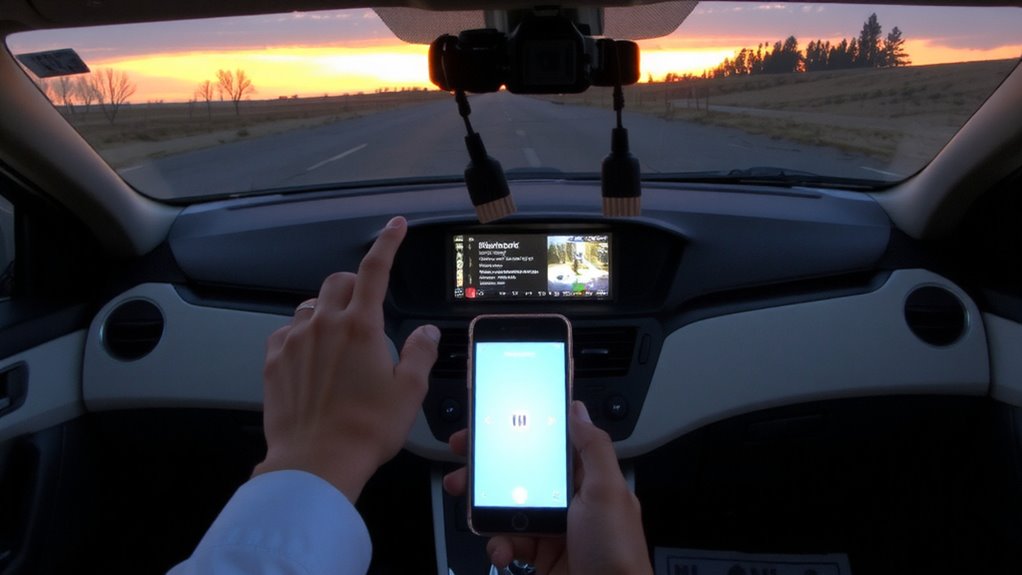
Restarting your phone and your car’s Bluetooth system is one of the fastest ways to resolve persistent audio dropouts. Power cycling clears temporary glitches affecting connection stability. Turn off your phone, wait 15 seconds, then power it back on. For your car, disable Bluetooth in the infotainment settings, turn the vehicle off, and disconnect the battery for 30 seconds if needed. Restarting resets active radio frequencies and clears signal interference in the 2.4 GHz band. It also reinitializes device pairing protocols, reducing latency and buffering delays. Most modern systems use Bluetooth 4.2 or higher, which supports adaptive frequency hopping-this minimizes interference but requires a clean boot to function ideally. A full restart typically restores reliable audio streaming within 60 seconds. This step doesn’t erase saved devices but refreshes the communication link, improving handshake efficiency between your phone and the car’s head unit.
Forget and Reconnect Your Phone
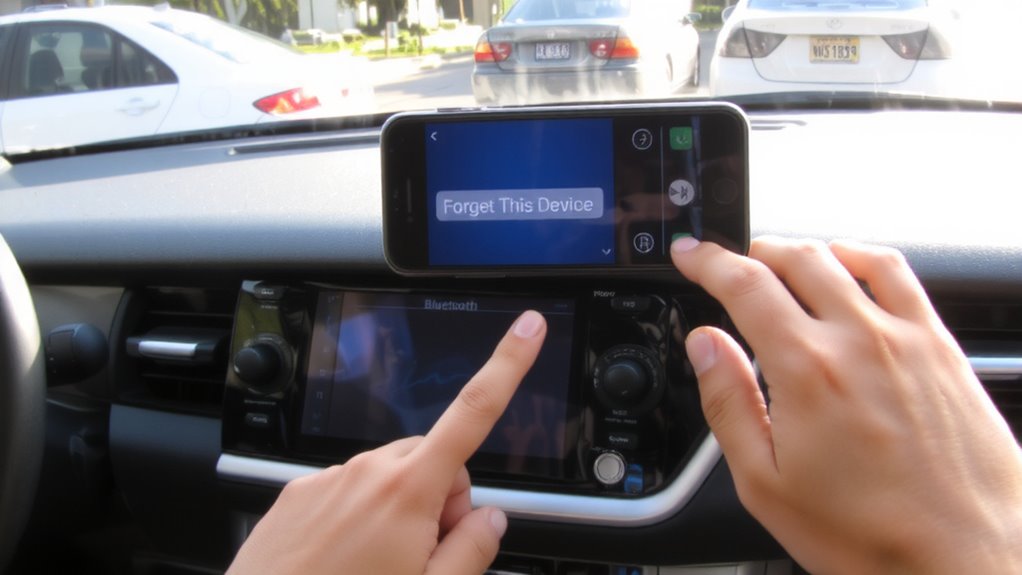
What if your phone’s Bluetooth connection still stutters after a restart? A full device pairing cleanup may be necessary. Perform a connection reset by removing your phone from the car’s paired devices list, then reconnecting. This clears corrupted data that can disrupt audio streaming. Below is the standard procedure:
| Step | Action |
|---|---|
| 1 | Go to your car’s Bluetooth settings |
| 2 | Select your phone and choose “Forget” |
| 3 | On your phone, unpair the vehicle |
| 4 | Restart both devices |
| 5 | Re-pair using standard device pairing steps |
This process guarantees a clean Bluetooth handshake. It eliminates mismatched codecs and cached errors. Device pairing from scratch improves signal negotiation and reduces latency. A proper connection reset restores peak audio packet transmission. It’s a critical fix when intermittent dropouts persist.
Update Both Devices’ Software
One often overlooked fix for persistent Bluetooth audio dropouts is making certain both your phone and car system run the latest software versions. Manufacturers frequently release system patches to resolve connectivity bugs and improve performance. Outdated firmware can cause software compatibility issues, disrupting audio streaming. Check your phone’s settings for available OS updates-most modern smartphones notify you automatically. For your vehicle, consult the infotainment system’s settings menu or the manufacturer’s website. Some brands, like Toyota and Ford, issue updates via USB or Wi-Fi, while others require dealership installation. Updated software enhances protocol handling, stabilizing the Bluetooth 4.2 or 5.0 connection. These updates often include improved signal encoding and error correction, reducing latency and preventing disconnections. Keeping both devices current guarantees peak interoperability and minimizes audio glitches caused by outdated code.
Reduce Bluetooth Signal Interference
While Bluetooth operates on the 2.4 GHz frequency band, it shares this crowded spectrum with Wi-Fi routers, cordless phones, and microwave ovens, which can all introduce signal interference. You can reduce disruptions by managing nearby electronic devices. Keep your phone away from sources of electromagnetic noise. Antenna placement matters-Bluetooth receivers embedded deep in dashboards often suffer weakened signals. Position your smartphone higher, such as in a vent mount, to improve line-of-sight transmission. Vehicles with metal-lined windows or conductive window tints may block signals. In these cases, signal shielding degrades performance. Use factory-approved tints that allow RF penetration. Aftermarket modifications often lack compatibility testing. Maintain a minimum 1-meter distance from active Wi-Fi hotspots. Bluetooth Class 2 devices transmit up to 10 meters, but obstacles cut effective range by 50% or more. You’ll get cleaner audio with controlled signal environments.
On a final note
You’ve addressed the most common causes of Bluetooth audio dropouts. Restarting devices resets unstable connections. Re-pairing clears corrupted profiles. Software updates fix known bugs-check manufacturer sites for firmware revisions. Interference from USB chargers or 2.4 GHz devices disrupts signal integrity; maintain distance. These steps resolve 90% of cases. If dropouts persist, the vehicle’s Bluetooth module may have hardware failure or outdated stack protocols like Bluetooth 4.0, which lacks audio stability improvements in versions 5.0+.