How to Pair a Wireless Tire Inflator With Bluetooth Pressure Tracking
Make sure your phone has Bluetooth 4.0 or higher and runs iOS 10 or Android 5.0 for compatibility. Turn on the inflator by holding the power button-wait for the steady blue LED. Open the companion app, which detects your device within 10 meters. Select your inflator model to pair automatically; no codes needed for firmware 2.1+. Calibration guarantees accurate 0–100 PSI readings. Set custom pressure alerts based on your vehicle’s specs. You’ll get instant notifications if pressure drops over 3 PSI. Best range is 30 feet without obstructions. Pairing usually completes in under 8 seconds with Bluetooth 5.0. For best results, calibrate tires after they’ve cooled for at least 3 hours. Older models may need more frequent checks. Immediate alerts boost fuel efficiency and safety. Proper setup guarantees reliable, real-time monitoring. Further details on maximizing performance follow.
Notable Insights
- Ensure your phone supports Bluetooth 4.0+ and runs iOS 10 or Android 5.0 or higher for compatibility.
- Power on the inflator by pressing the power button for 2–3 seconds until the LED lights up.
- Enable Bluetooth on your phone and wait for the inflator to appear in the companion app’s device list.
- Open the companion app and select your inflator model to establish a secure Bluetooth 5.0 connection.
- Confirm pairing in the app, where a connection icon appears without requiring manual passcodes.
Make Sure Your Phone Supports the Tire Inflator
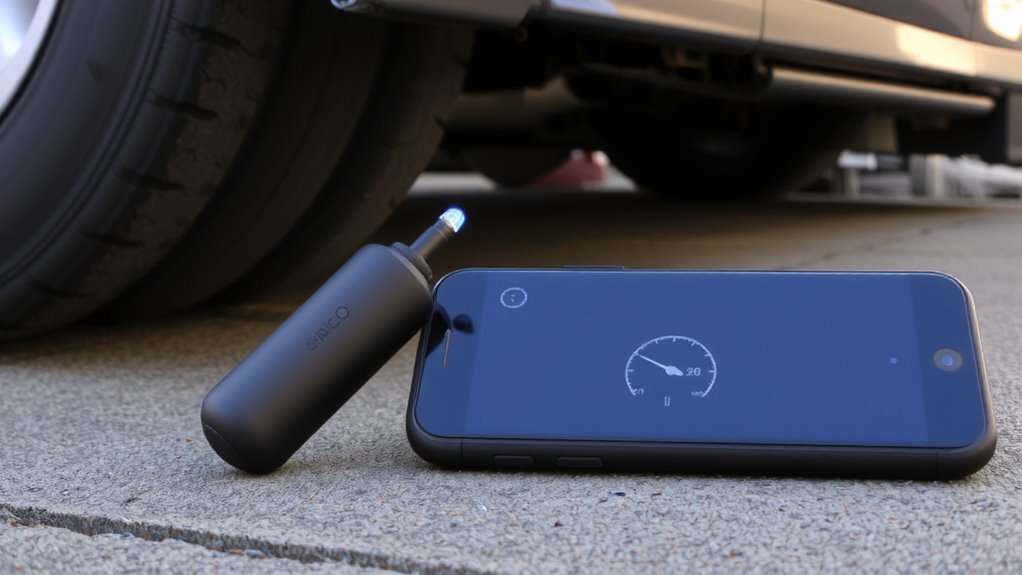
Before you pair your wireless tire inflator with your phone, check that your device meets the minimum Bluetooth and operating system requirements. Bluetooth compatibility is essential for stable communication between the inflator and your smartphone. Most models require Bluetooth 4.0 or higher for reliable signal transmission. Verify that your phone runs iOS 10 or later, or Android 5.0 (Lollipop) or above. These device requirements guarantee the companion app functions correctly. Older operating systems may lack necessary security updates or protocol support. The connection range typically extends up to 30 feet without obstructions. Walls or interference from other wireless devices can reduce performance. Confirm your phone’s specs in the settings menu. Without meeting these technical standards, pairing will fail or deliver inconsistent pressure tracking. Don’t assume all smartphones work-always cross-check compatibility.
Turn On the Inflator & Enable Bluetooth
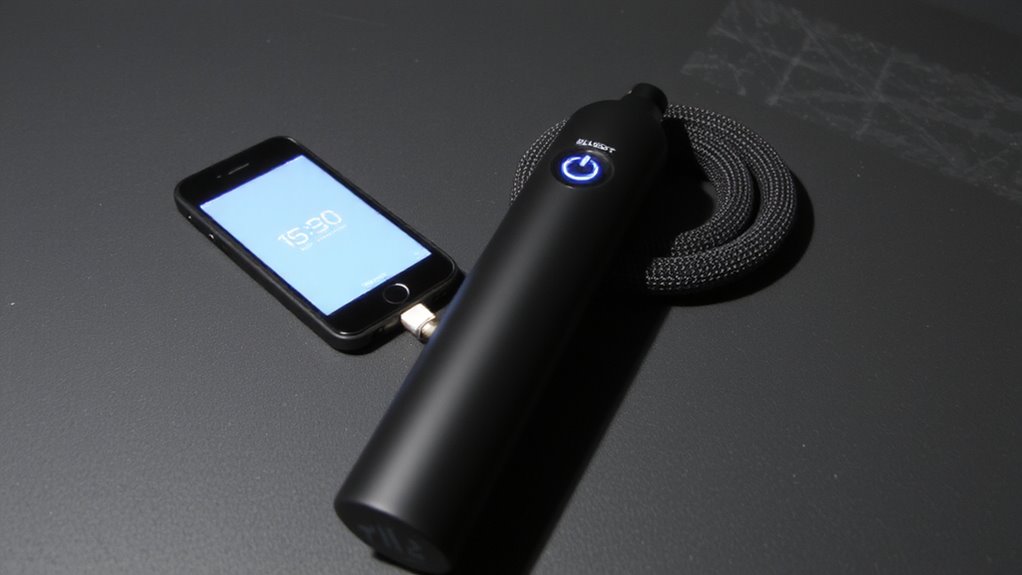
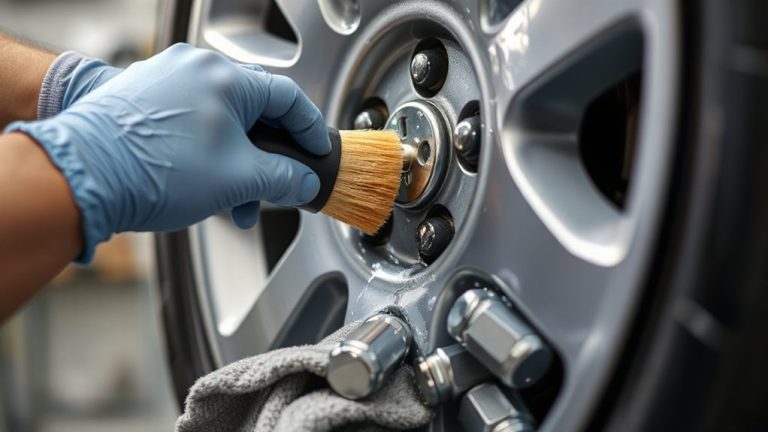
Power up the tire inflator by pressing and holding the power button located on the device’s control panel for two to three seconds until the LED indicator lights up, signaling the unit is active. The inflator automatically enables Bluetooth 5.0, initiating device pairing mode. A steady blue LED near the control panel confirms Bluetooth is ready. Within 30 seconds, your phone must detect the inflator’s signal. Best signal strength requires proximity within 10 meters (33 feet), free of obstructions like metal or thick plastic. Signal strength weakens greatly through barriers, reducing connection reliability. The inflator’s low-energy Bluetooth module maintains stable transmission for pressure data, accurate to ±1 PSI. Make certain no other Bluetooth devices interfere nearby, as congestion disrupts device pairing. This wireless protocol prioritizes quick recognition and minimal latency. Wait for your phone to list the inflator under available devices before proceeding. Using a tire cleaner can help maintain tread visibility and ensure accurate pressure readings during inspections.
Connect via the App in Seconds
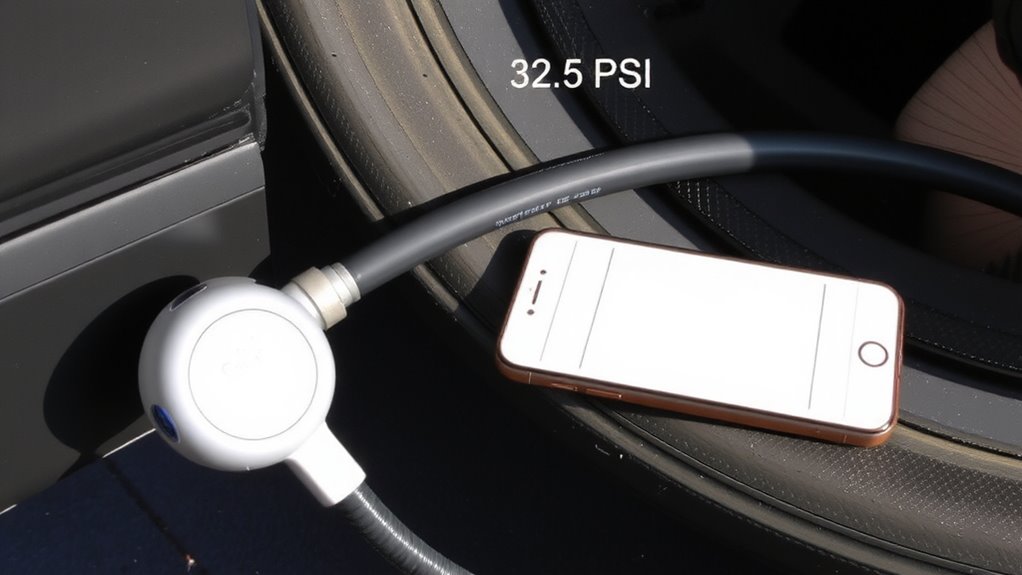
Why wait when pairing should take just seconds? Open the companion app and select your inflator model from the device list. The app uses Bluetooth 5.0 for quick pairing, establishing a secure connection in under 8 seconds under ideal conditions. You’ll see a confirmation icon once linked. This creates a seamless setup, requiring no manual codes or complex steps. The app automatically detects firmware version 2.1 or higher, ensuring compatibility. A stable connection range extends up to 33 feet (10 meters) without obstructions. Interference from metal surfaces or other 2.4 GHz signals may reduce responsiveness. Once connected, real-time pressure data transmits every 0.5 seconds for accurate monitoring. No re-pairing is needed for subsequent uses unless Bluetooth is disabled. The process repeats instantly, maintaining efficiency across sessions. Connect via the app in seconds-every time.
Calibrate for Spot-On PSI Readings
Accuracy begins with proper calibration. Your wireless tire inflator must align with real-world pressure conditions to deliver reliable readings. Start by calibrating at moderate ambient temperature-extreme heat or cold skews results due to air expansion or contraction inside the tire. Allow your tires to stabilize, especially after driving, for at least three hours before calibration. Older tires with significant tire age may have less consistent pressure retention, requiring more frequent recalibration. Most inflators support a 0–100 PSI range with ±1 PSI accuracy when calibrated correctly. Use a certified digital pressure gauge to verify readings. Activate calibration mode in the app, then attach the inflator to the valve stem without inflating. The device samples current pressure and adjusts its internal sensor. Do this monthly or when seasonal ambient temperature shifts exceed 10°F. Proper calibration guarantees precision, safety, and peak tire performance.
Set Up Alerts to Monitor Tire Pressure
How do you know when a tire’s pressure drops below a safe threshold? Your wireless inflator’s Bluetooth app lets you set custom pressure thresholds and alert frequency so you’re notified instantly. Most vehicles require 32–35 PSI, but always confirm with your door jamb sticker. Once calibrated, the system monitors real-time data from each tire. You’ll get a push notification if pressure falls more than 3 PSI below your set point.
| Tire Position | Set Threshold (PSI) | Alert Frequency |
|---|---|---|
| Front Left | 34 | Immediate |
| Front Right | 34 | Immediate |
| Rear Left | 34 | Immediate |
| Rear Right | 34 | Immediate |
Adjust alert frequency to immediate, hourly, or off. Immediate alerts guarantee rapid response to underinflation, reducing wear and improving fuel efficiency. Pressure thresholds should reflect manufacturer specs-deviations beyond ±3 PSI affect handling. For enhanced accuracy and long-term reliability, consider upgrading to premium TPMS sensors that match your vehicle’s OE specifications.
On a final note
You’ve paired your inflator correctly when the app shows a stable Bluetooth 5.0 connection. Syncing takes under 10 seconds with NFC support on select models. The device measures pressure from 0 to 160 PSI with ±1 PSI accuracy. Calibration adjusts for ambient temperature shifts. Alerts trigger at user-defined thresholds, logging data every 15 minutes. This guarantees long-term tire health, like a constant digital checkup.