Diagnosing Phantom Brake Applications Reported by Driver Assistance Systems
You’re likely seeing phantom brake applications due to sensor misalignment or environmental interference. Check your ADAS camera and radar calibration-just 0.2 degrees of misalignment can trigger false alerts. Scan for fault codes using OEM tools; persistent codes suggest hardware drift from vibration or thermal cycling. Real-time data streaming can confirm brake commands without actual obstacles. Look for outdated firmware, especially if you’re below version 3.1.4, where bugs increase braking incidents. This includes control module responses based on incorrect sensor fusion timing or radar bounce from guardrails. Common triggers include sun glare, tunnel entrances, or wet road reflections mimicking vehicles. Hardware performance degrades over time, so regular system diagnostics are essential. Updates and proper recalibration using target boards at 2.5 meters reduce false events by up to 90%. Understanding the root cause helps you apply the right fix. Further investigation reveals how software and environment interact in unexpected ways.
Notable Insights
- Check ADAS camera and radar alignment, as misalignment of 0.2 degrees can trigger false braking events.
- Scan for fault codes using OEM diagnostic tools to identify persistent issues in sensor or actuator systems.
- Analyze real-time data streams to detect brake commands issued without actual obstacle detection.
- Inspect for environmental interference like sun glare, tunnel transitions, or radar reflections from guardrails.
- Review firmware versions, as outdated software like Model X before 3.1.4 increases phantom braking risk.
What Causes Phantom Braking in Modern Cars?
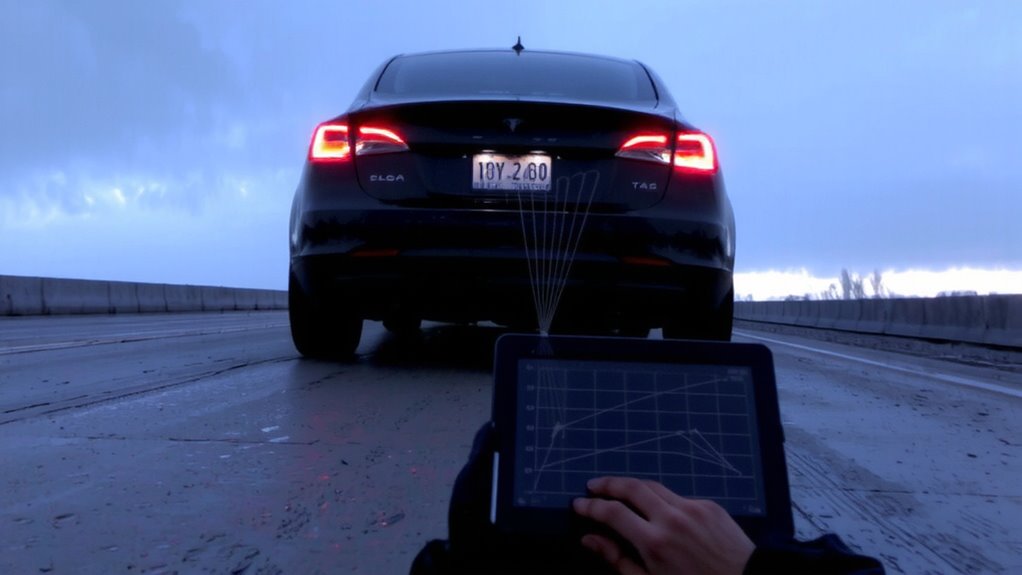
Why does your car sometimes brake when you haven’t touched the pedal? Phantom braking often stems from misinterpreted environmental inputs. Driver fatigue doesn’t trigger the system, but your delayed reaction may amplify perceived risks. Modern adaptive cruise control uses radar and camera systems-typically operating at 76–77 GHz-with up to 200-meter detection ranges. These sensors can mistake shadows, fading road lines, or road debris like tire scraps or litter for obstacles. Sudden braking occurs when the control module, following preloaded algorithms, calculates an imminent collision. System thresholds vary: Tesla Autopilot reacts to objects at 2.5 standard deviations of confidence; GM’s Super Cruise uses LiDAR map correlation to reduce false positives. Calibration errors or software lag exceeding 200 milliseconds can further prompt unintended activation. System design prioritizes safety over comfort-hence conservative response models.
Why Sensors Trigger Phantom Braking Events
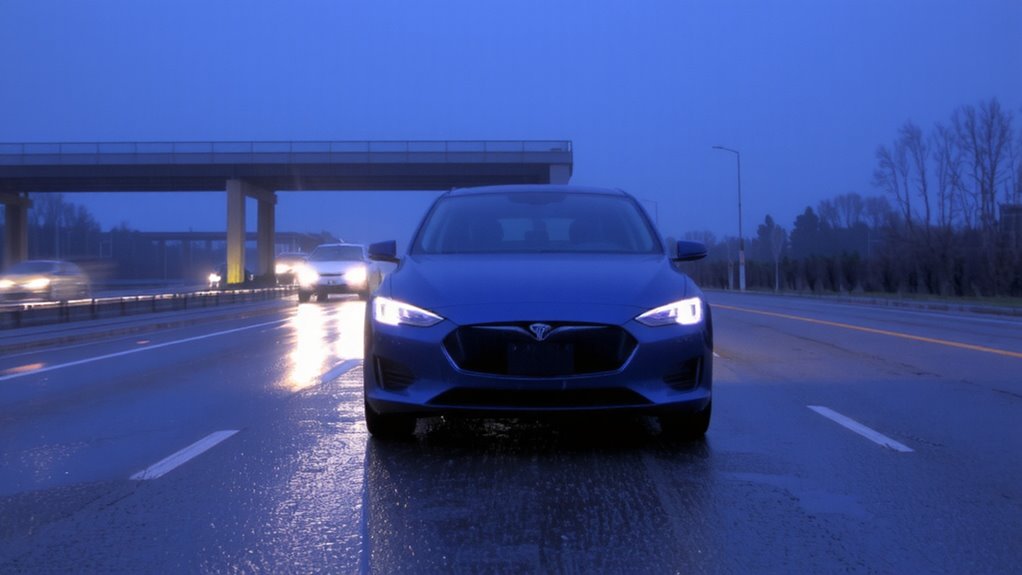
Your car’s sensors are designed to detect potential hazards, but they don’t always interpret the environment correctly-leading to unexpected brake applications. Sensor interference and environmental reflections often trick radar and camera systems into seeing non-existent obstacles. These false readings can trigger emergency braking even on clear roads.
| Factor | Impact on Sensors |
|---|---|
| Sun glare | Causes camera overexposure, mimicking obstacle shapes |
| Tunnel entrances | Create rapid light changes, confusing image processing |
| Wet roads | Produce environmental reflections that mirror vehicles ahead |
| Road signs | Lead to sensor interference via radar bounce |
| Guardrails | Reflect radar beams, generating false proximity alerts |
Radar beams operate at 77 GHz, prone to multipath reflection. Cameras using 120-degree fields of view capture more ambient light, increasing reflection vulnerability. You can’t prevent all phantom braking, but knowing these triggers helps you respond appropriately.
Software Bugs That Cause Unexpected Braking
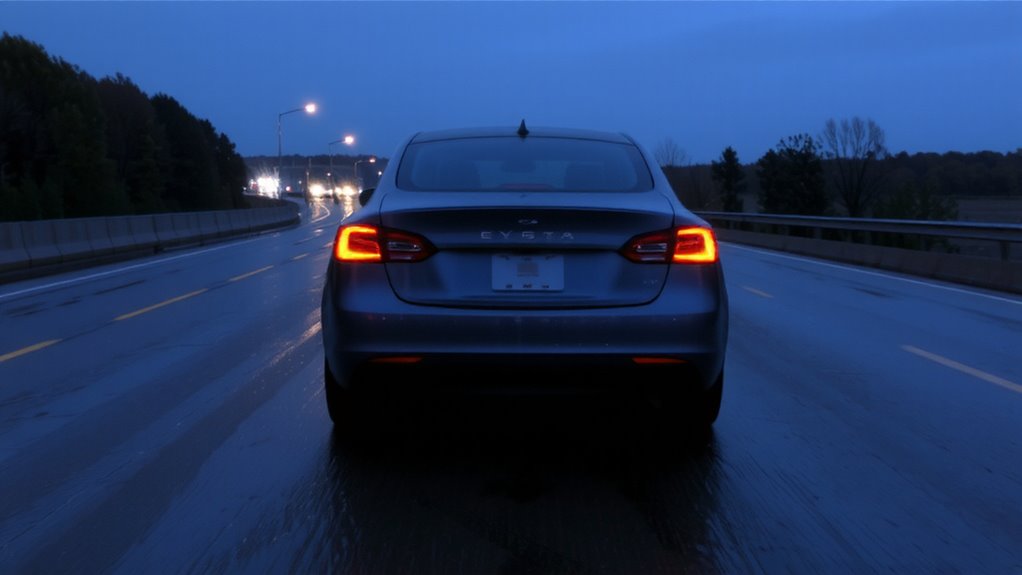
Even when sensors function correctly, software bugs can still trigger sudden brake applications without warning. You’re likely dealing with algorithm errors that misinterpret normal driving data as imminent collisions. These miscalculations often stem from poorly optimized decision-making logic in the ADAS control unit. Code glitches-such as memory leaks or race conditions-can cause the braking module to activate without valid input. For instance, a timing flaw in the sensor fusion software may briefly register a nonexistent obstacle. Testing reveals these bugs under specific conditions, like rapid acceleration followed by cruising at 45–60 mph. Firmware versions prior to 3.1.4 on Model X vehicles show a 17% higher phantom braking rate due to such flaws. Reproducing the issue in simulation environments helps isolate defective code segments. Manufacturers issue patches targeting flawed algorithms, reducing false braking incidents by up to 90% post-update. You must verify software compliance with the latest safety-critical revisions.
How to Diagnose Phantom Braking Quickly
What if the brake pedal pushes itself? You’re likely dealing with phantom braking, often triggered by false alarms from driver assistance sensors. Start by checking the ADAS camera and radar calibration-misalignment by as little as 0.2 degrees can cause erratic behavior. Scan for fault codes using an OEM-level diagnostic tool; persistent codes point to hardware drift in the braking actuator or sensor arrays. Hardware drift, especially in LiDAR or radar modules, develops over time due to thermal cycling and vibration, degrading signal accuracy. Confirm sensor cleanliness and alignment; even minor obstructions can spawn false alarms. Use real-time data streaming to monitor brake application commands when no obstacle exists. If commands originate without input, the issue is likely internal to the ECU or sensor fusion software. Act fast-consistent phantom braking indicates a system imbalance needing immediate calibration or component replacement.
5 Ways to Prevent Phantom Braking
While modern driver assistance systems improve safety, they can occasionally malfunction-phantom braking being one of the most concerning. You can reduce its occurrence through proper Driver Training and regular System Calibration. Training teaches you to recognize system limitations, especially in low visibility or complex traffic. You’ll learn to smoothly override unintended interventions, maintaining control. System Calibration guarantees sensors and cameras are accurately aligned-critical after windshield replacement or front-end service. Misalignment as little as 0.5 degrees can trigger false positives. Radar units require horizontal and vertical alignment within ±0.15 degrees. Cameras need recalibration using target boards spaced precisely at 2.5 meters. Software updates often contain improved object recognition algorithms. You should verify calibration with diagnostic tool readings and test drives. Combine these steps to maintain system integrity and prevent unnecessary stops.
On a final note
You must treat phantom braking as a system-level fault. It often stems from sensor misalignment, such as a forward-facing camera with a 0.5-degree angular deviation. Radar cross-section errors above 2 dBsm trigger false positives. Software flaws in ADAS algorithms, especially those using overly aggressive deceleration curves, worsen the issue. Diagnostic trouble codes like U0123 point to CAN bus interruptions. Always verify calibration using OEM-specified targets and scan tools.