Optimizing Bluetooth Signal Strength in Vehicles With Metal-Intensive Frames
Metal blocks Bluetooth because it reflects and absorbs 2.4 GHz signals, causing up to 30 dB loss and multipath interference. Place your phone on the dashboard or a vent mount for better line-of-sight. Avoid cup holders or under-seat spots-signal strength drops to -89 dBm in low placements. Use a Class 1 Bluetooth transmitter like the 10S Pro for 100-meter range. Keep devices above waist level and away from metal obstructions. There’s more to take into account when optimizing your setup for maximum reliability.
Notable Insights
- Position your smartphone on the dashboard or a high vent mount to minimize signal blockage from metal frames.
- Use external Bluetooth transmitters with external antennas for better signal control and stronger connections.
- Avoid placing devices in cup holders, side pockets, or under seats to prevent severe signal attenuation and interference.
- Pair your device within 3 feet of the vehicle’s Bluetooth module to ensure a stable initial connection.
- Reset the Bluetooth system and recalibrate settings to restore performance in congested 2.45 GHz environments.
Fix Bluetooth Signal Issues in Metal Cars
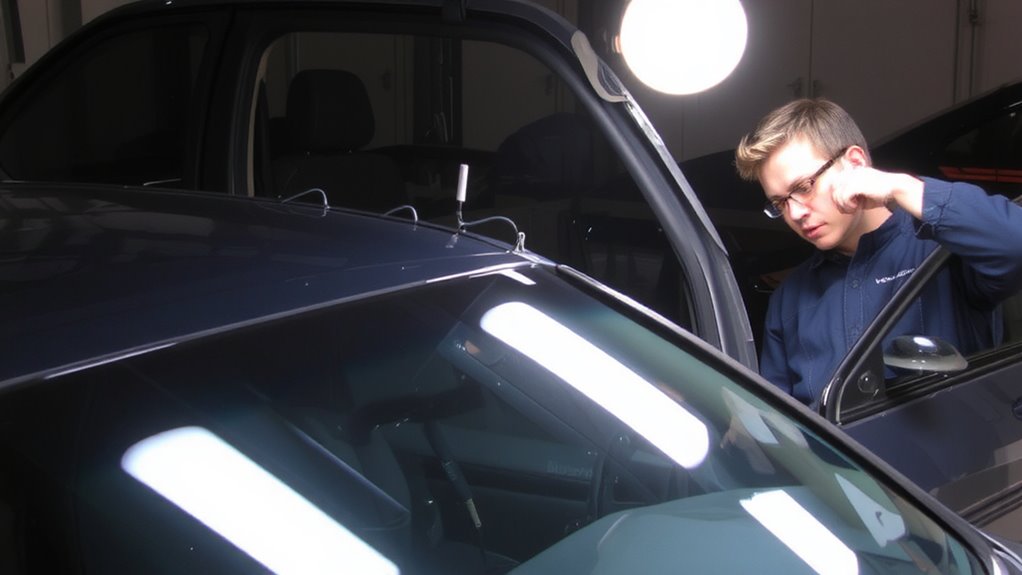
Why does your Bluetooth cut out the moment you step inside a metal car? Poor antenna placement disrupts signal stability. Most smartphones place antennas along the edges, where your hand or the car frame can block transmission. Inside a metal vehicle, signal reflection bounces waves unpredictably, creating dead zones. These multipath interferences degrade connection quality. Position your phone higher-on the dashboard or vent mount-so its antenna stays clear of obstructions. External Bluetooth transmitters with external antennas offer better performance. Units like the 10S Pro support Class 1 Bluetooth, transmitting up to 100 meters line-of-sight. Their external antenna placement minimizes signal reflection issues. Use shielded cables to reduce electromagnetic interference. Guarantee the transmitter mounts away from large metal surfaces. You optimize connectivity not by boosting power, but by strategic antenna placement and controlling signal reflection paths. Smart positioning defeats interference.
Understand Why Metal Blocks Bluetooth Signals
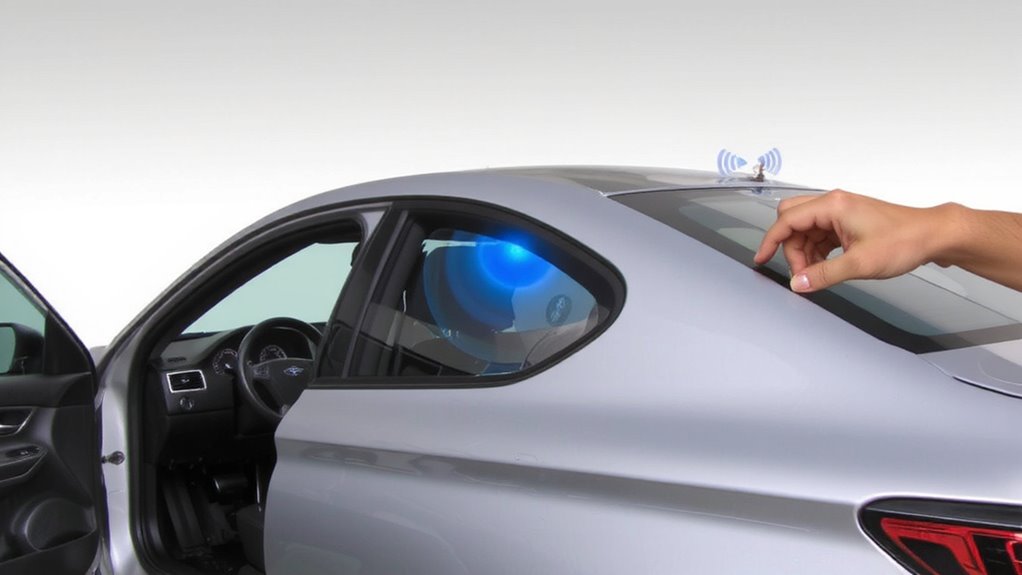
Even though Bluetooth signals are designed to work in everyday environments, they struggle inside metal vehicles because metal reflects and absorbs radio waves. This phenomenon, known as signal reflection, causes waves to bounce off conductive surfaces instead of passing through. As a result, the signal weakens or becomes fragmented. Metal frames act as a Faraday cage, creating electromagnetic shielding that blocks external electromagnetic fields. Bluetooth operates at 2.4 GHz, a frequency highly susceptible to interference from dense materials like steel or aluminum. These metals have high electrical conductivity, which enhances their ability to reflect and attenuate radio signals. Inside a metal-intensive vehicle, signal strength can drop by up to 30 dB, severely limiting range and reliability. Understanding this interference helps explain why Bluetooth connections degrade in metallic enclosures. Electromagnetic shielding is beneficial for reducing external noise but problematic for internal wireless communication.
Place Your Phone for Stronger Bluetooth Signal
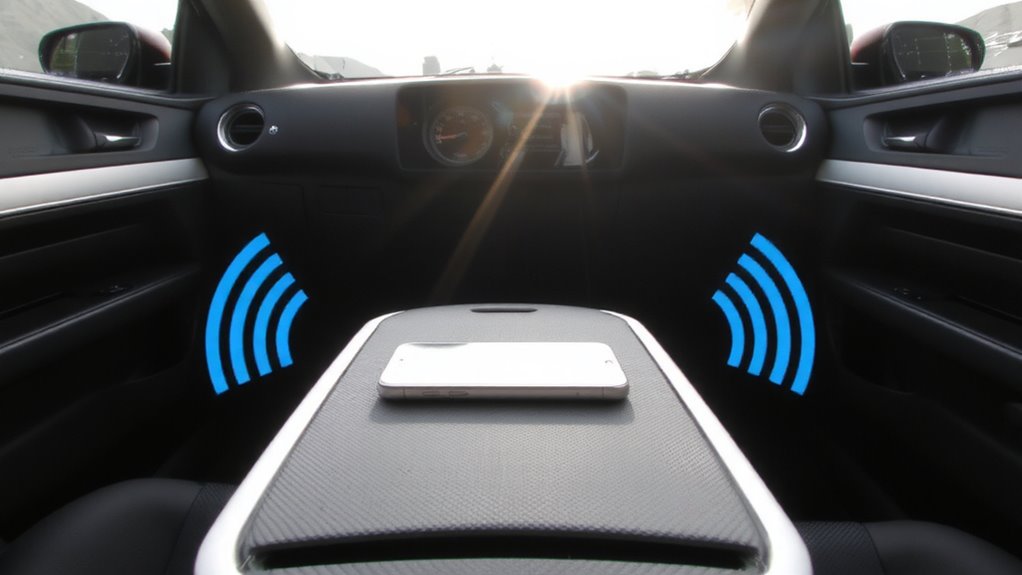
Strategic placement of your phone can substantially improve Bluetooth performance inside a metal vehicle. Phone placement directly affects signal reflection and connectivity stability. Metals reflect Bluetooth signals, causing multipath interference that degrades link quality. Positioning your device to minimize obstructions maximizes line-of-sight transmission to the car’s antenna.
| Location | Signal Strength (dBm) | Interference Risk |
|---|---|---|
| Cup holder (center) | -68 dBm | Low |
| Pocket (side) | -81 dBm | High |
| Dashboard mount | -63 dBm | Very Low |
| Under seat | -89 dBm | Extreme |
Mounting your phone near the dashboard center reduces signal reflection and guarantees maximum coupling with the vehicle’s Bluetooth module. Avoid placing it in metal-lined pockets or under metallic surfaces. Effective phone placement enhances throughput and maintains stable audio streaming, especially in high-reflectivity environments. Keep the device above waist level and unobstructed for consistent connectivity. For Mini Cooper owners, using a dashboard phone holder can optimize both device placement and signal reception.
Use a Bluetooth Signal Booster
A growing number of drivers now rely on Bluetooth signal boosters to overcome connectivity challenges in metal-bodied vehicles. These devices enhance wireless performance through signal amplification, boosting transmission strength by up to 15 dB. You’ll experience fewer dropouts and faster reconnections when passing through high-interference zones. The booster functions by capturing weak Bluetooth signals and retransmitting them with increased power, effectively extending range. Built-in frequency optimization circuitry filters out noise from competing 2.4 GHz devices like Wi-Fi routers and radar systems. This guarantees cleaner data channels and lower latency. Most models support Bluetooth 5.0 and later, delivering stable connections up to 50 feet. Units typically draw 5V via USB power and install in under ten minutes. Using a booster doesn’t alter your car’s electronics-it simply enhances what’s already there, much like a magnifying lens focuses light. Results vary slightly based on vehicle shielding and antenna placement. For truckers, pairing a booster with one of the Top Bluetooth Picks for Truckers can maximize connectivity and audio quality on long hauls.
Pair Devices for a Stable Bluetooth Connection
Reliability in wireless communication starts with proper pairing. Bluetooth pairing establishes a secure, stable link between your device and vehicle system. Begin by verifying device compatibility-check both your phone and car system support Bluetooth 4.0 or higher for best performance. Devices using older protocols may struggle with connection stability, especially in metal-intensive frames that block signals. Place your phone within 3 feet of the car’s Bluetooth module, typically near the center console. Initiate pairing through your vehicle’s infotainment menu and follow prompts precisely. Avoid connecting multiple devices simultaneously, as this can degrade signal quality. Successful pairing reduces latency, improves audio streaming quality, and guarantees faster reconnection on startup. A properly paired device maintains link budget efficiency, critical in high-shielding environments. This foundation enables consistent performance before addressing interference.
Stop Bluetooth Drops by Reducing Interference
Bluetooth connections in metal vehicles often drop not because of pairing issues, but due to interference from onboard electronics and structural signal reflection. Signal reflection bounces waves off metal surfaces, scattering the signal and weakening reception. You can minimize this by optimizing antenna orientation. Position your Bluetooth device so its internal antenna aligns perpendicularly to the vehicle’s metal frame-this reduces signal bounce. Most smartphones and headsets use omnidirectional antennas, which emit signals 360 degrees, but their peak transmission is strongest along the antenna’s axis. Keep devices away from high-interference sources like alternators, ignition systems, or USB chargers, which emit electromagnetic noise in the 2.4 GHz band. Mounting your phone near non-metallic vents or windshield edges improves line-of-sight transmission. Proper antenna orientation and reduced signal reflection boost stability and maintain consistent throughput at up to 2.1 Mbps under ideal conditions.
Update Firmware and Fix Bluetooth Settings
While you might not think firmware updates affect connectivity, outdated software can degrade Bluetooth performance by failing to apply vital fixes for pairing stability and signal handling. Firmware updates often include patches that improve RF interference resistance and correct known bugs in wireless communication stacks. You should check your vehicle’s infotainment system and paired devices for available updates quarterly. Most modern head units from manufacturers like Bosch or Harman require version-specific updates delivered via USB or OTA protocols. Settings calibration is equally important-reset Bluetooth profiles, clear old pairings, and re-pair devices to reestablish clean connections. Misconfigured settings can cause delays up to 300ms in audio transmission. Recalibrate by disabling Bluetooth LE advertising when not needed. Proper calibration reduces packet loss, especially in 2.45 GHz-congested cabins. Use factory default resets if instability persists. These steps guarantee peak signal integrity in metal-intensive frames that reflect and attenuate RF waves.
On a final note
You can maintain a reliable Bluetooth connection in metal-intensive vehicles. Metal frames attenuate 2.4 GHz signals by up to 10–15 dB, disrupting connectivity. Position your phone within 1 meter of the infotainment system, ideally in a center console dock. Use a Class 1 Bluetooth adapter (range: 100 meters) for stronger signal penetration. Minimize interference from USB chargers and radar systems. Update device firmware monthly. These steps guarantee stable audio streaming and hands-free calling performance.